Superluminal vs Blendergrid
By Superluminal Engineering
Blendergrid completed three Cycles render pipelines in 3,747.6 to 5,123.7 seconds. Its three-scene Overall Score was 42.1 against Superluminal's 182.0.
Published 2026-08-04 · Updated 2026-08-08
Superluminal recorded the shorter render pipeline in each shared Cycles scene. Blendergrid took 3,747.6 to 5,123.7 render-pipeline seconds.
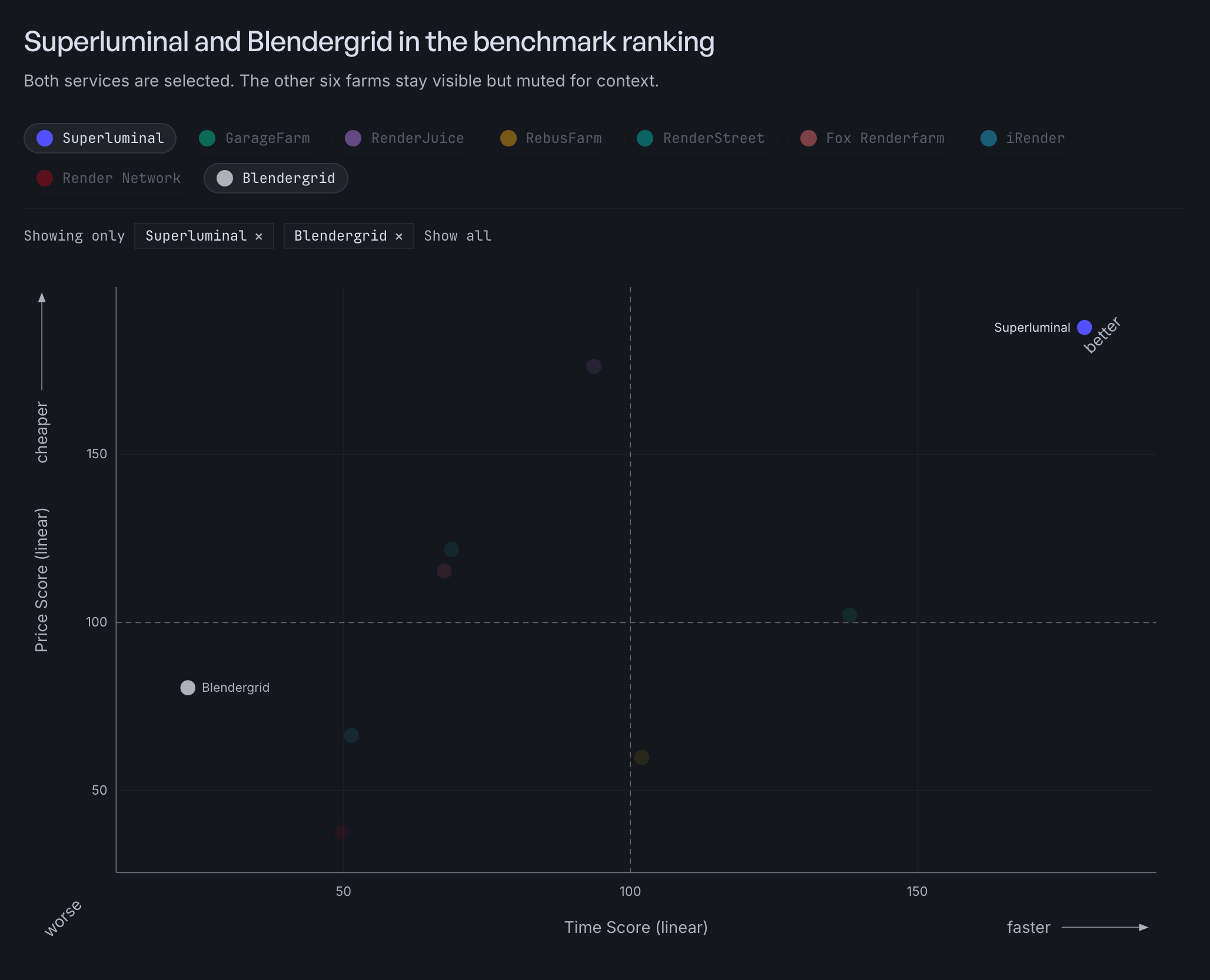
Superluminal and Blendergrid in the benchmark ranking
Both services are selected. The other six farms stay visible but muted for context.
Three Blendergrid runs set its score
Blendergrid ranks ninth at 42.1, with a Speed Score of 22.9 and a Cost Score of 80.6 across the three tested scenes.
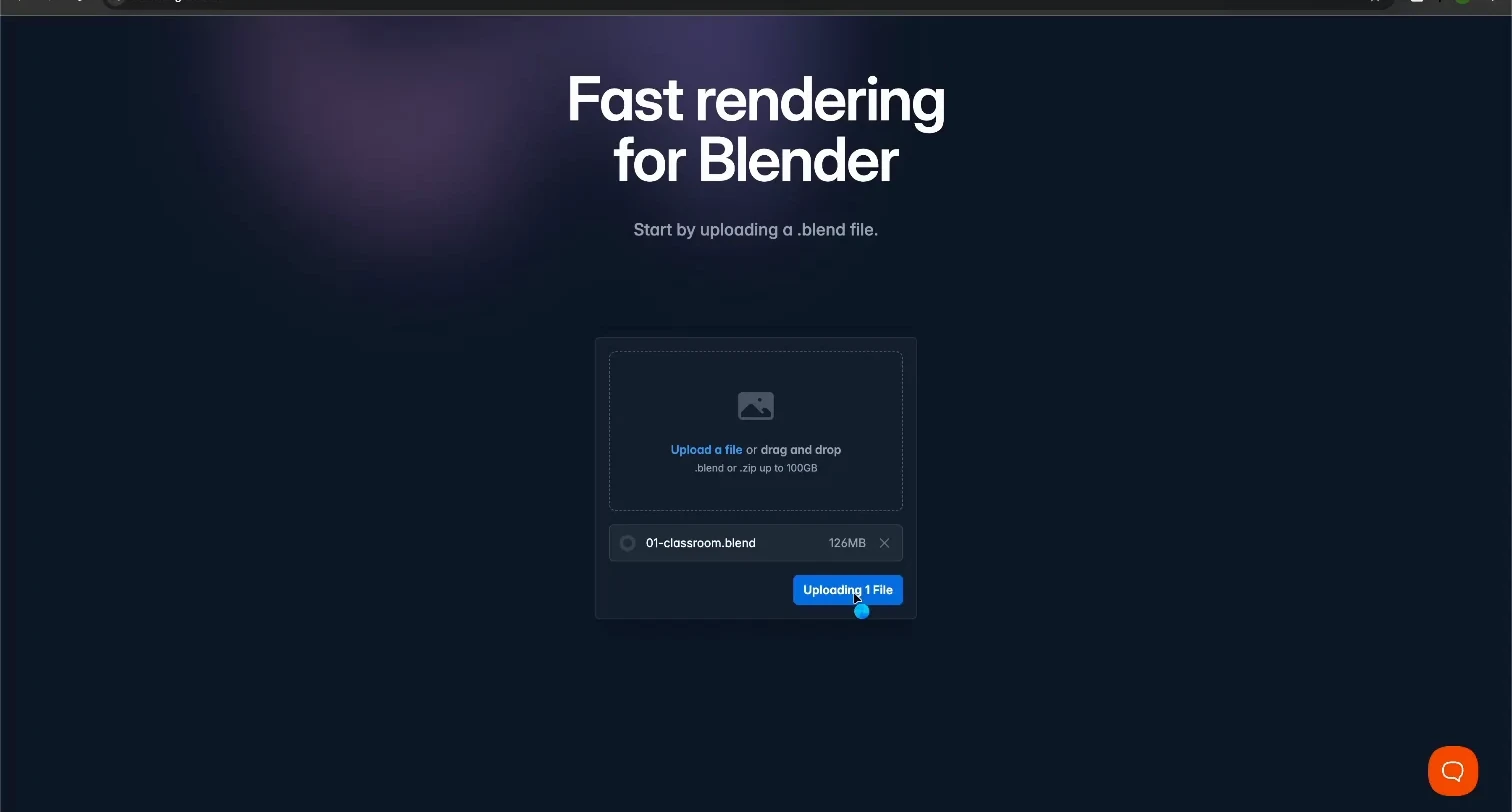
There is no Fox (EEVEE) run because Blendergrid does not support EEVEE. Blendergrid's FAQ states it supports only Cycles. Superluminal renders EEVEE as a first-class engine and finished the Fox scene in 66.5 seconds. The benchmark method discloses the missing scene without a numeric penalty.
| Scene | Superluminal render pipeline | Blendergrid render pipeline | Blendergrid displayed two-hour quote |
|---|---|---|---|
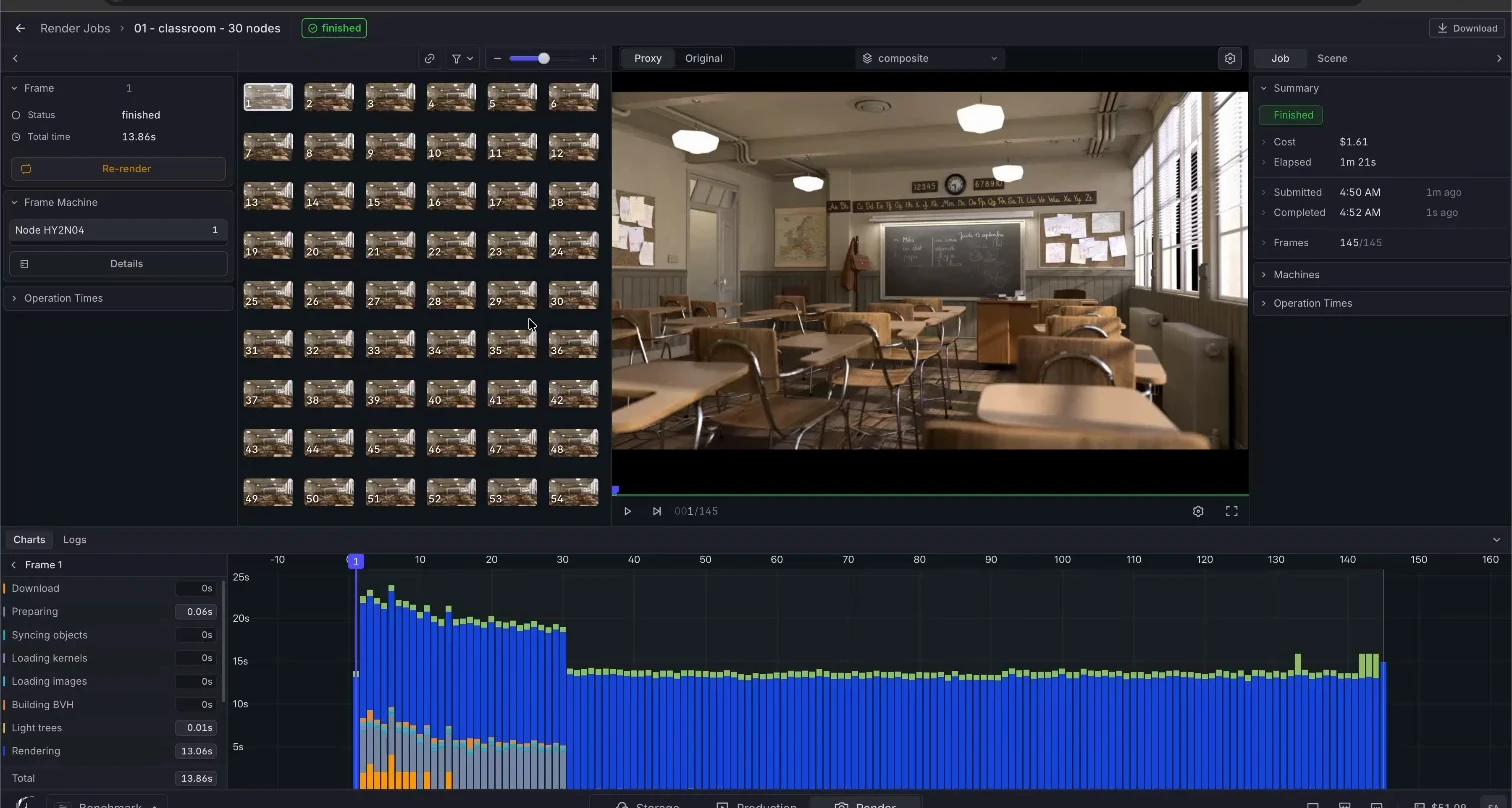
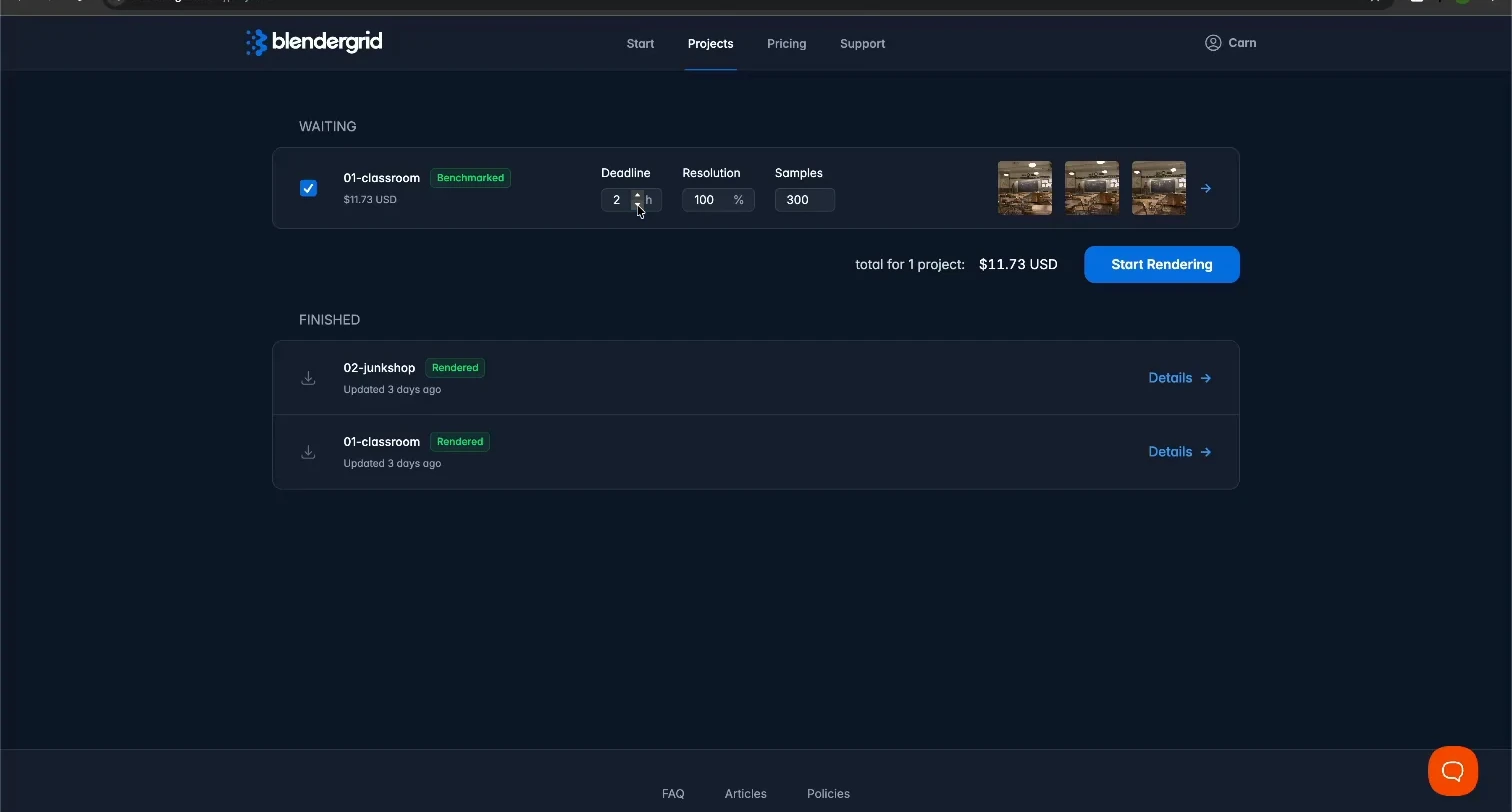
 Classroom Classroom | 90.5 s, 30 nodes | 5,123.7 s | $11.73 |
 Junk Shop Junk Shop | 64.5 s, 30 nodes | 4,452.9 s | $7.30 |
 Monster Under the Bed Monster Under the Bed | 59.9 s, 30 nodes | 3,747.6 s | $4.10 |
The recordings show the selected quote totals. They do not show a final debit or invoice.
Required setup took 170.8 to 493.1 seconds
Each run passed through upload, checking, settings review, price benchmarking, and quote selection before render submission.
| Scene | Upload | Required setup and analysis | Submit to first completed batch | Finalization | Download setup and transfer |
|---|---|---|---|---|---|
| Classroom | 23.1 s | 325.0 s | 196.0 s | 102.8 s | 42.5 s |
| Junk Shop | 84.6 s | 493.1 s | 185.6 s | 95.5 s | 24.5 s |
| Monster | 14.2 s | 170.8 s | 242.3 s | 40.0 s | 22.3 s |
These phases keep provider analysis, benchmarking, checking, loading, queueing, rendering, and finalization. They exclude only the documented operator intervals between required actions.
Superluminal has none of those stages. The add-on checks the project inside Blender, the upload starts the job, and there is no quote to select because the rate for your node count is visible before you submit. Between Submit and the first frame rendering, nothing needs you.
Blendergrid does not expose worker-start time, hardware, or node allocation. The queue value ends at the first visible completed-frame batch, not physical compute start.
An hour of frames arriving two at a time
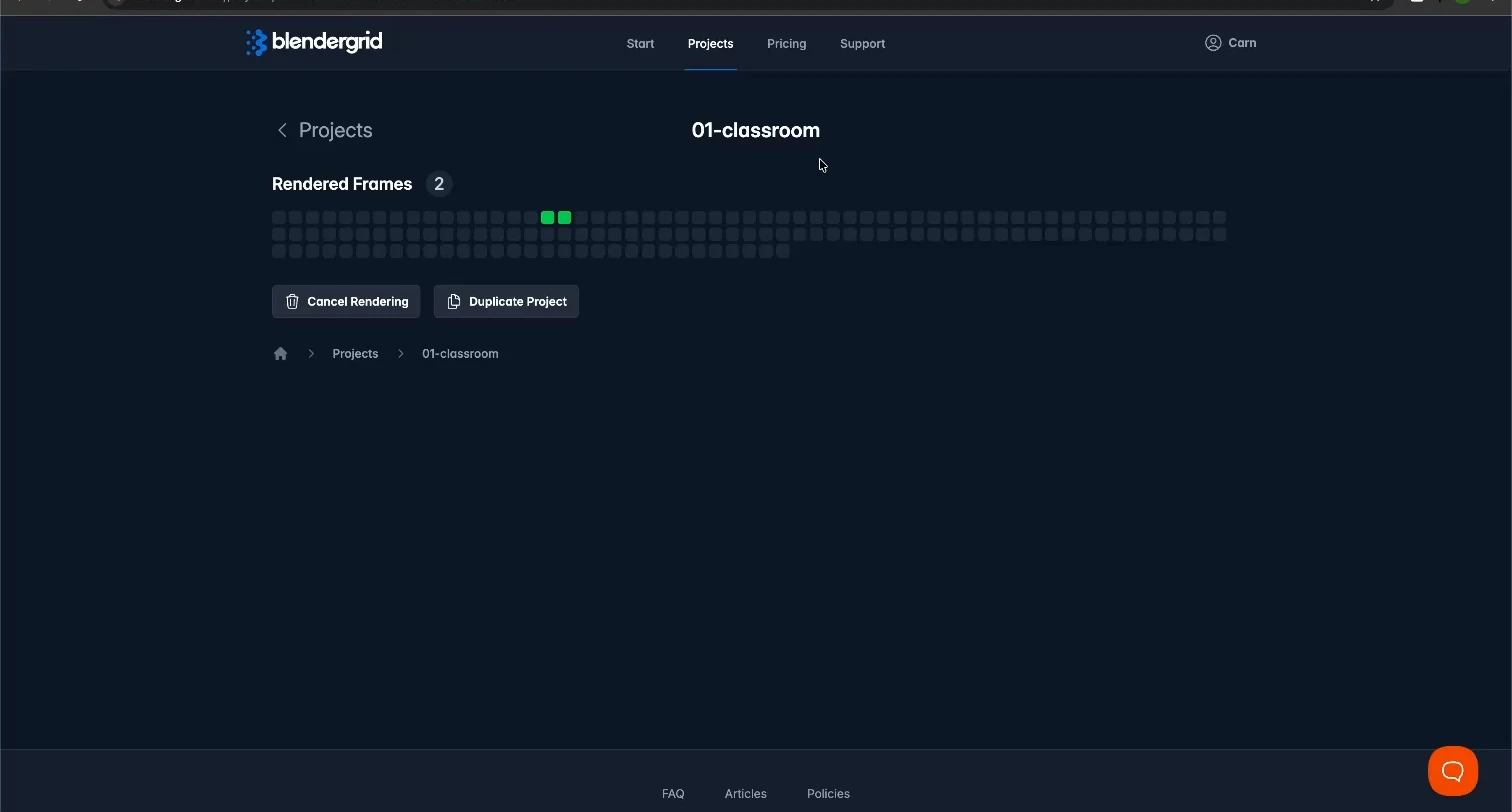
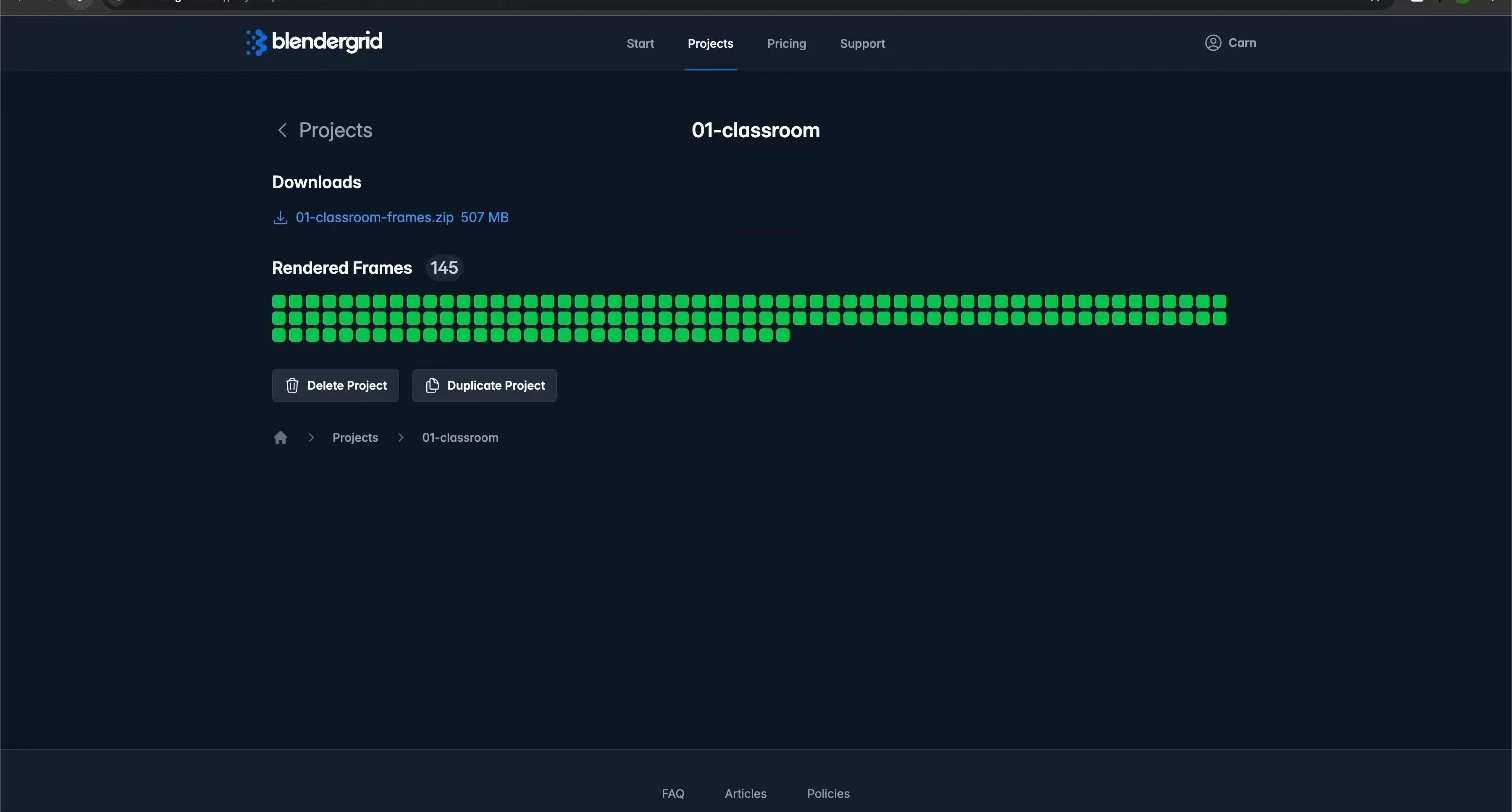
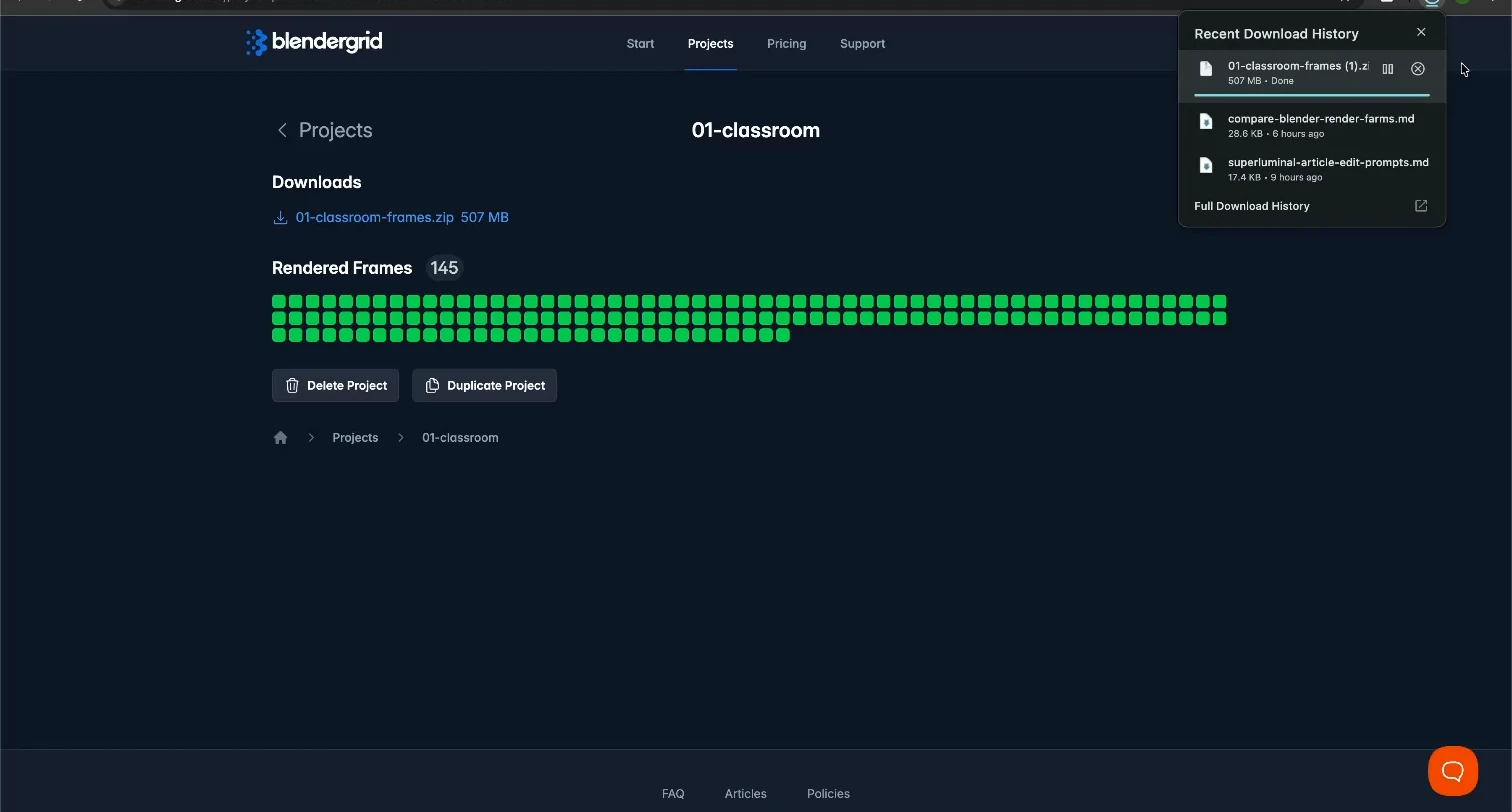
After submission, completed frames arrived in one sequential stream, normally in two-frame batches, with no worker counter and no hardware named. That stream is why the benchmark infers about one worker equivalent. One machine working through 145 frames is an accurate mental model for the 85-minute Classroom wait. After the last frame, finalization held the output another 40.0 to 102.8 seconds.
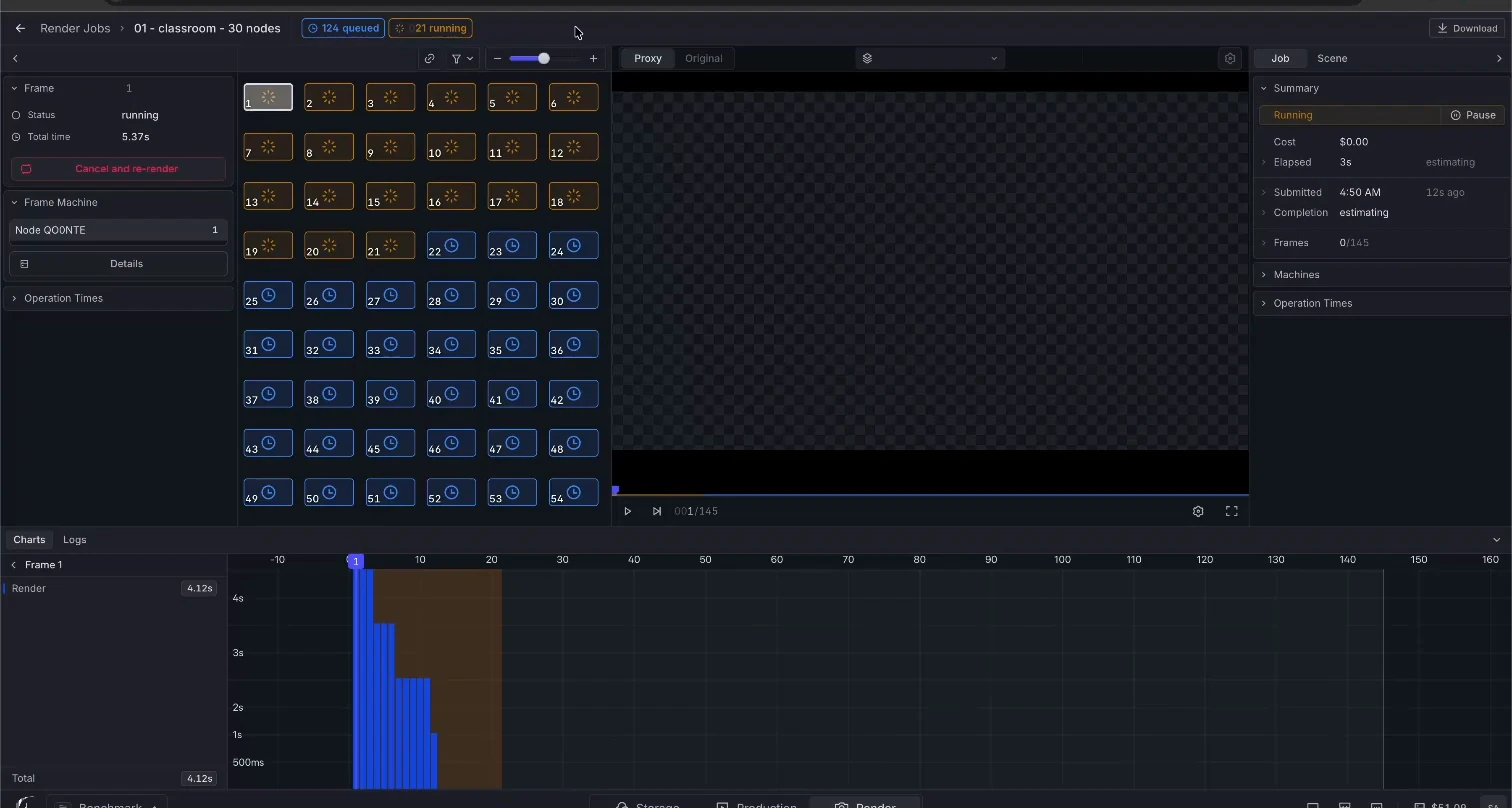
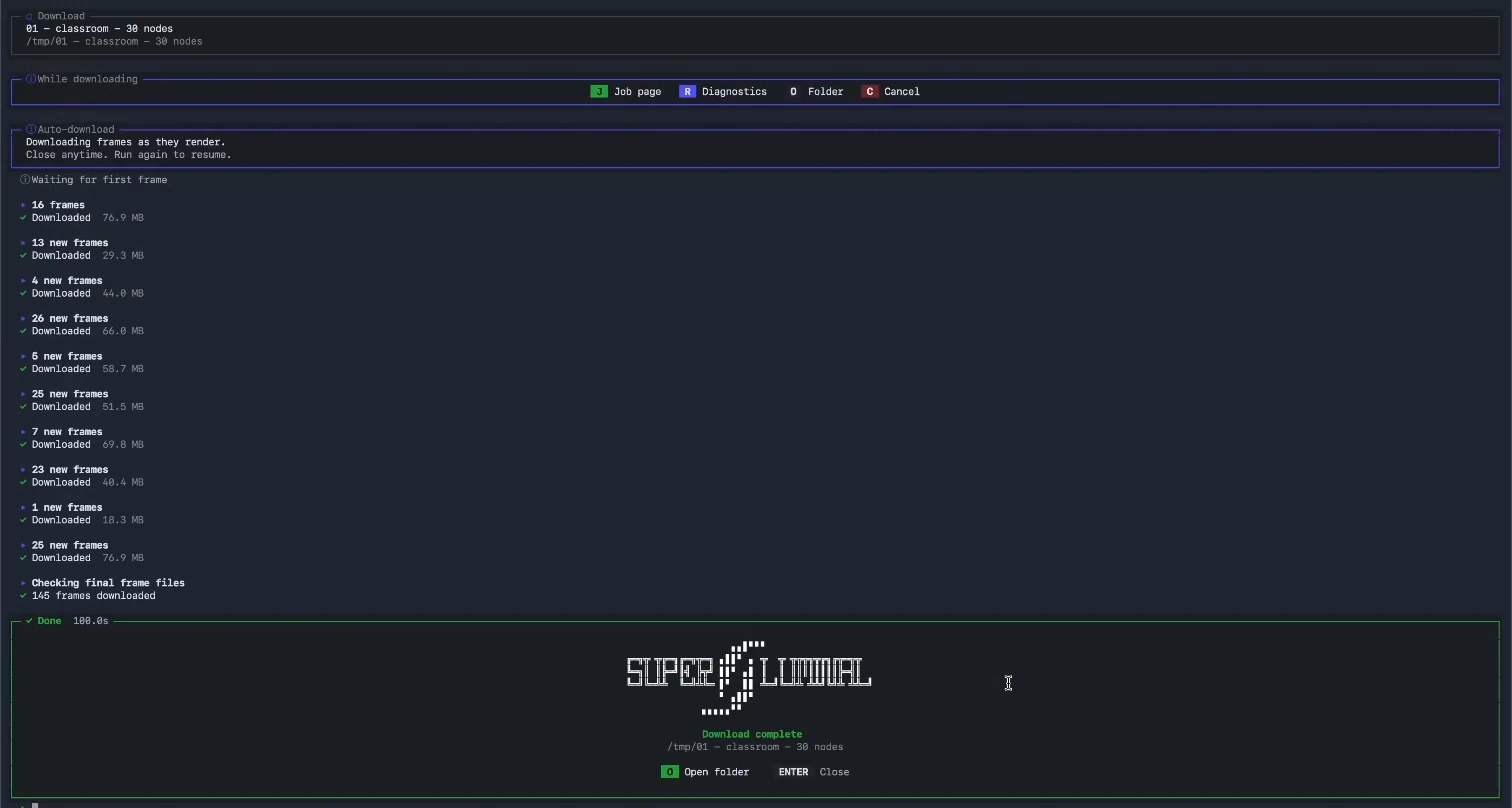
The same submission on Superluminal starts from the opposite premise. You choose 5, 10, or 30 nodes and see the rate first. The job page shows every frame's state and its machine, and finished frames stream to local disk while the rest render. The 90.5-second Classroom time above is that system at 30 nodes.
Rendering dominated each workflow
First-batch-to-all-frames spans were 4,500.0, 3,678.8, and 3,294.5 seconds. All 337 expected PNG files passed archive checks, with contiguous frame names and decoded spot checks.