Superluminal vs iRender
By Superluminal Engineering
Superluminal reached local disk sooner in all four scenes. iRender required boot, setup, rendering, and file sync. Only Classroom's upload activation predates its recording.
Published 2026-08-04 · Updated 2026-08-08
Superluminal recorded the shorter render pipeline in all four scenes. Its 10-node run on the Fox scene led iRender by 14.1 seconds.
Superluminal and iRender in the benchmark ranking
Both services are selected. The other six farms stay visible but muted for context.
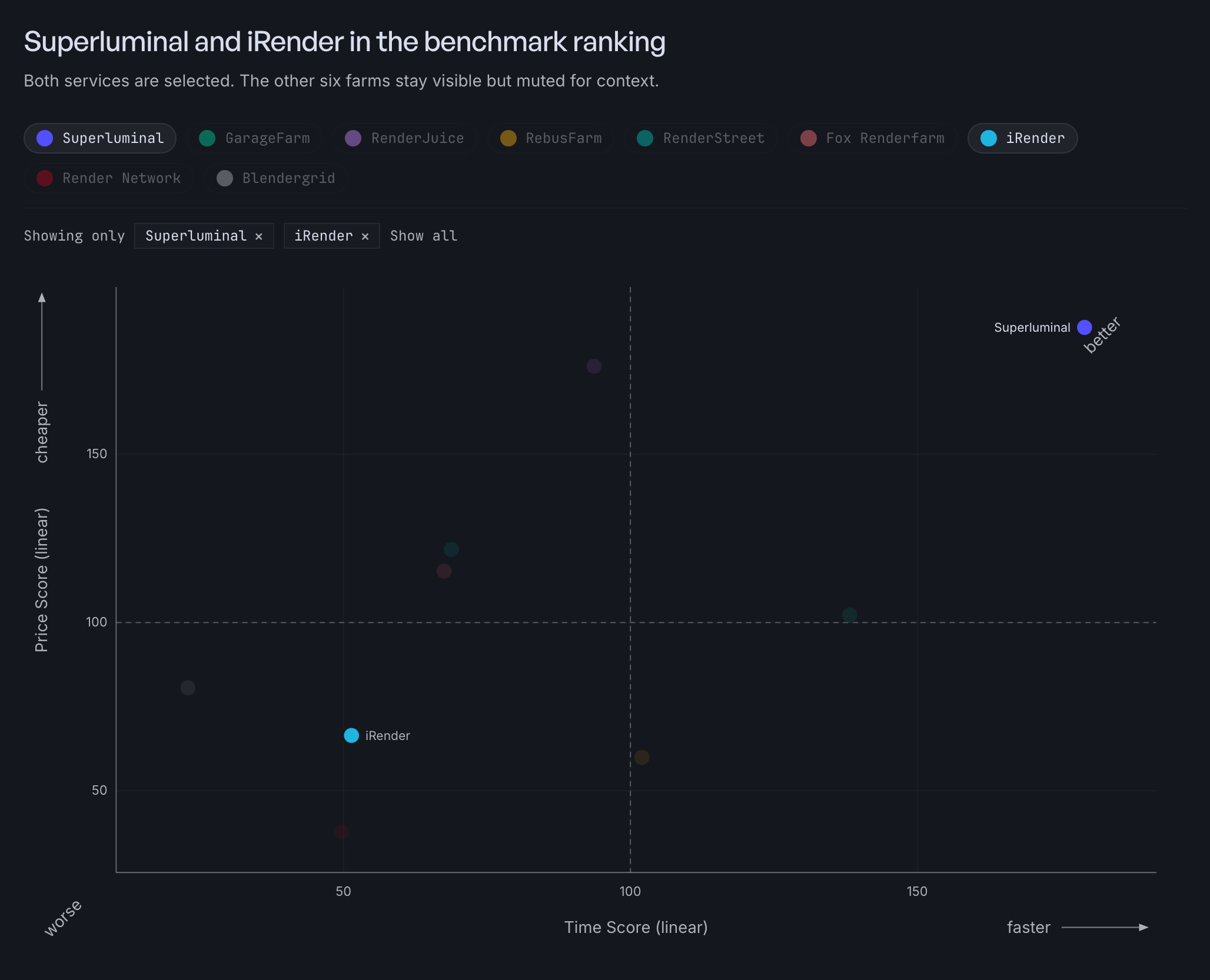
iRender ranked seventh with an Overall Score of 56.4, a Speed Score of 51.4, and a Cost Score of 66.4. Three paid windows are exact. Classroom is an upper bound because the transfer client was hidden just before the first full completion proof.
A rented workstation, not a managed job
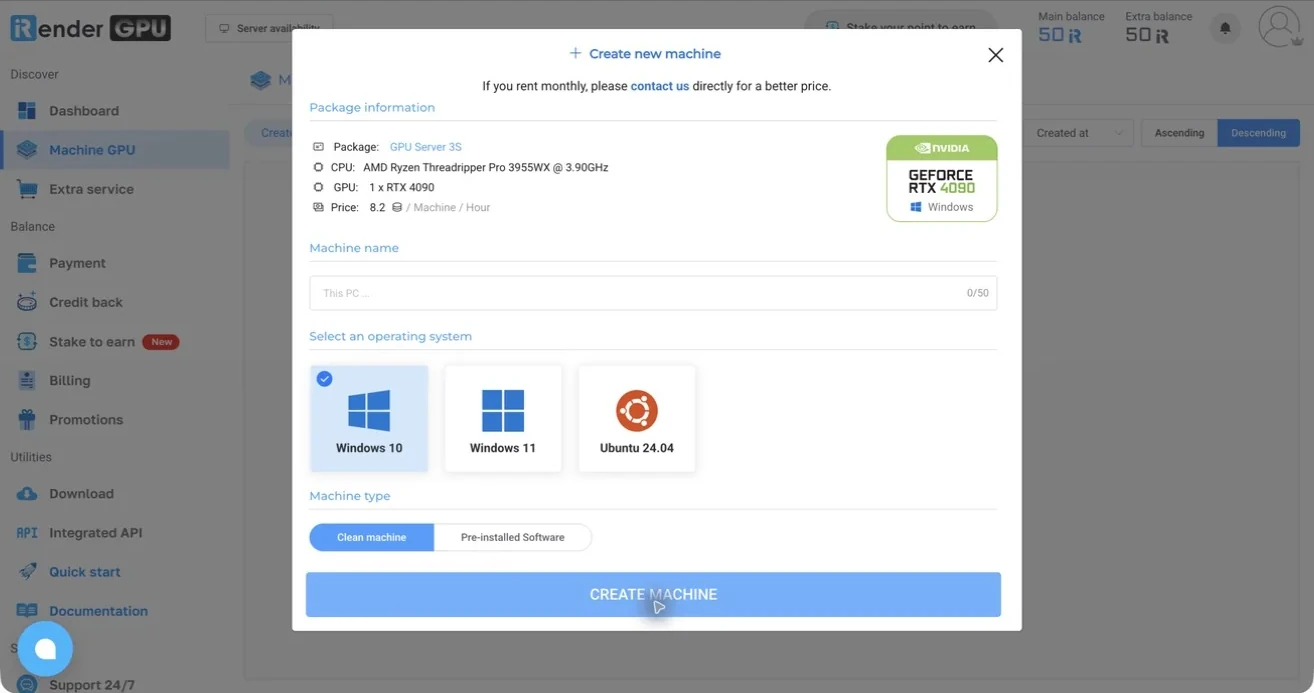
We rented one GPU Server 5S Windows workstation with four RTX 4090 GPUs, booted it, opened Blender, started each render, and synchronized the output ourselves.
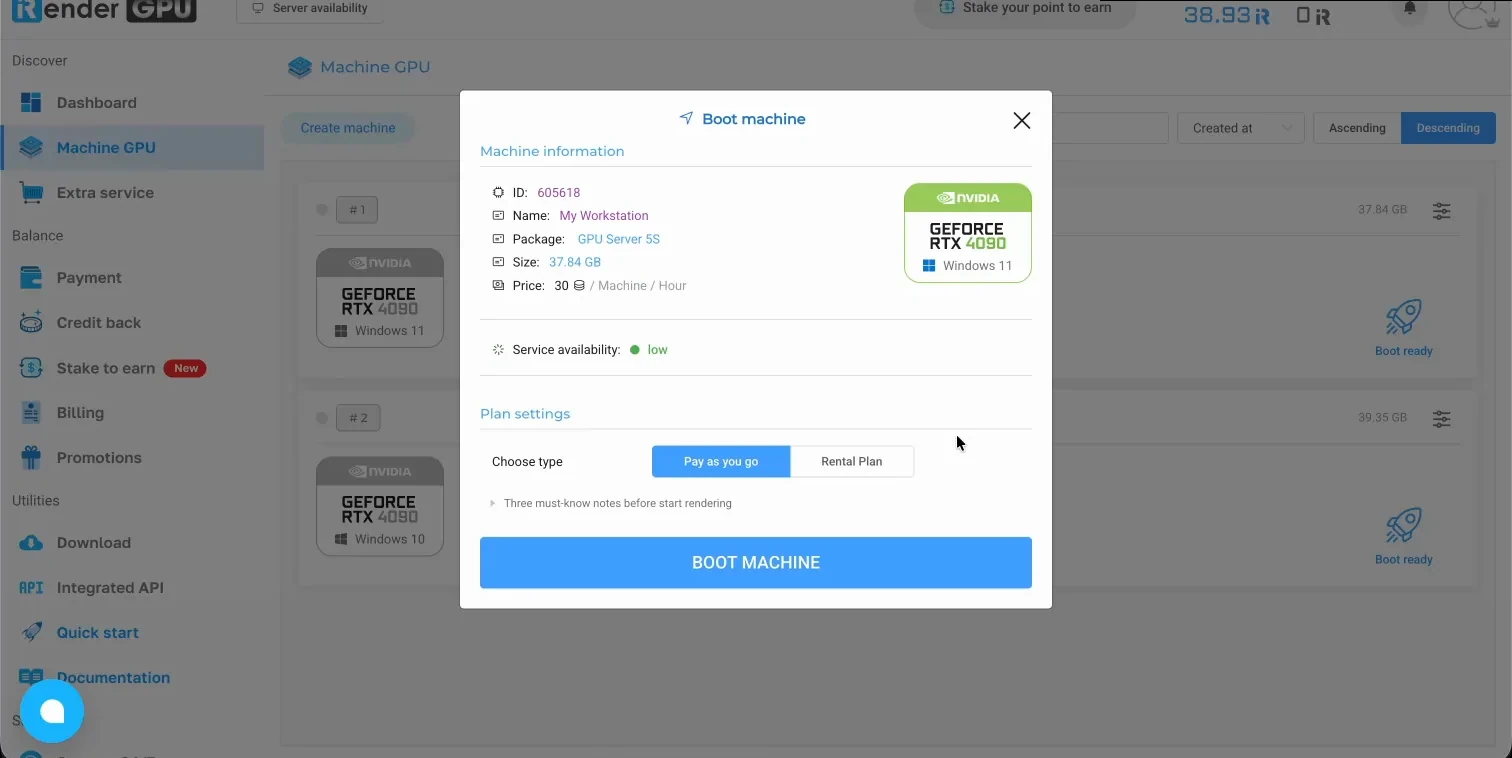
Renting is work. The machine took 733.7 seconds from start to the Connect button becoming ready, boot time iRender did not bill. From there you operate Windows over a remote session. During retrieval the client showed misleading transient states, at one point reporting 39 of 50 files at 0.0 Mbps until a manual refresh.
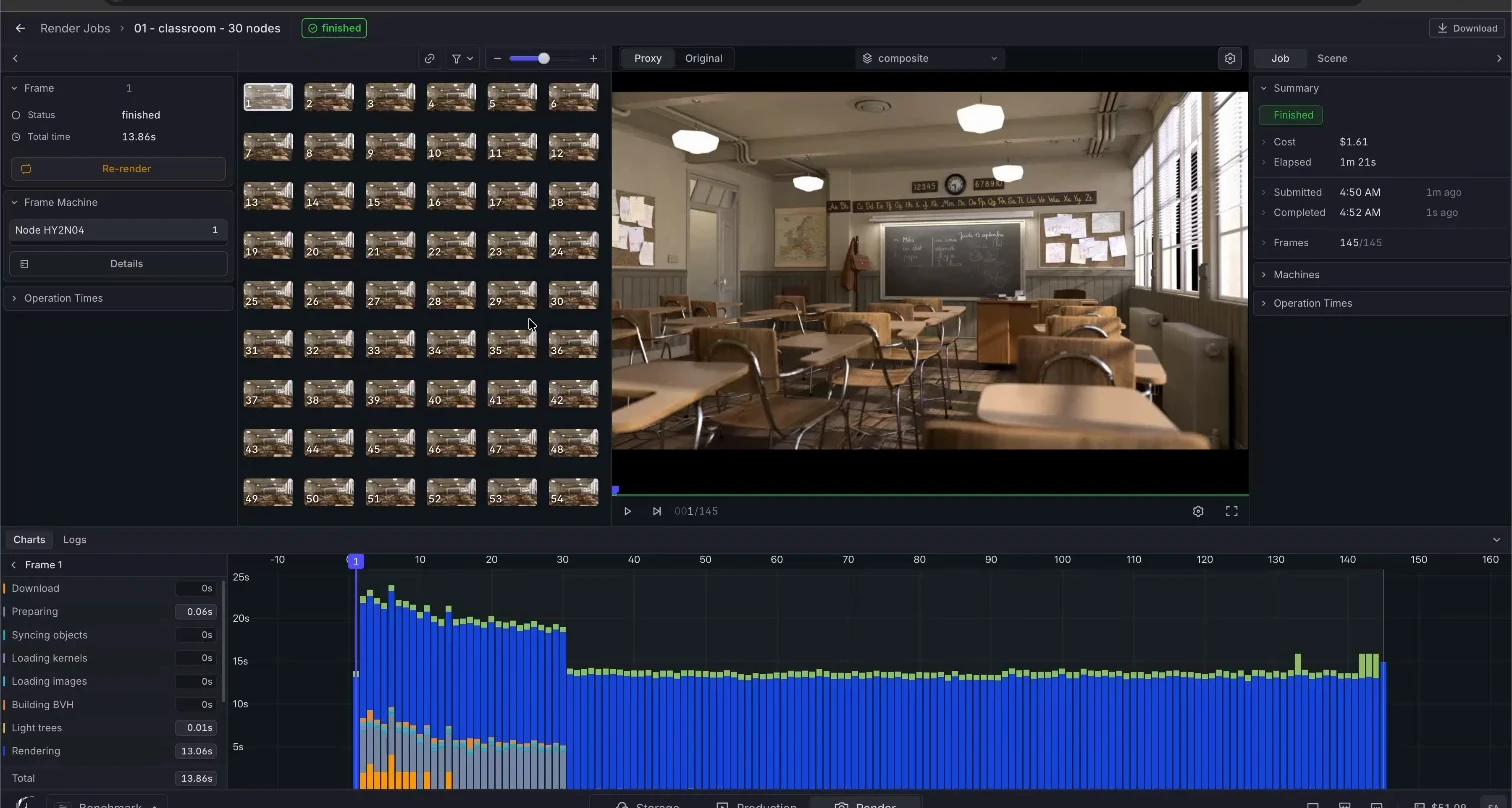
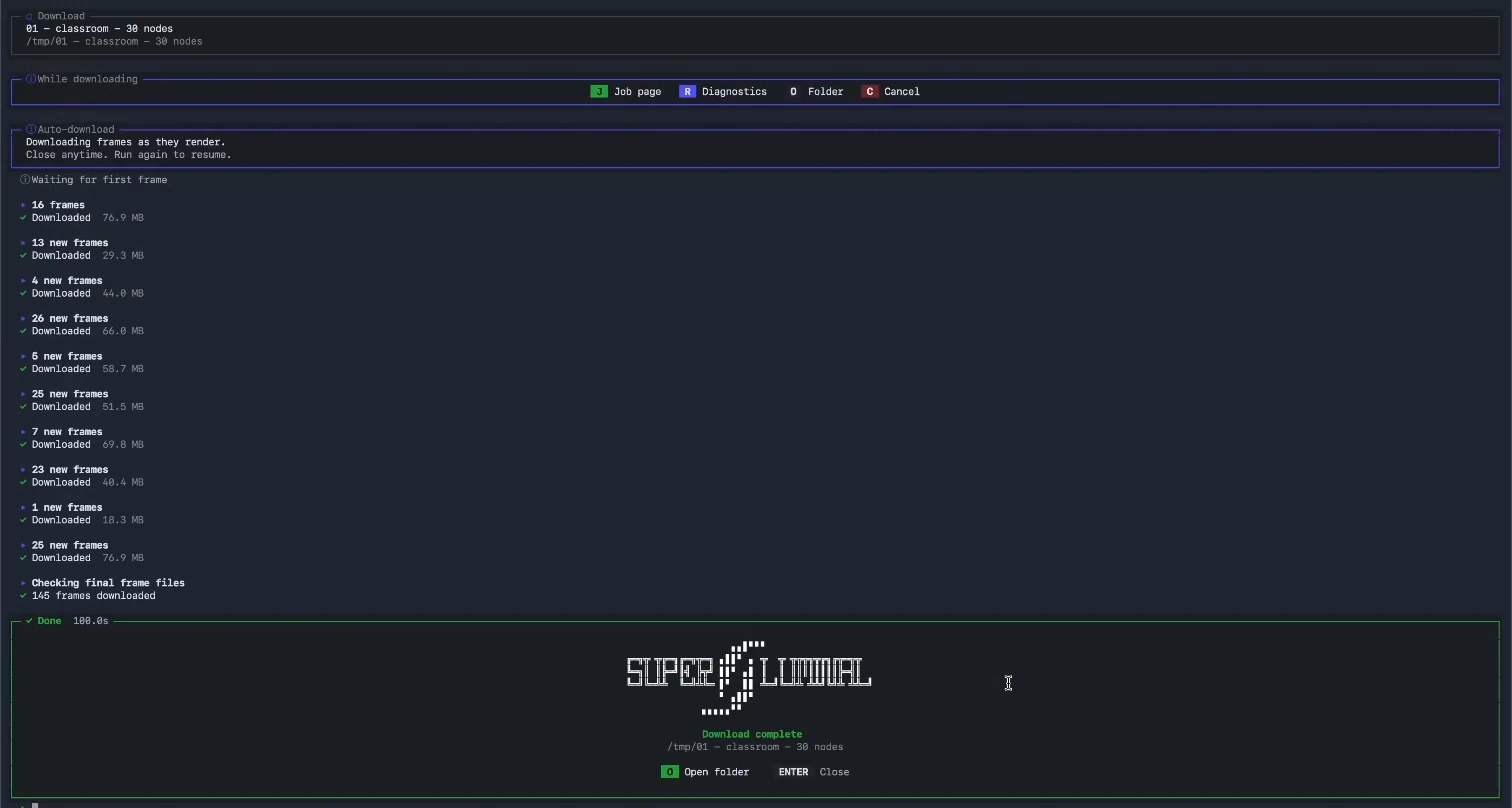
Superluminal is the managed version of the same hardware. You submit from Blender, the farm runs the machines, and finished frames arrive on your disk while later frames render. Nothing boots on your clock. Nothing synchronizes by hand.
iRender charged 30 iR per machine-hour, pay as you go, after a $50 deposit. Its meter starts when the Connect button becomes ready. The Classroom window starts there. We removed the 29.9 seconds of one-time Blender archive extraction from the scored time. The cost keeps those seconds because billing continued. The later scenes reused the running workstation.
The paid window by scene
| Scene | Active render | Render pipeline | Paid workstation window | Rate-derived cost | File synchronization |
|---|---|---|---|---|---|
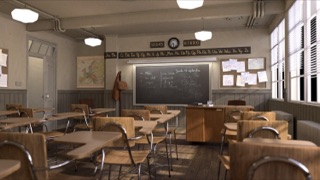 Classroom Classroom | 418.5 s | 434.8 s | ≤1,225.7 s | ≤10.46 iR (about $10.46) | ≤503.9 s |
 Junk Shop Junk Shop | 154.2 s | 159.7 s | 1,033.0 s | 8.61 iR (about $8.61) | 686.9 s |
 Monster Under the Bed Monster Under the Bed | 154.7 s | 159.3 s | 617.1 s | 5.14 iR (about $5.14) | 387.6 s |
 Fox (EEVEE) Fox (EEVEE) | 74.5 s | 80.6 s | 736.7 s | 6.14 iR (about $6.14) | 556.5 s |
iRender is the machine-rental exception in the Speed Score: its paid window includes billed operator work and file synchronization. The cost estimates apply the verified 30 iR hourly rate to each window, at $1 face value per iR. The windows overlap while files synchronize, so they do not add to one four-scene total. No final invoice was captured.
A meter on the machine, not on the frames
iRender's meter runs on the machine, so your clicking, waiting, and file copying all bill at the machine rate. Superluminal's meter runs on frames: each finished frame bills its measured render seconds, and keyboard time costs nothing.
The recordings verify the local frame count. They do not prove that Blender used all four GPUs.
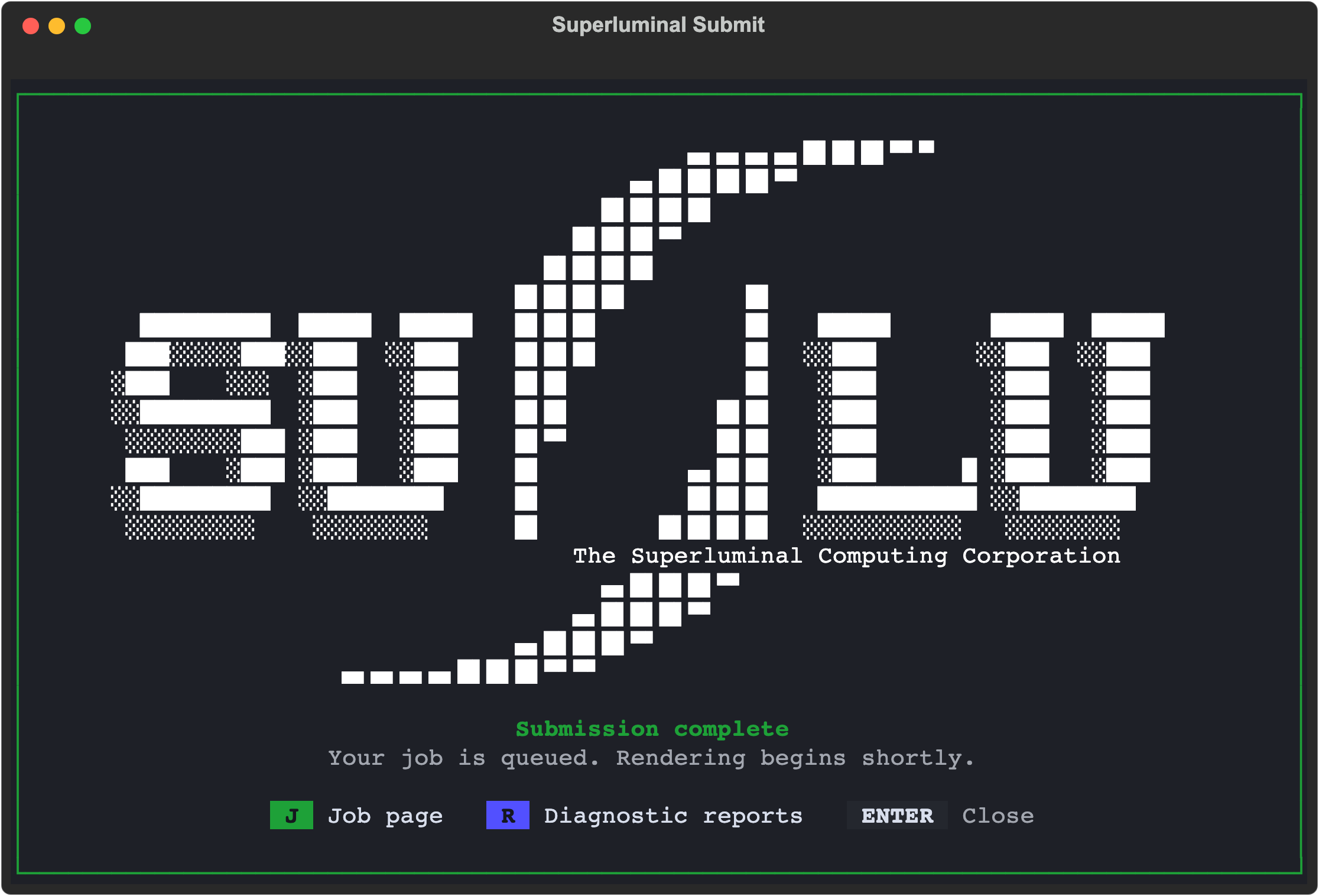
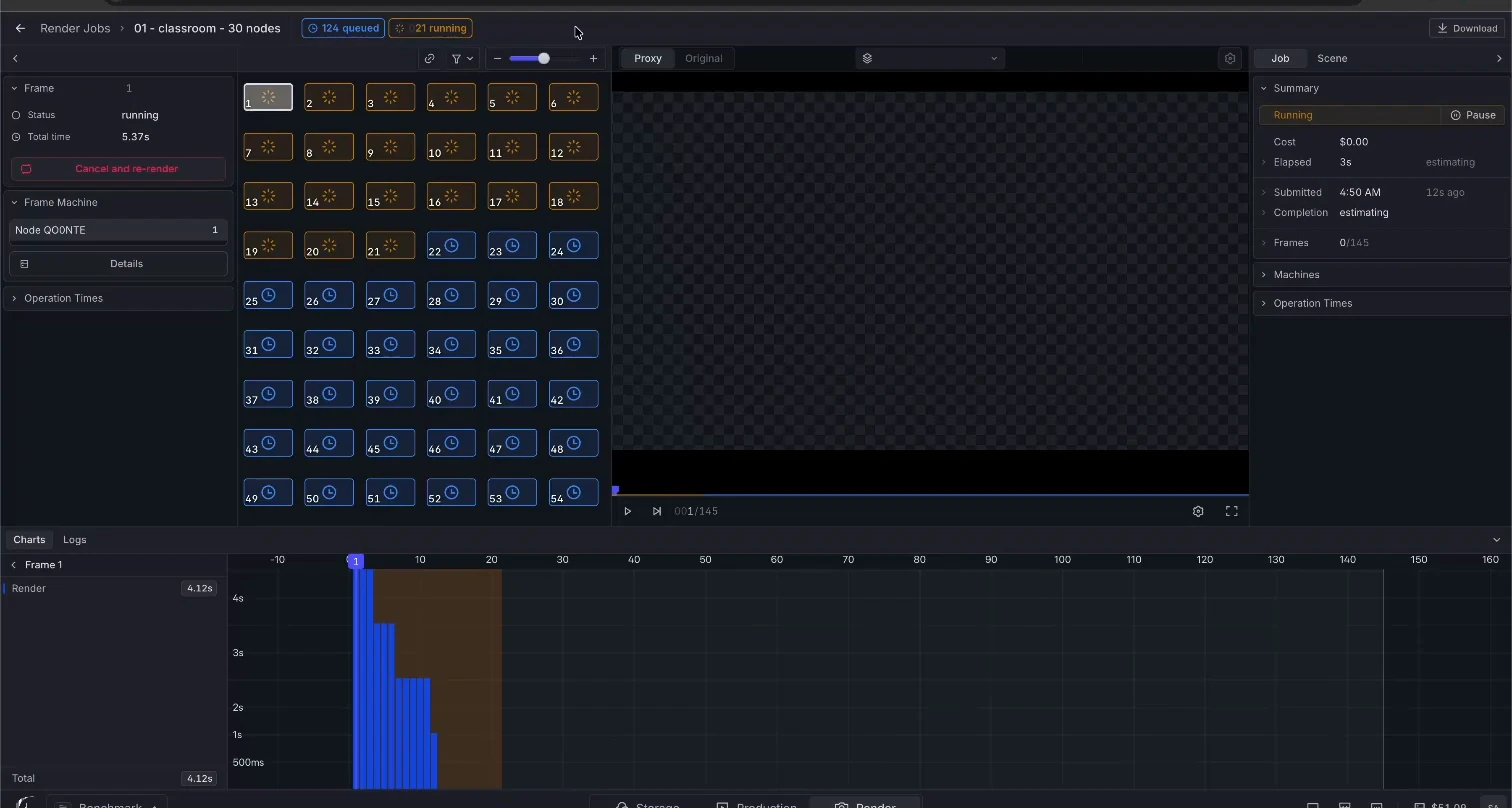
Superluminal recorded workflow
iRender recorded workflow
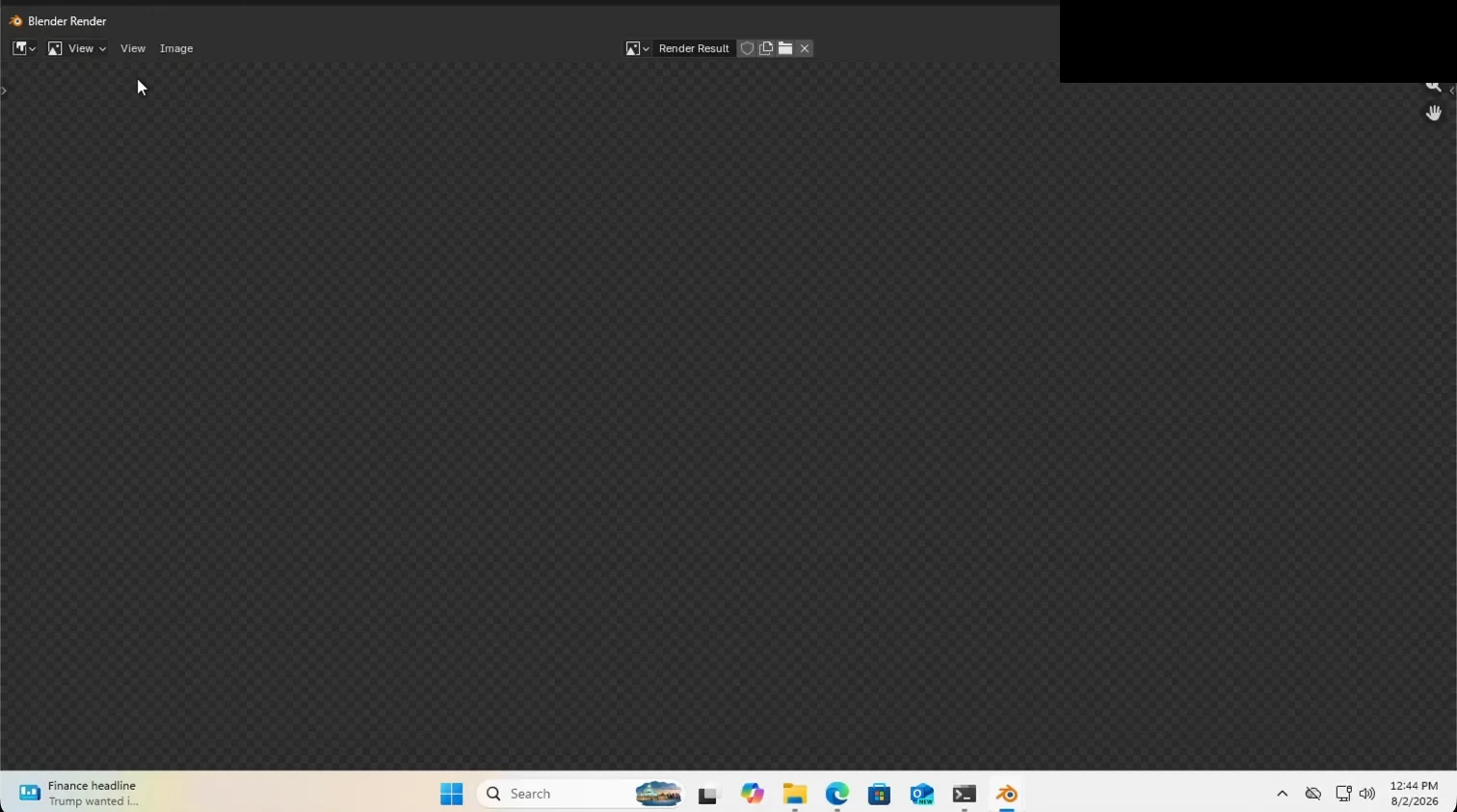
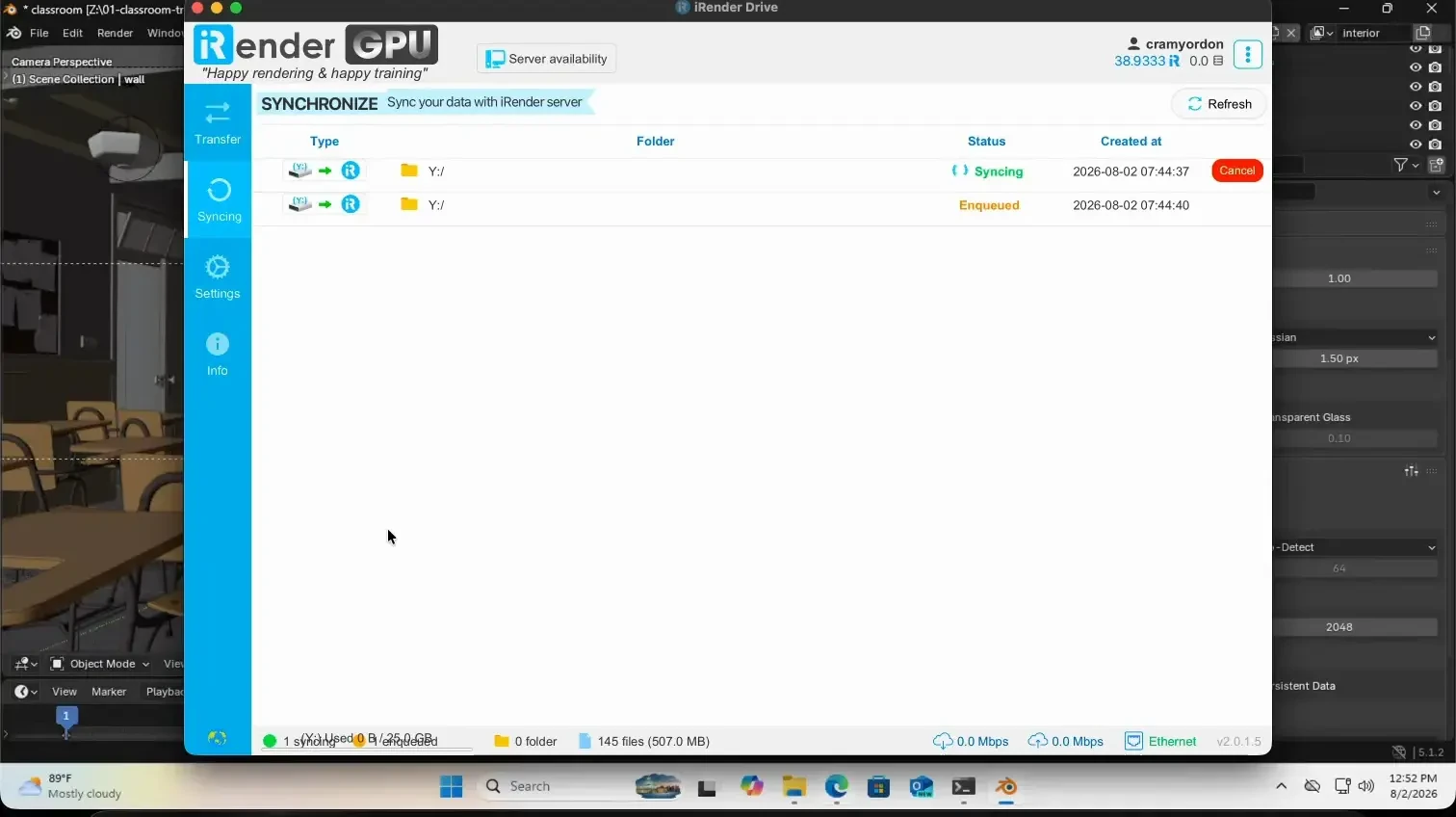
iRender Drive required a manual synchronization step, and in every scene that step took longer than the render itself. The Classroom and Fox (EEVEE) recordings show each synchronization step and completion proof.