Superluminal vs RenderJuice
By Superluminal Engineering
RenderJuice's four jobs used 175 of 2,000 monthly GPU minutes, an allocated $4.29 of the $49 plan. Superluminal delivered each scene to local disk sooner.
Published 2026-08-04 · Updated 2026-08-08
Superluminal finished the local frame set first in every scene. The four RenderJuice jobs used 175 of the plan's 2,000 GPU minutes, an allocated $4.29 of its $49 monthly price.
Superluminal and RenderJuice in the benchmark ranking
Both services are selected. The other six farms stay visible but muted for context.
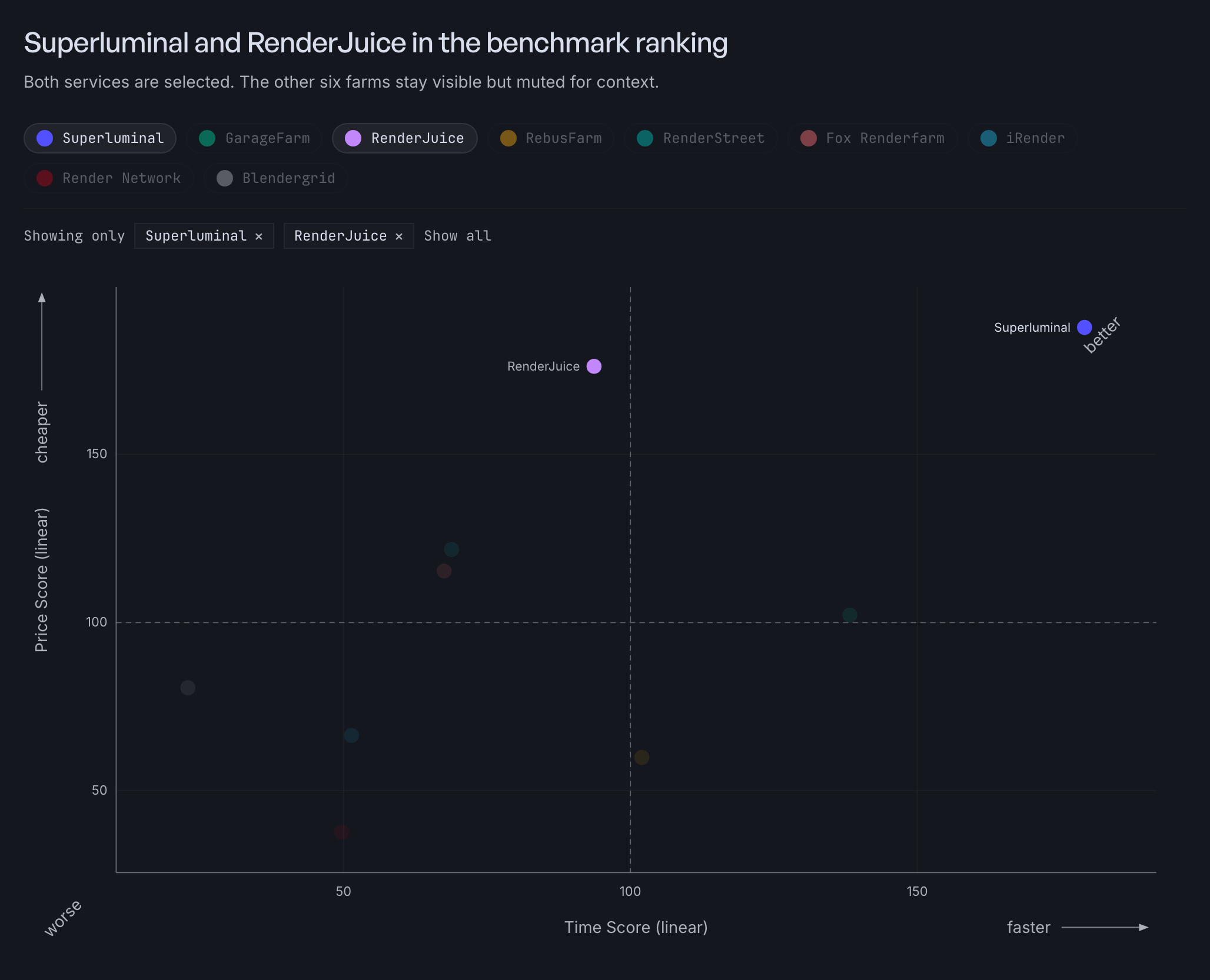
RenderJuice ranked third overall at 121.2, with a Speed Score of 93.7 and a Cost Score of 176.2. The benchmark method compares the plan's allocated cost with exact per-job charges.
Subscription cost
RenderJuice shows GPU-minute use, not a per-job dollar charge. Its Hobbyist plan starts at $49 per month with 2,000 GPU minutes. We allocated the plan price across that quota.
| Scene | Fastest Superluminal render pipeline | RenderJuice render pipeline | RenderJuice usage | Allocated plan cost |
|---|---|---|---|---|
 Classroom Classroom | 90.5 s | 289.3 s | 64 GPU min | $1.57 |
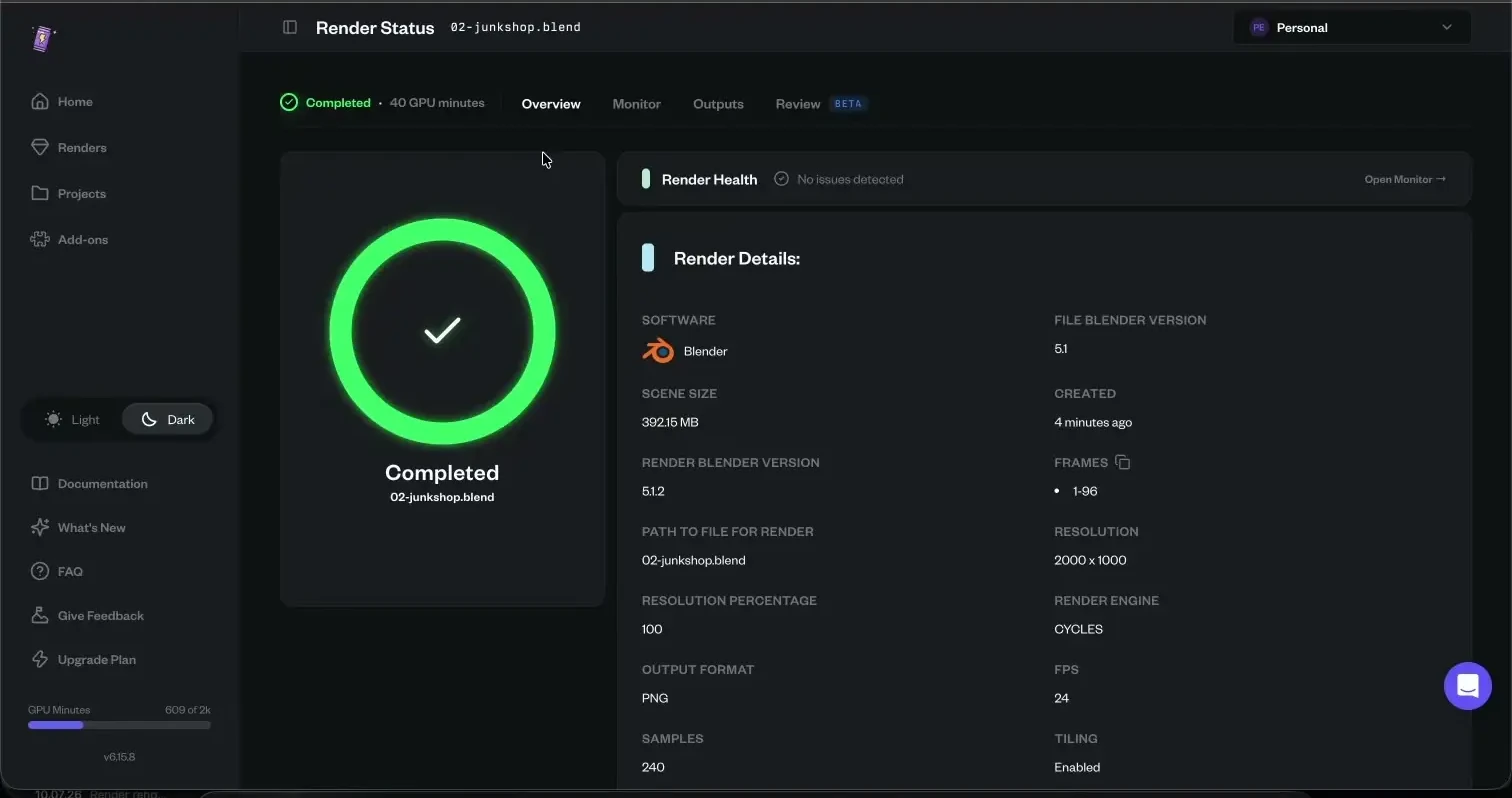
 Junk Shop Junk Shop | 64.5 s | 234.1 s | 40 GPU min | $0.98 |
 Monster Under the Bed Monster Under the Bed | 59.9 s | 204.2 s | 37 GPU min | $0.91 |
 Fox (EEVEE) Fox (EEVEE) | 66.5 s, 10 nodes | 342.3 s | 34 GPU min | $0.83 |
The account costs $49 whether a job uses 34 minutes or all 2,000.
Superluminal has no monthly position to manage. Each job settles as its own exact charge. The four scenes above came to $4.40 at 30 nodes, and the cost calculator prices an animation before you commit.
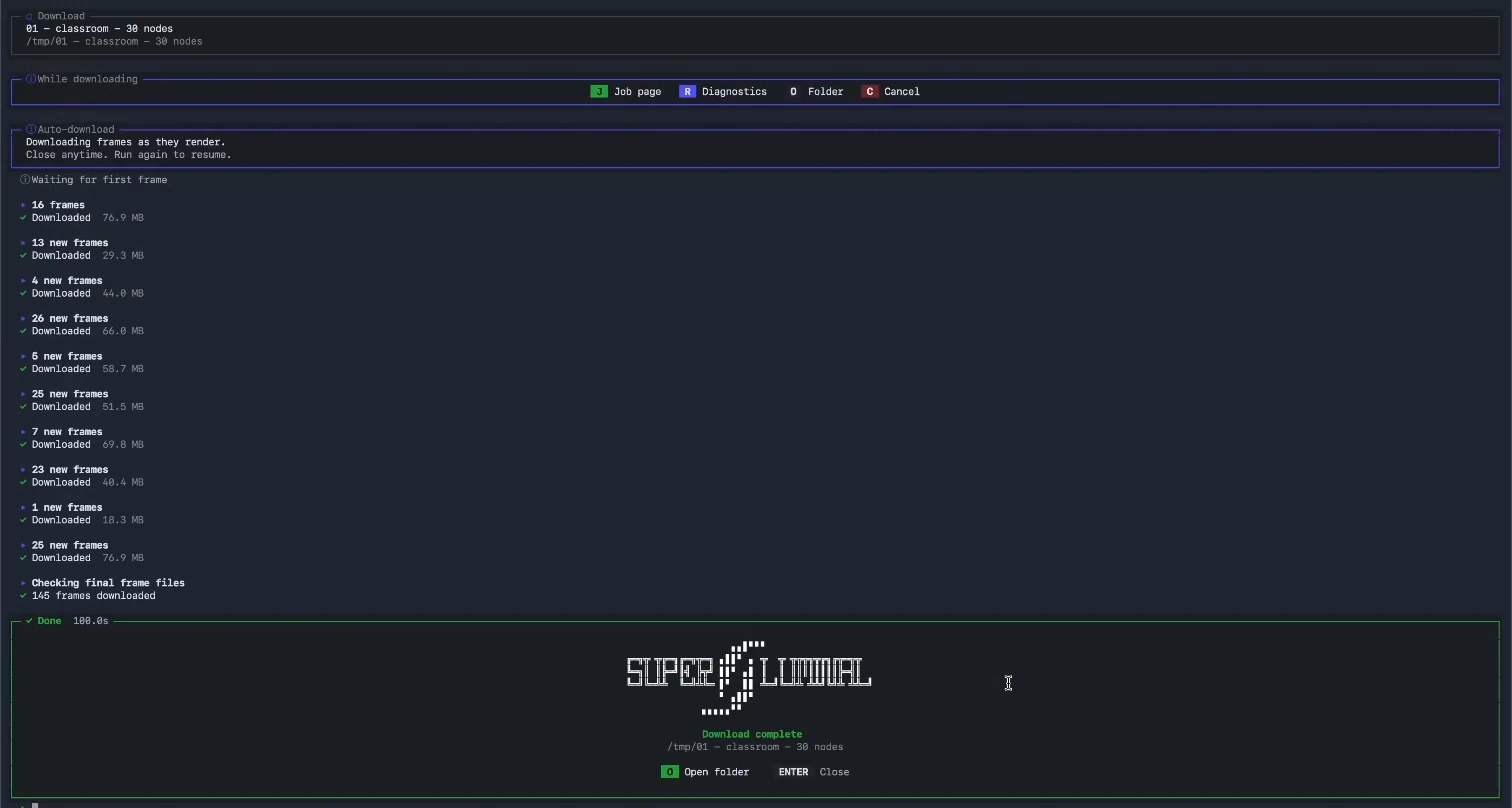
Superluminal recorded workflow
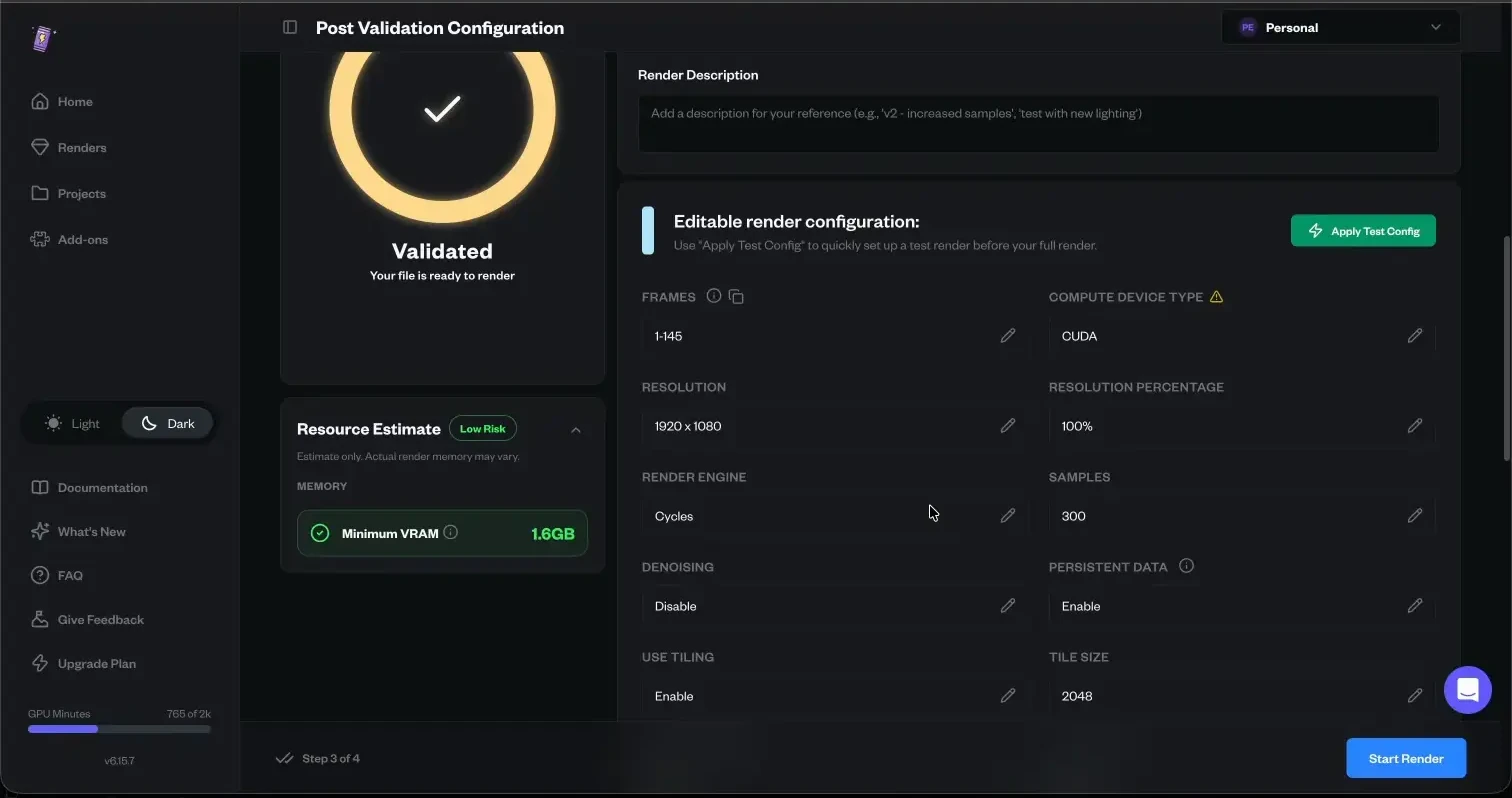
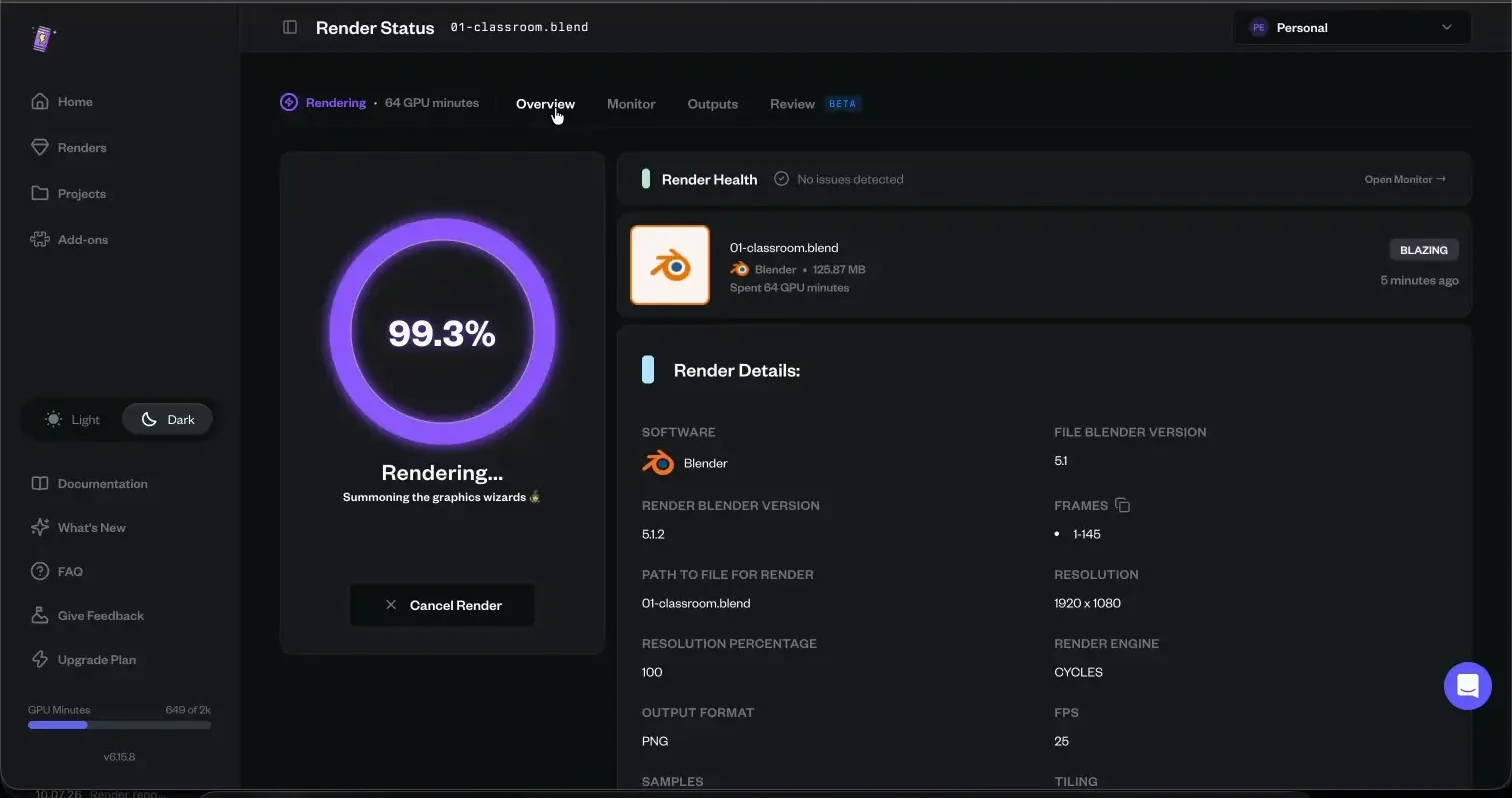
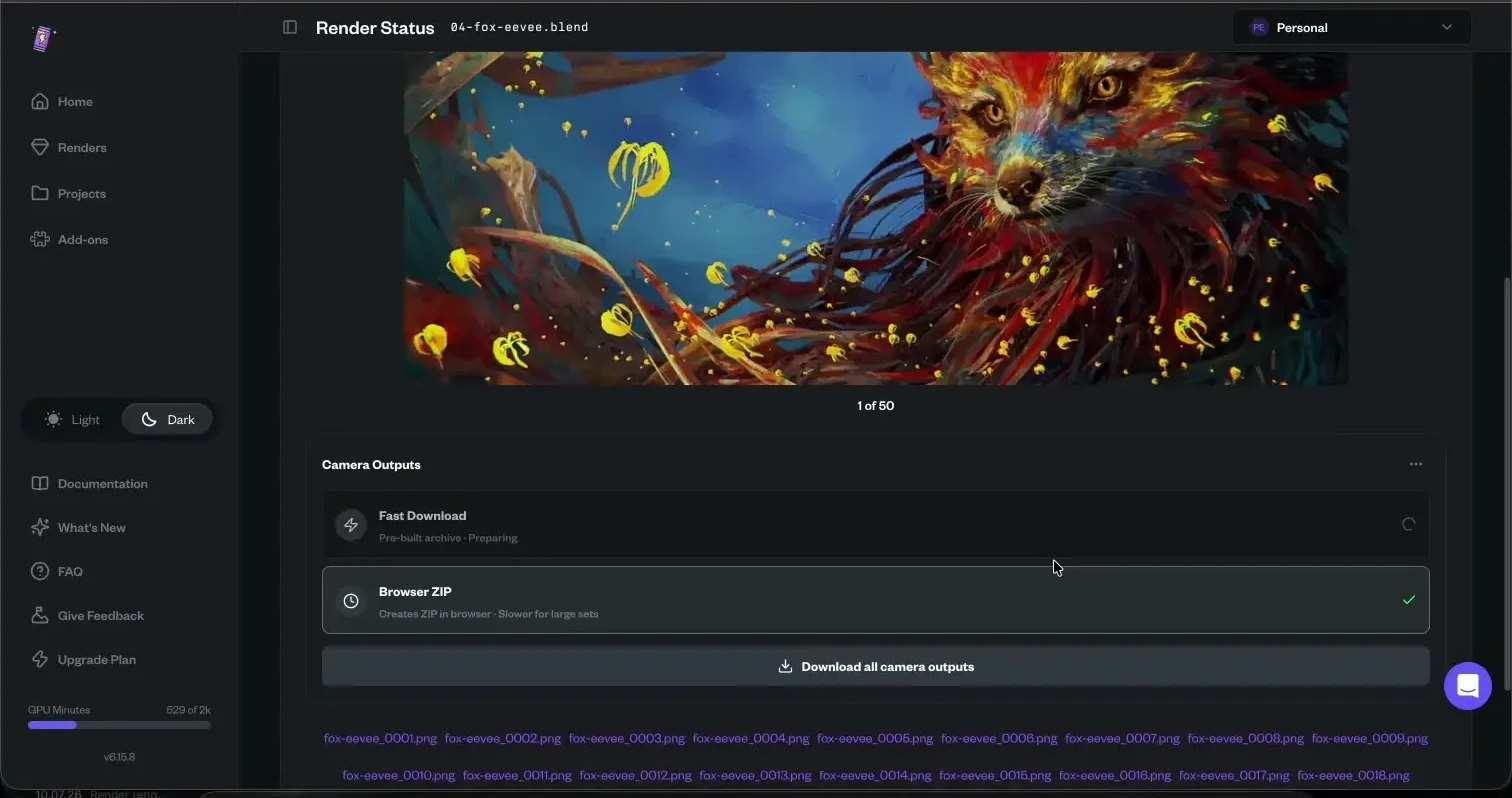
RenderJuice recorded workflow
Packing and capacity
RenderJuice's desktop app packs the project but cannot submit. Submission happens in a browser, so each project change means pack in one program, upload in another, at an effective 5.4 MB/s.
Upload alone starts nothing. A separate Render action starts the job. While it runs, the interface shows no machine count. The advertised speed is the only capacity signal.
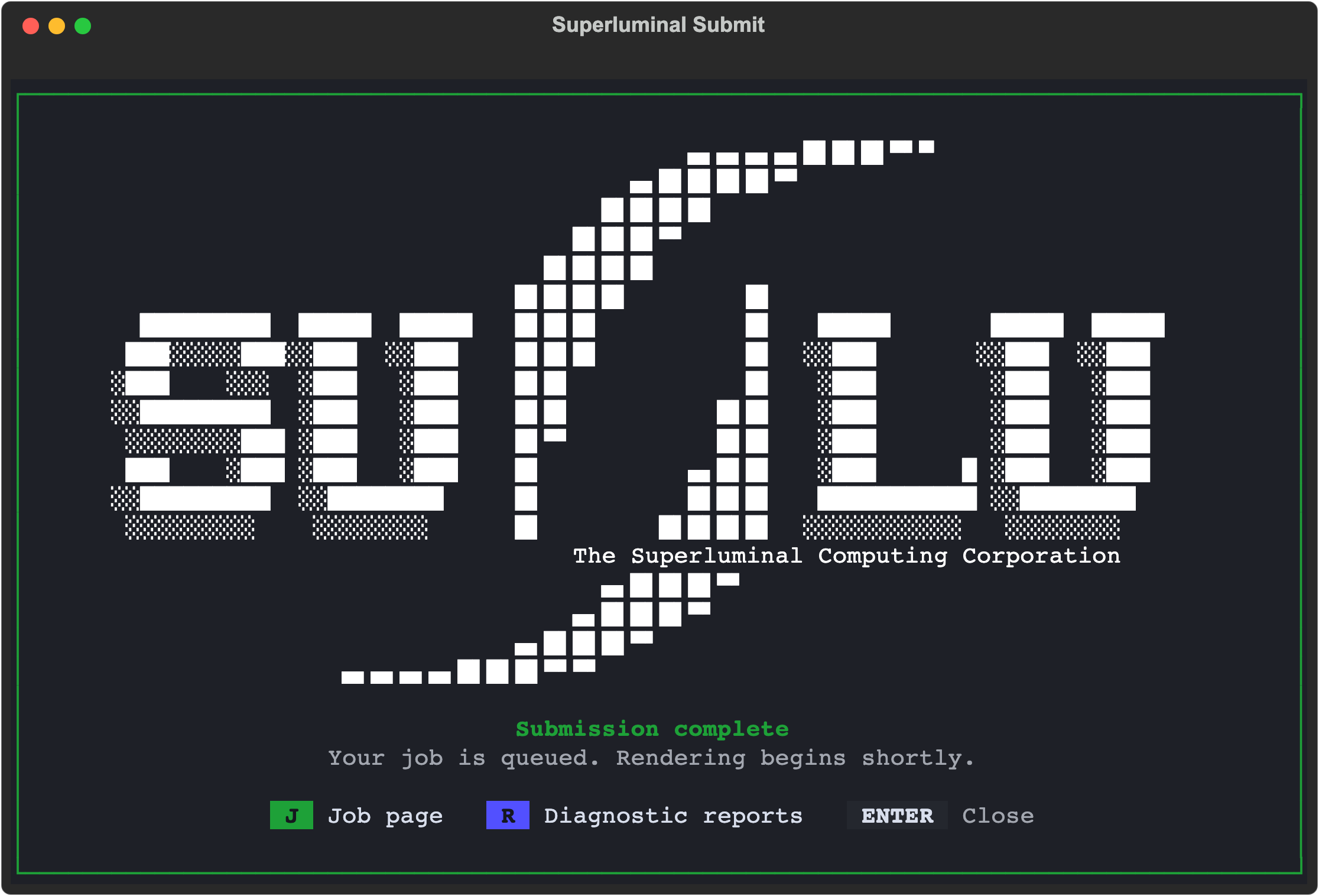
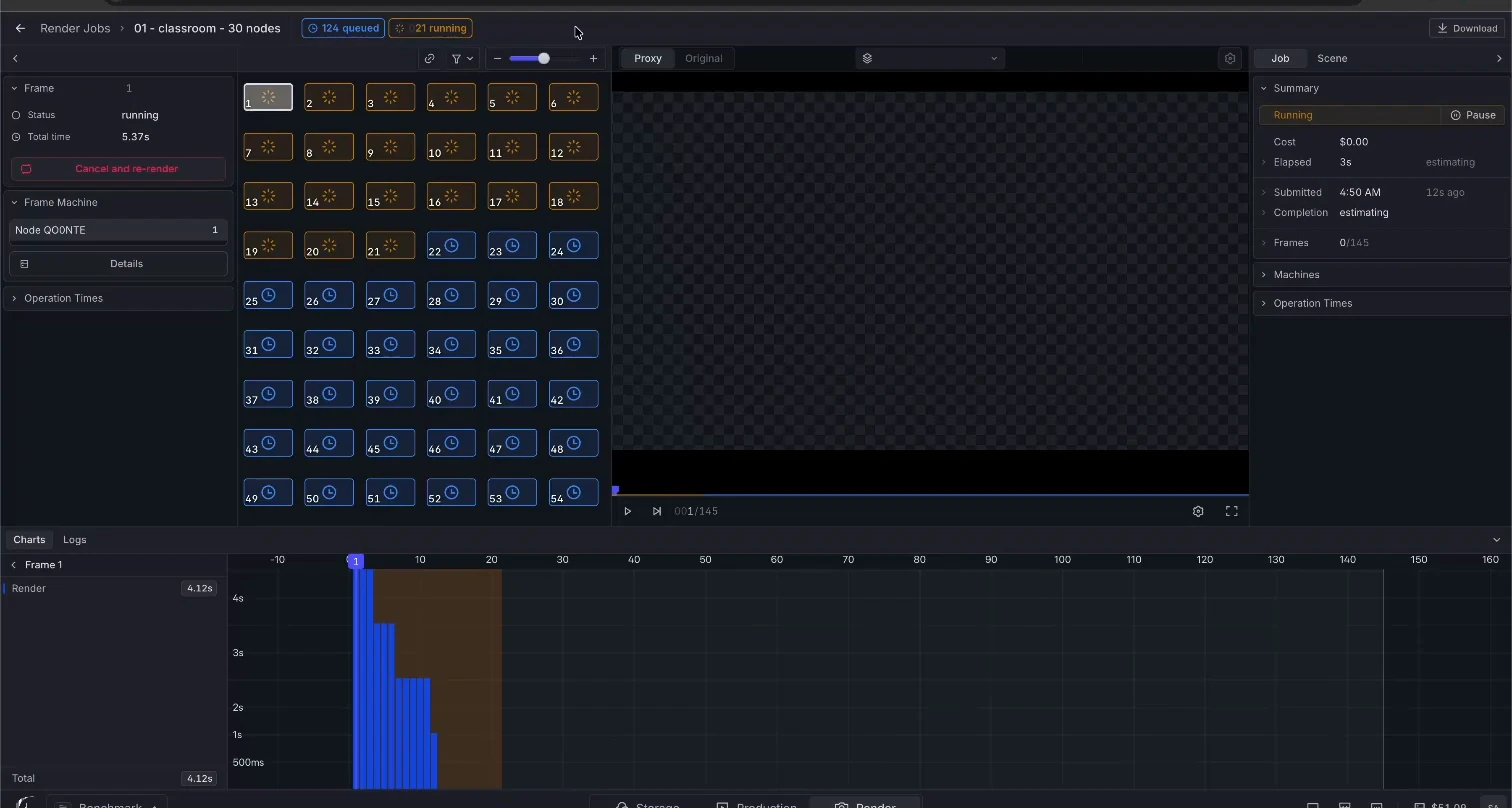
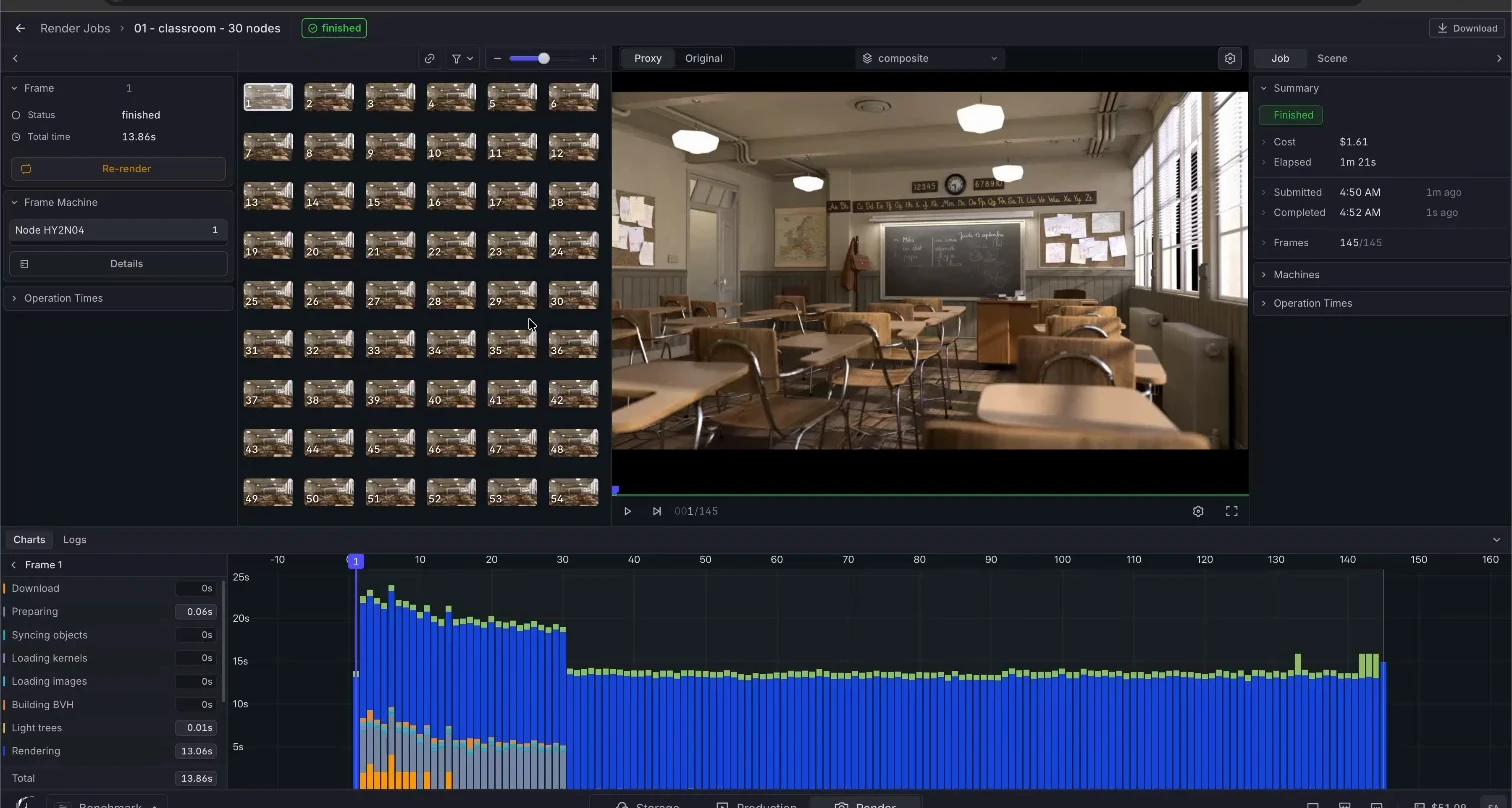
Submitting to Superluminal is one action in one place. The add-on packages the project, checks its dependencies, uploads in parallel chunks, and the job starts. The job page names the exact machines working, not an advertised equivalent.
RenderJuice advertised speed equal to 30 RTX 3090 GPUs. From 64 GPU minutes over 183.7 seconds of active rendering, we infer about 21 equivalents.
Output delivery
RenderJuice creates one ZIP after each render (Classroom recording). The last file reached local disk 17.2 to 41.6 seconds after RenderJuice reported completion.
Superluminal does not make you wait for an archive. Finished frames arrive individually while the job renders, in their original format, ready to open as they land.