Superluminal vs Fox Renderfarm
By Superluminal Engineering
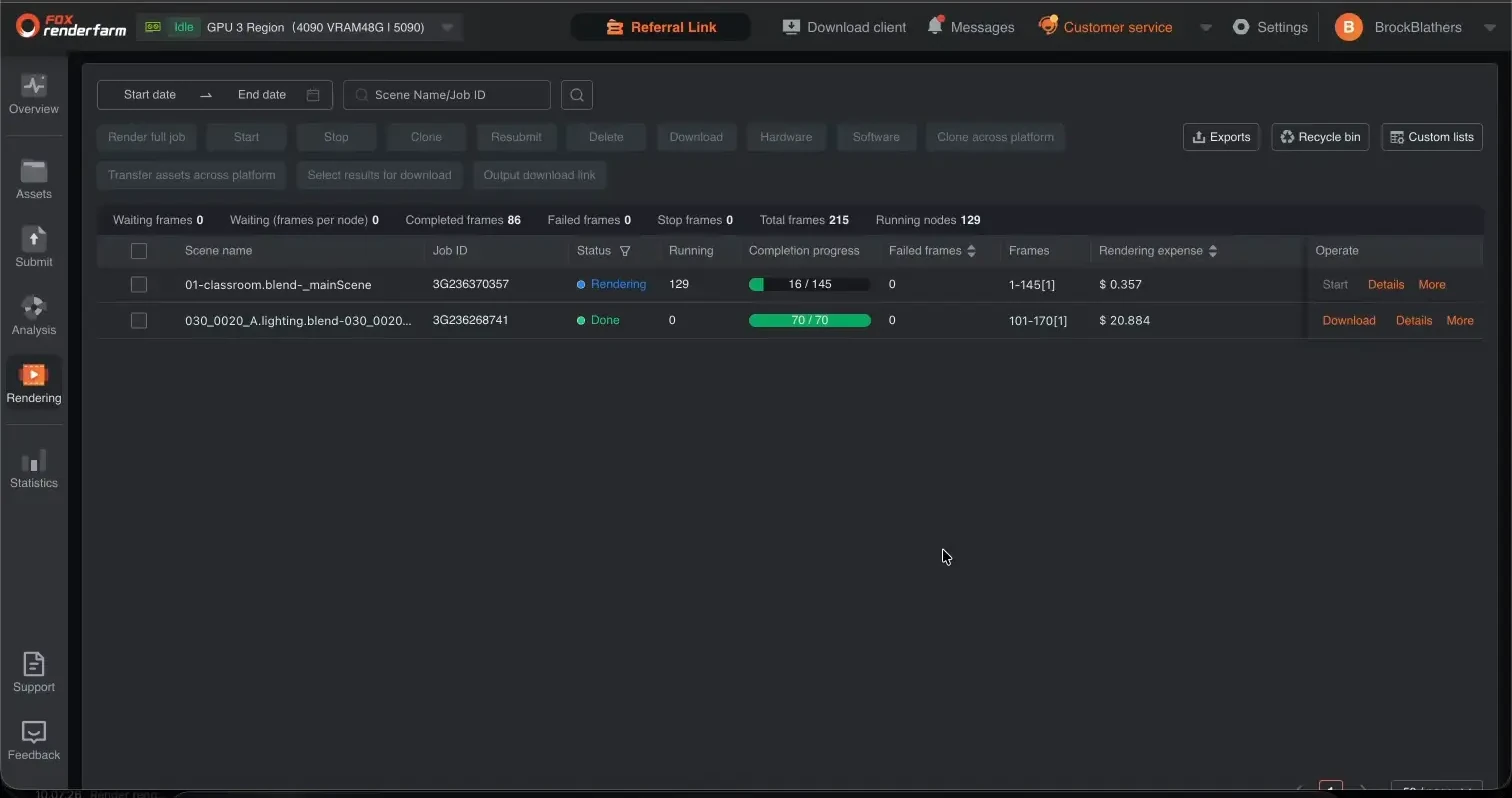
Fox Renderfarm showed 129 running nodes on Classroom. Superluminal still completed each tested scene sooner and delivered every scene to local disk first.
Published 2026-08-04 · Updated 2026-08-08
Superluminal reached local disk first and charged less in all four scenes. Fox Renderfarm completed all four, behind a mandatory analysis stage and a second start action.
Superluminal and Fox Renderfarm in the benchmark ranking
Both services are selected. The other six farms stay visible but muted for context.
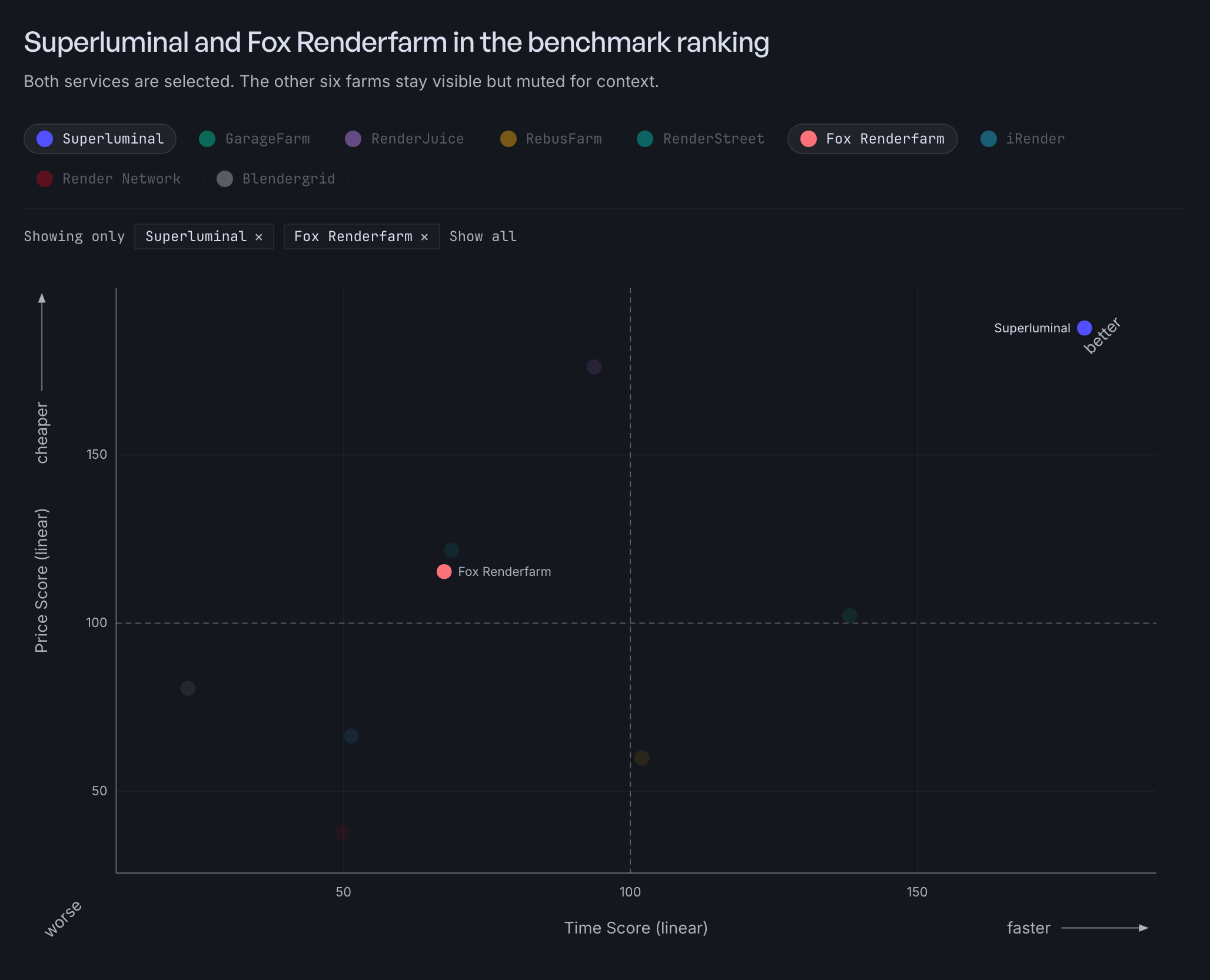
Fox Renderfarm ranked sixth overall at 83.5, with a Speed Score of 67.5 and a Cost Score of 115.3. The benchmark method uses the render pipeline.
Recorded render-pipeline times
| Scene | Fastest Superluminal render pipeline | Fox Renderfarm render pipeline | Fox Renderfarm charge |
|---|---|---|---|
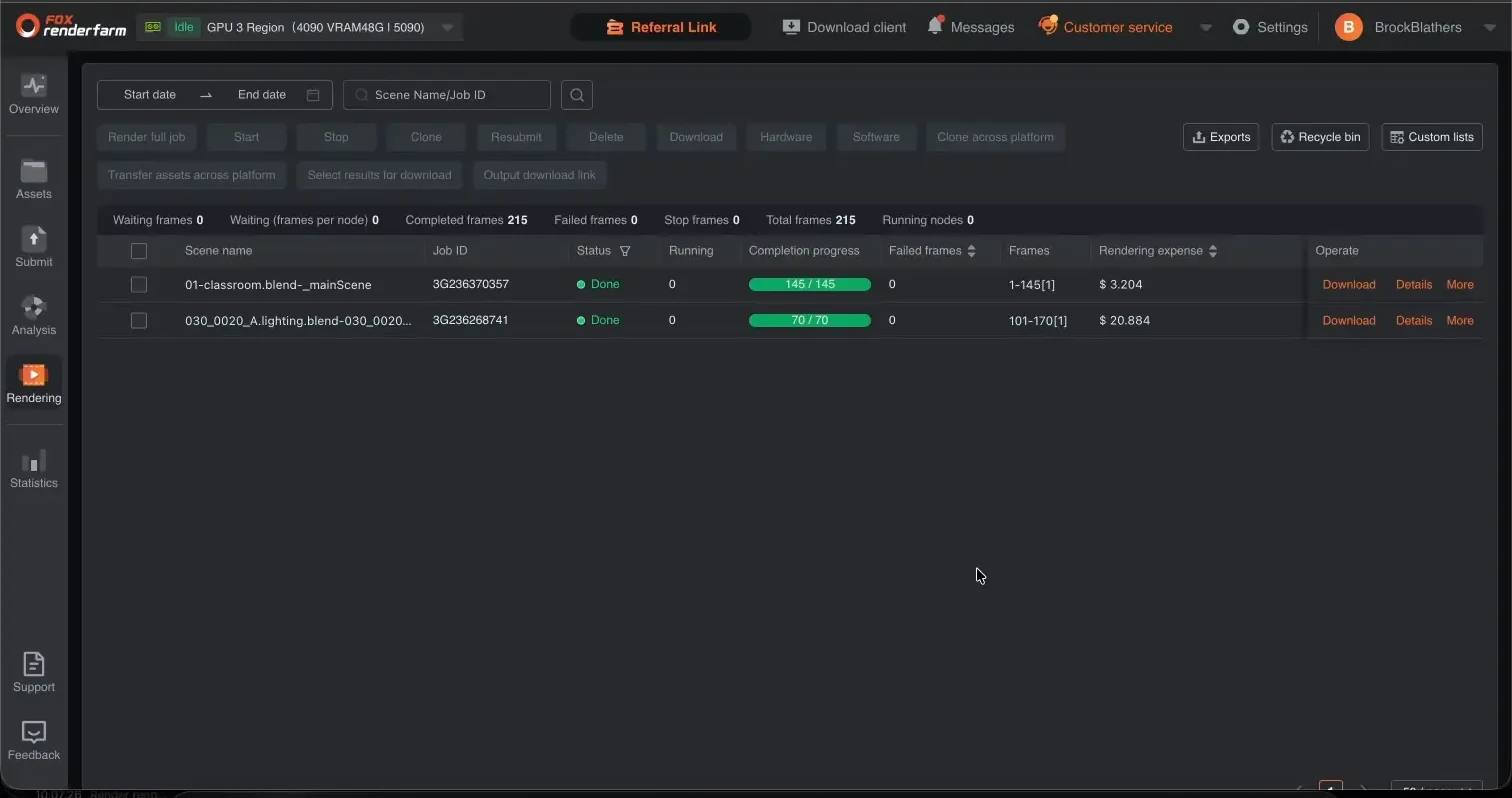
 Classroom Classroom | 90.5 s | 292.8 s | $3.204 |
 Junk Shop Junk Shop | 64.5 s | 710.6 s | $2.456 |
 Monster Under the Bed Monster Under the Bed | 59.9 s | 575.0 s | $1.795 |
 Fox (EEVEE) Fox (EEVEE) | 66.5 s, 10 nodes | 540.4 s | $2.443 |
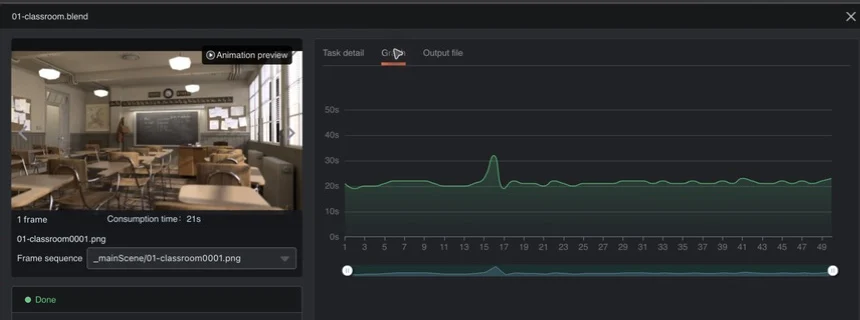
Even 10 Superluminal nodes finished the Classroom render pipeline in 226.7 seconds, against 292.8 for Fox Renderfarm.
The analysis gate and the nodes you cannot pick
Every Fox Renderfarm job waits behind a mandatory analysis stage. On Junk Shop that stage failed us: 87.1 seconds of analysis ended in a failure with no stated cause, and an identical retry passed in 28.0 seconds (Junk Shop recording). Nothing about the project changed between the attempts.
The Monster submission added a version warning that the render then ignored. Node allocation was outside our control: the Classroom job jumped to 129 visible nodes on its own.
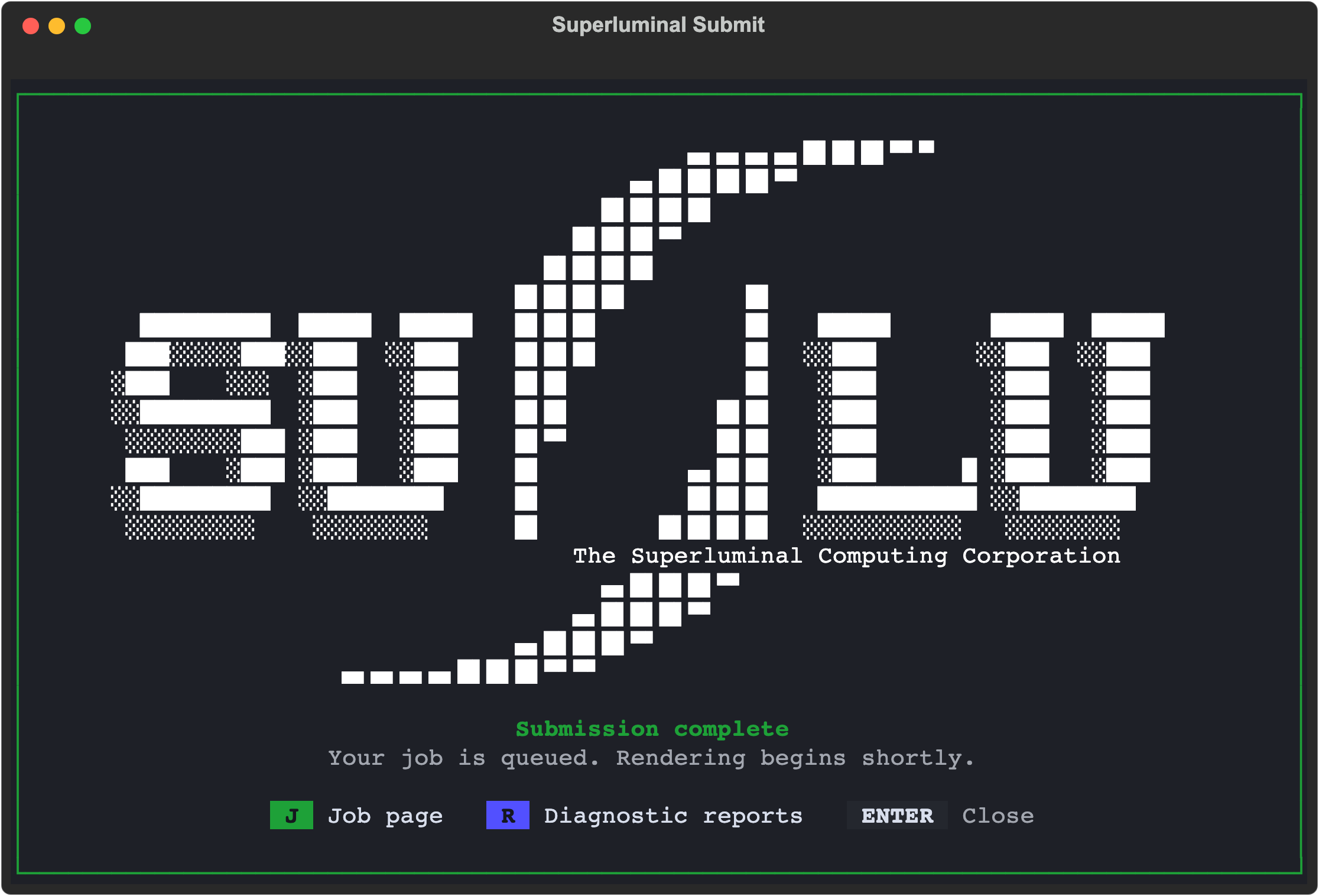
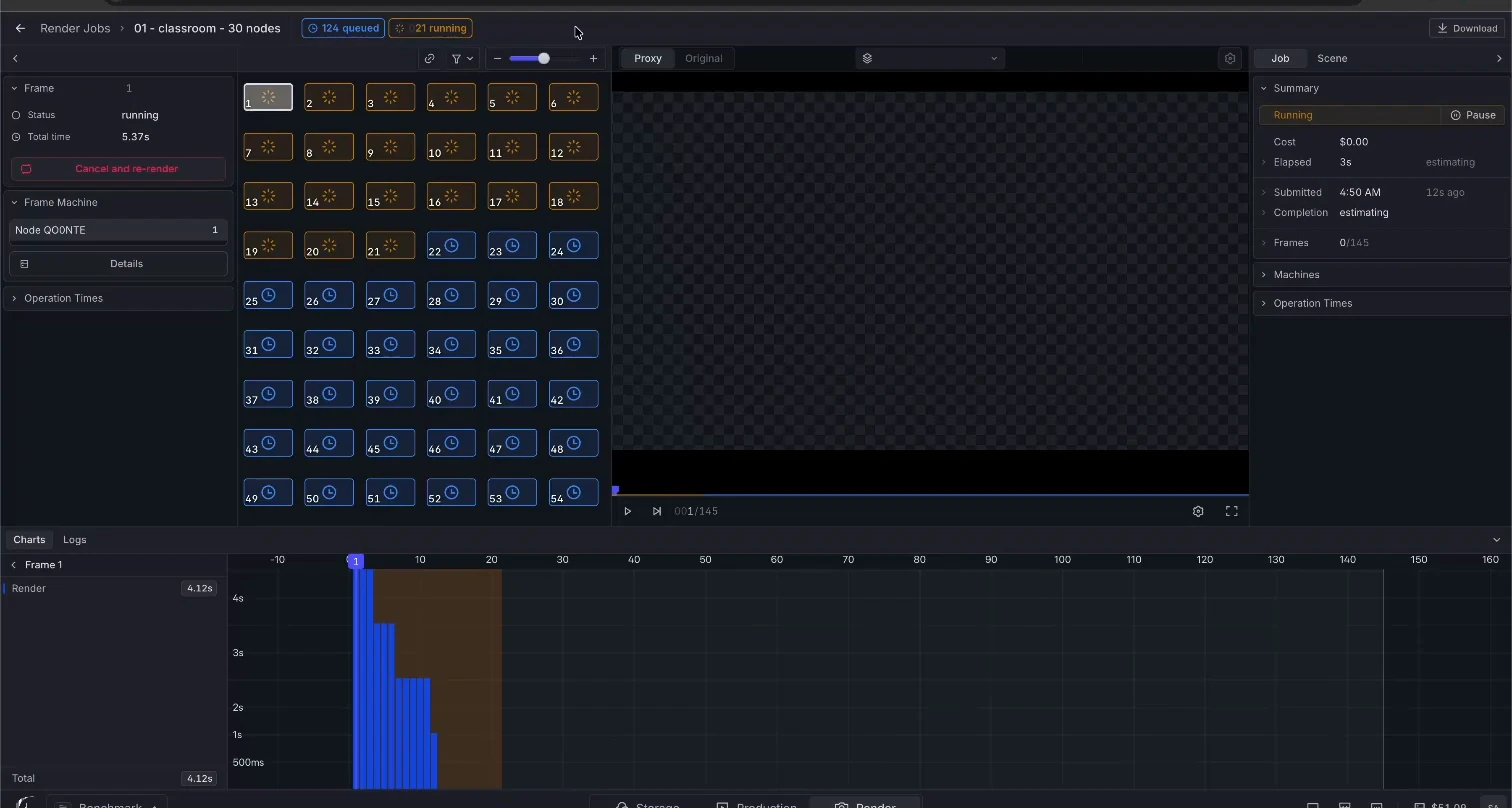
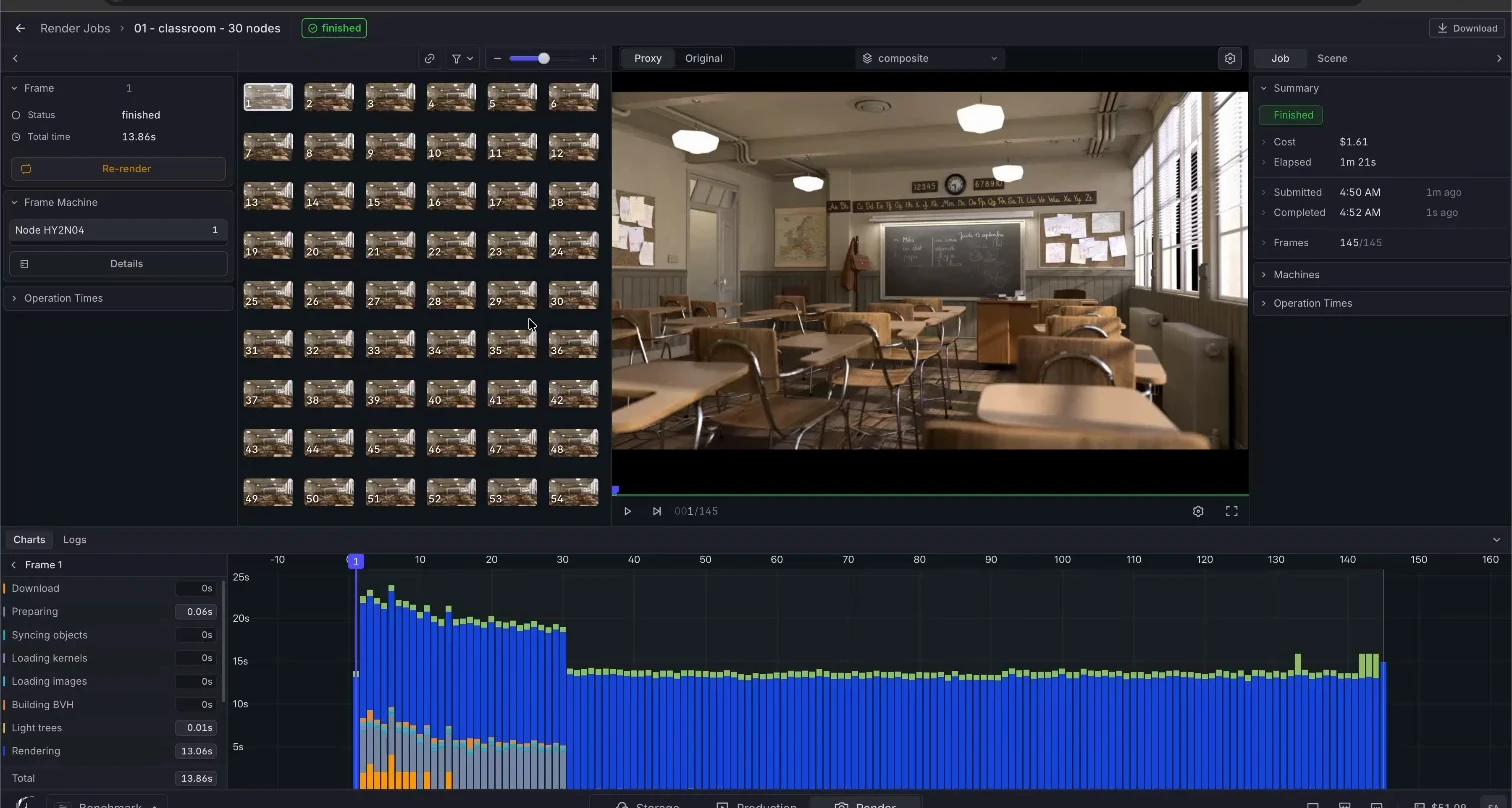
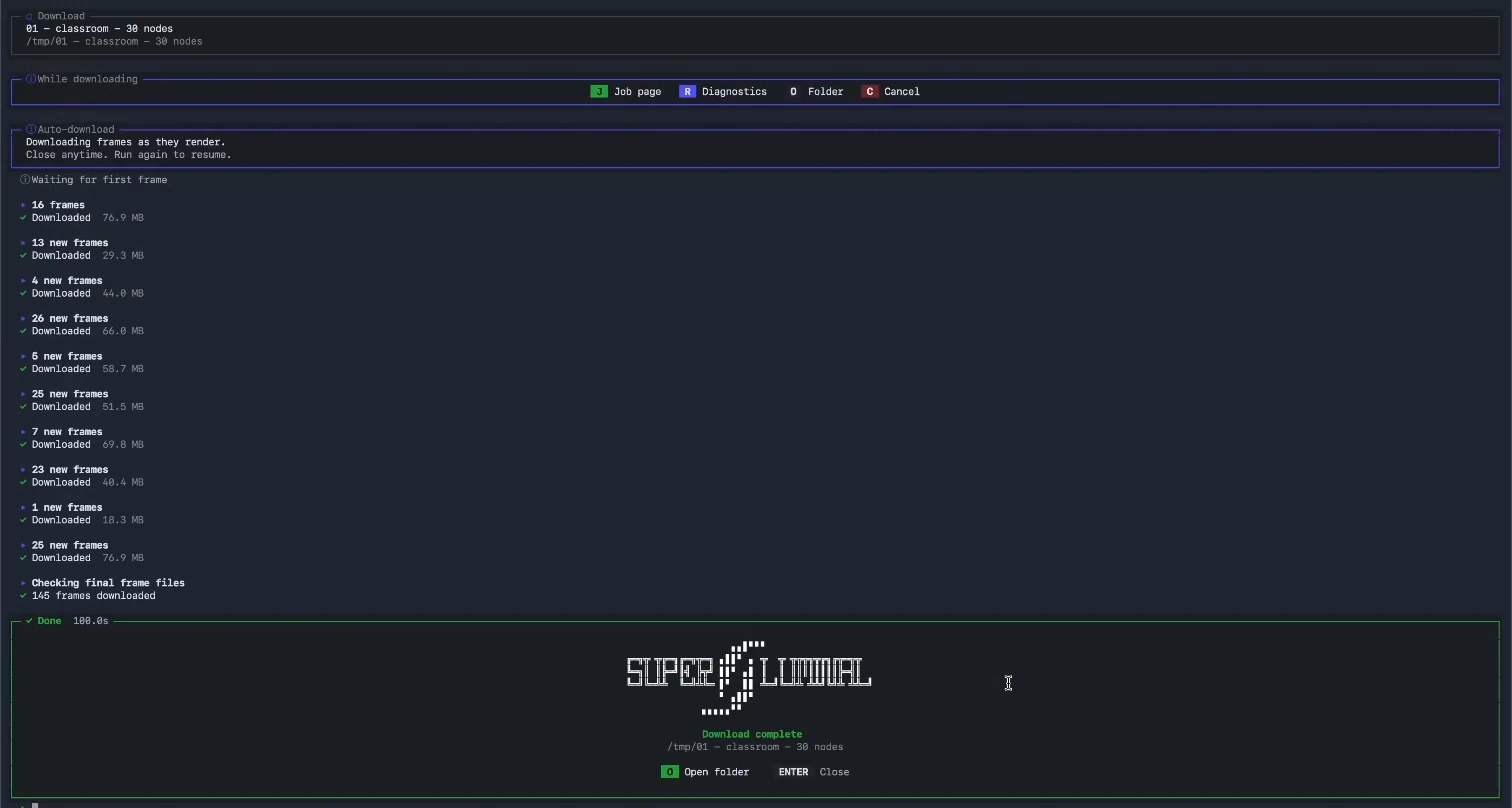
Superluminal has no analysis stage. The add-on checks the project inside Blender before upload and names problems on screen, so the farm's first action is rendering. You select 5, 10, or 30 nodes, and the job runs at that size.
Superluminal recorded workflow
Fox Renderfarm recorded workflow
Upload, billing, and output delivery
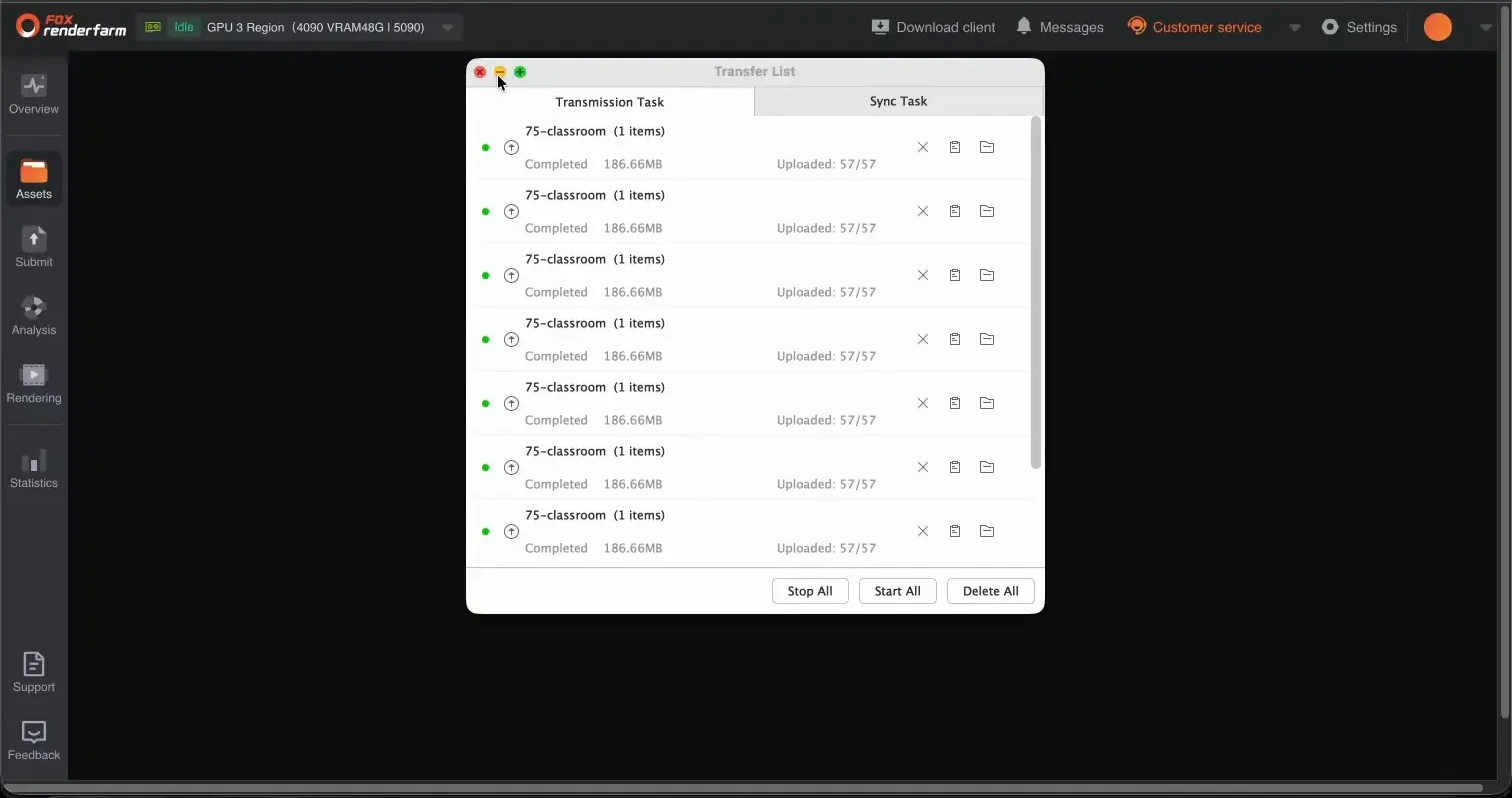
The desktop client uploaded at an effective 3.9 MB/s. Fox Renderfarm billed a prepaid balance and showed the exact charge for each job, which beats the credit-based farms on billing clarity.
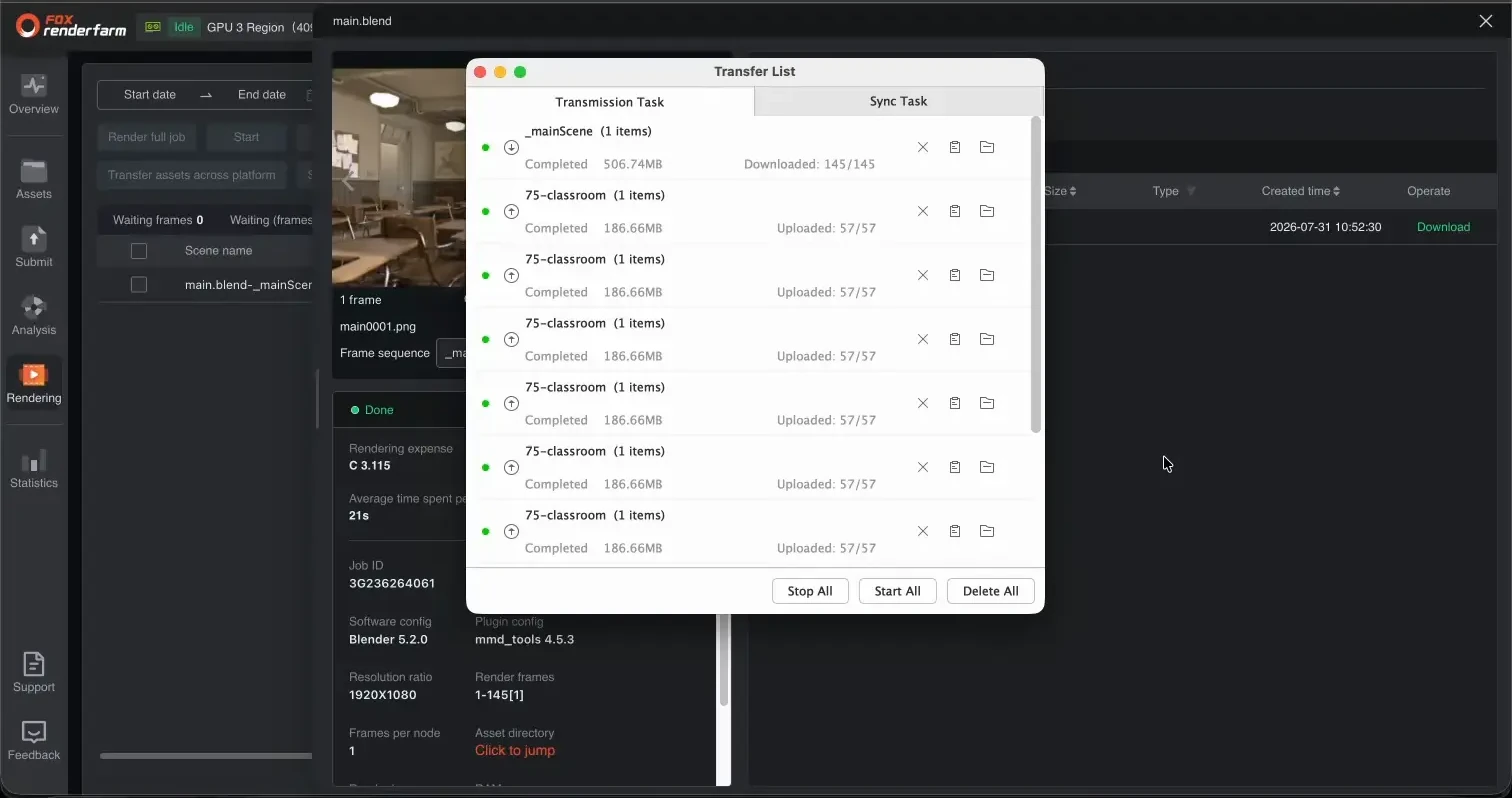
Delivery runs through a separate Raysync helper on every job. The last file reached local disk 12.9 to 36.4 seconds after provider completion.
Superluminal needs no helper and no completion event. The add-on that submitted the job downloads each finished frame while later frames render.
Fox Renderfarm required the render device set to None before it accepted the Fox (EEVEE) scene. Superluminal rendered the submitted scene unchanged.