Superluminal vs RenderStreet
By Superluminal Engineering
RenderStreet picks the machine count for you, and it picked 2 for the EEVEE scene. Superluminal finished every scene sooner and charged less every time.
Published 2026-08-08 · Updated 2026-08-08
Superluminal finished every scene sooner and charged less every time. RenderStreet completed all four scenes with exact dollar charges, which several farms here could not manage.
Superluminal and RenderStreet in the benchmark ranking
Both services are selected. The other seven farms stay visible but muted for context.
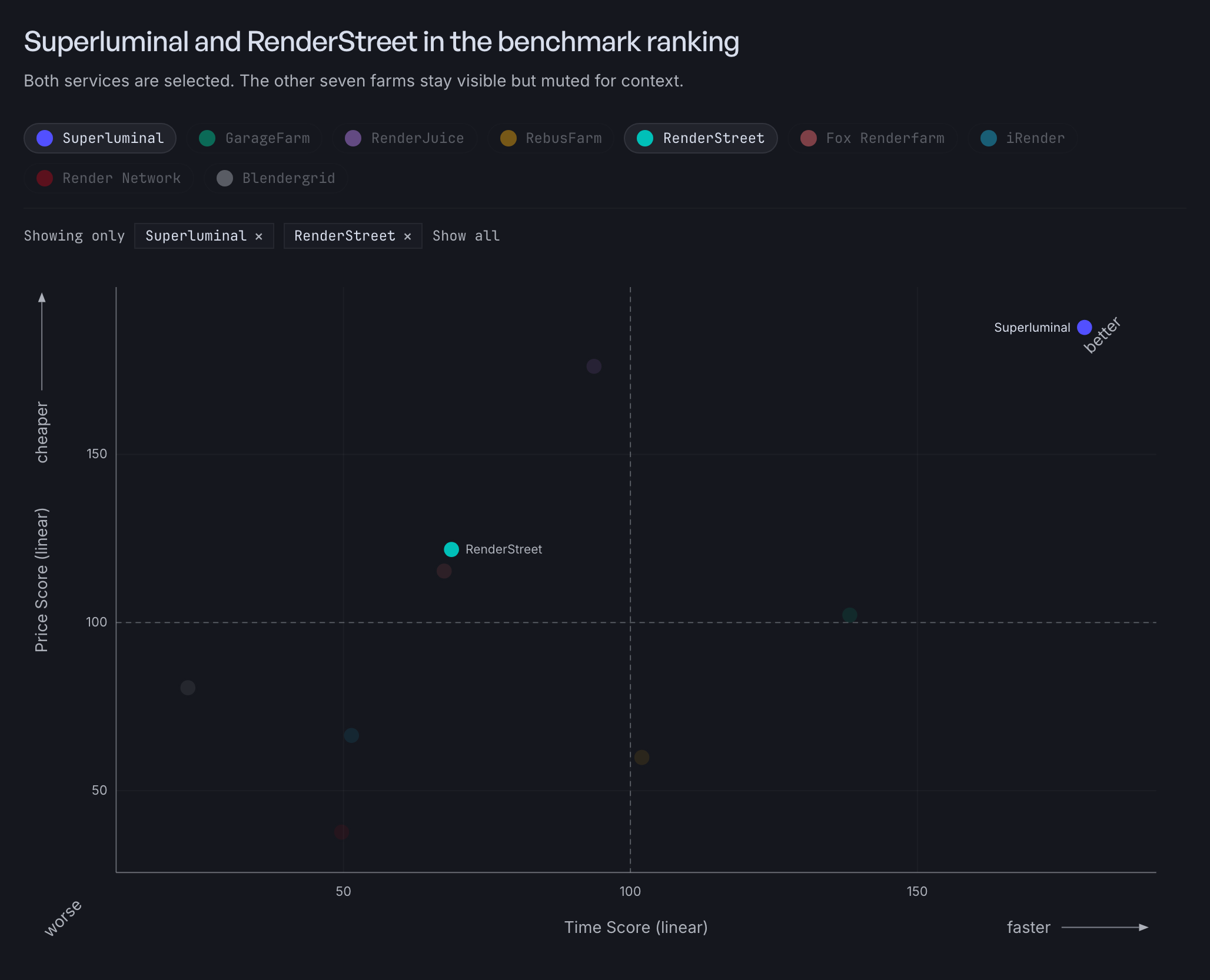
RenderStreet ranked fifth overall at 86.5, with a Speed Score of 68.8 and a Cost Score of 121.7: cheaper than the reference, slower. The benchmark method explains both numbers.
Nine contacts and no account
Testing RenderStreet was harder than rendering on it. Our own sign-up never produced a working account. Nine contacts across email, the support form, and LinkedIn resolved nothing.
An existing customer finally lent us account access, and every recorded run below ran through it. That is why RenderStreet's recordings are dated August 6 and 7 instead of August 1 and 2. We paid the recorded job charges.
A Superluminal account exists the moment you finish the form. The first render needs no human on our side.
Recorded times and charges
RenderStreet sells two products that behave nothing alike. Everything below is On Demand GPU, the plan you would pick for a deadline.
| Scene | Fastest Superluminal | RenderStreet | Superluminal charge | RenderStreet charge |
|---|---|---|---|---|
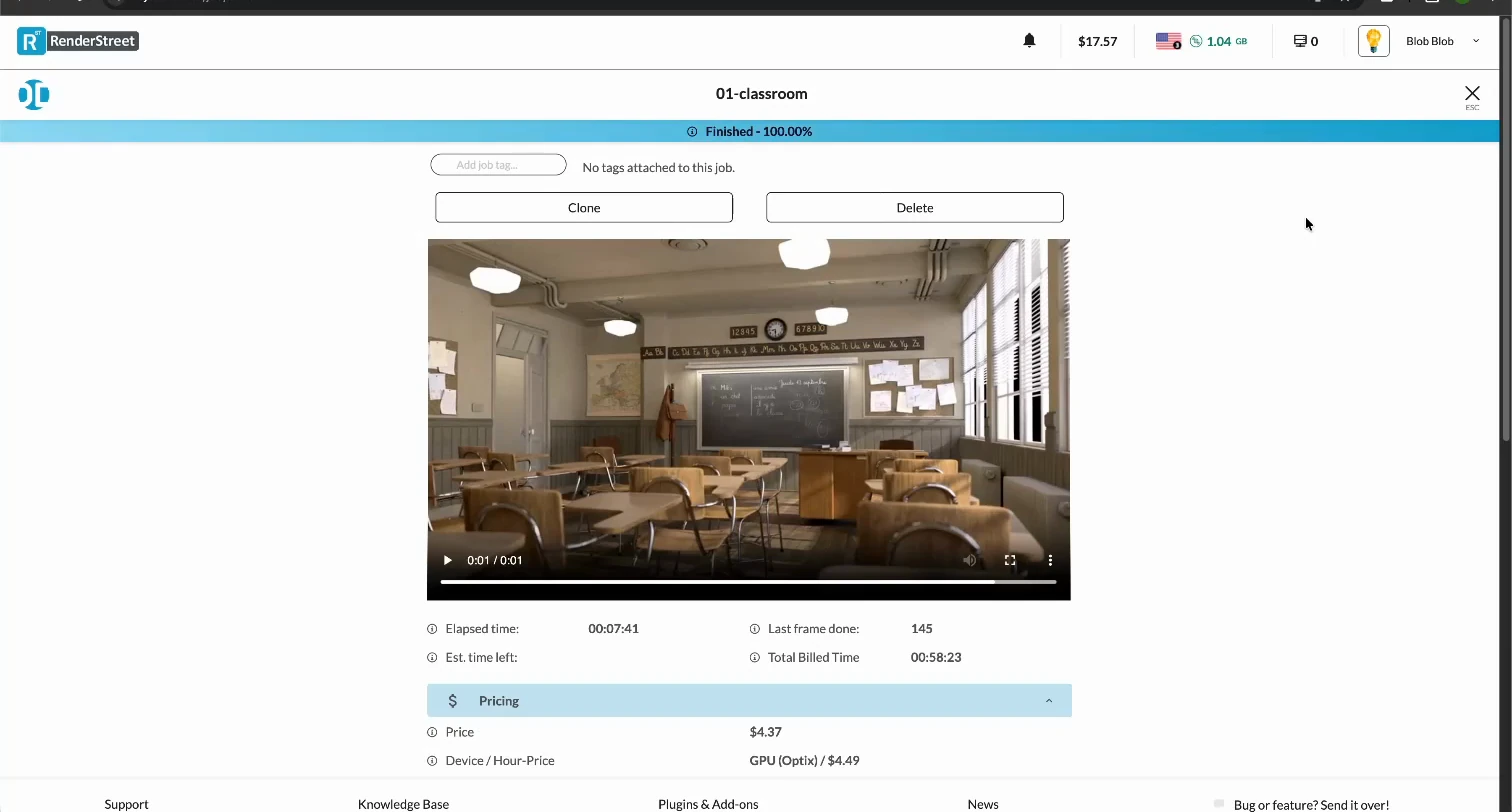
 Classroom Classroom | 90.5 s | 530.3 s | $1.90 | $4.37 |
 Junk Shop Junk Shop | 64.5 s | 345.7 s | $1.21 | $2.91 |
 Monster Under the Bed Monster Under the Bed | 59.9 s | 373.6 s | $0.98 | $2.12 |
 Fox (EEVEE) Fox (EEVEE) | 66.5 s | 813.4 s | $0.33 | $0.83 |
Those Superluminal times are 30-node runs, except Fox (EEVEE) at 10 nodes. Five nodes cost less again: $1.10 on Classroom against $4.37, and $0.14 on Fox (EEVEE) against $0.83.
The gap is widest on Fox, the EEVEE scene. RenderStreet took 813.4 seconds and never put more than 2 machines on it. Superluminal finished in 66.5. When each frame takes moments, most of your wait is the work around the frames.
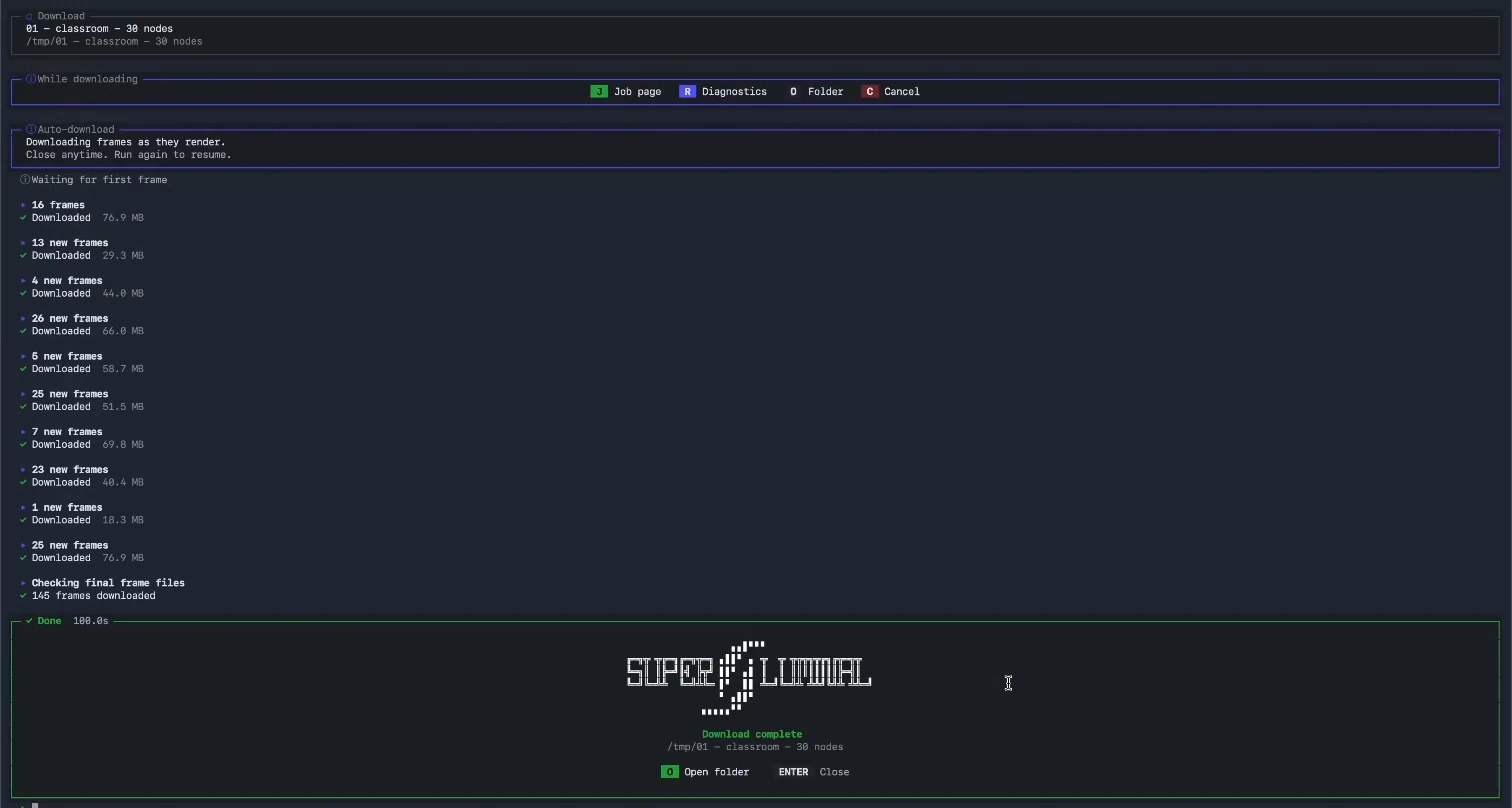
Superluminal recorded workflow
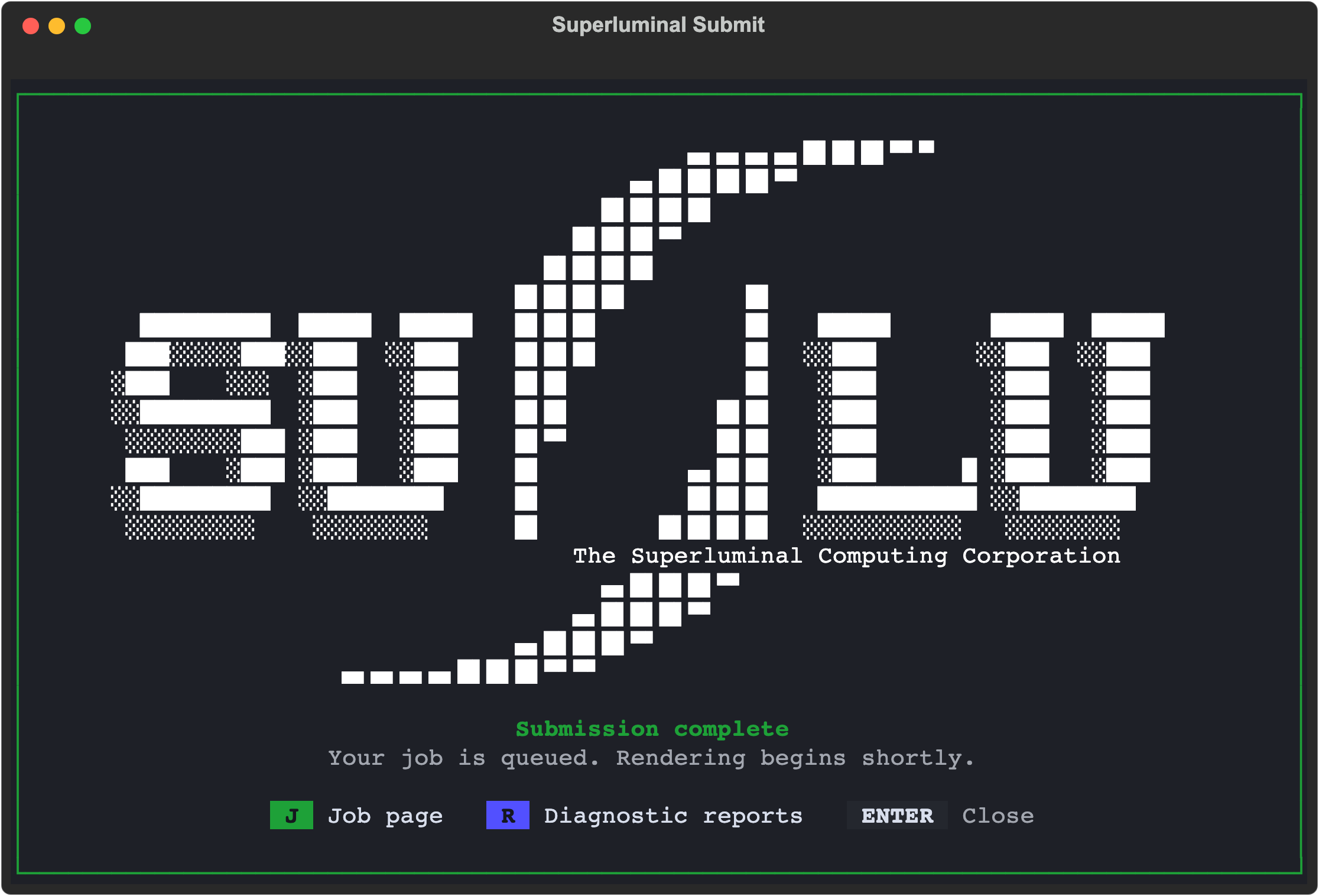
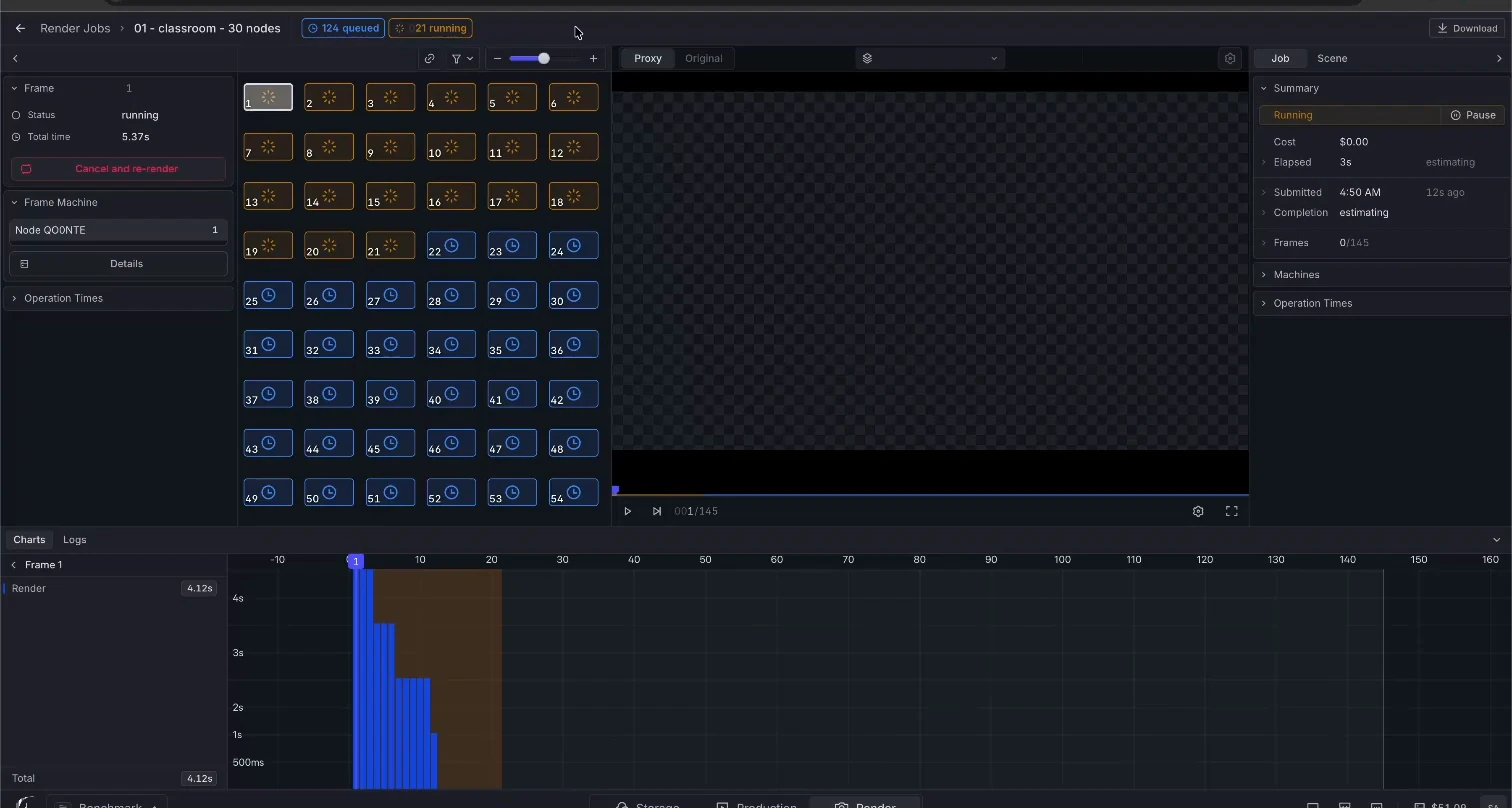
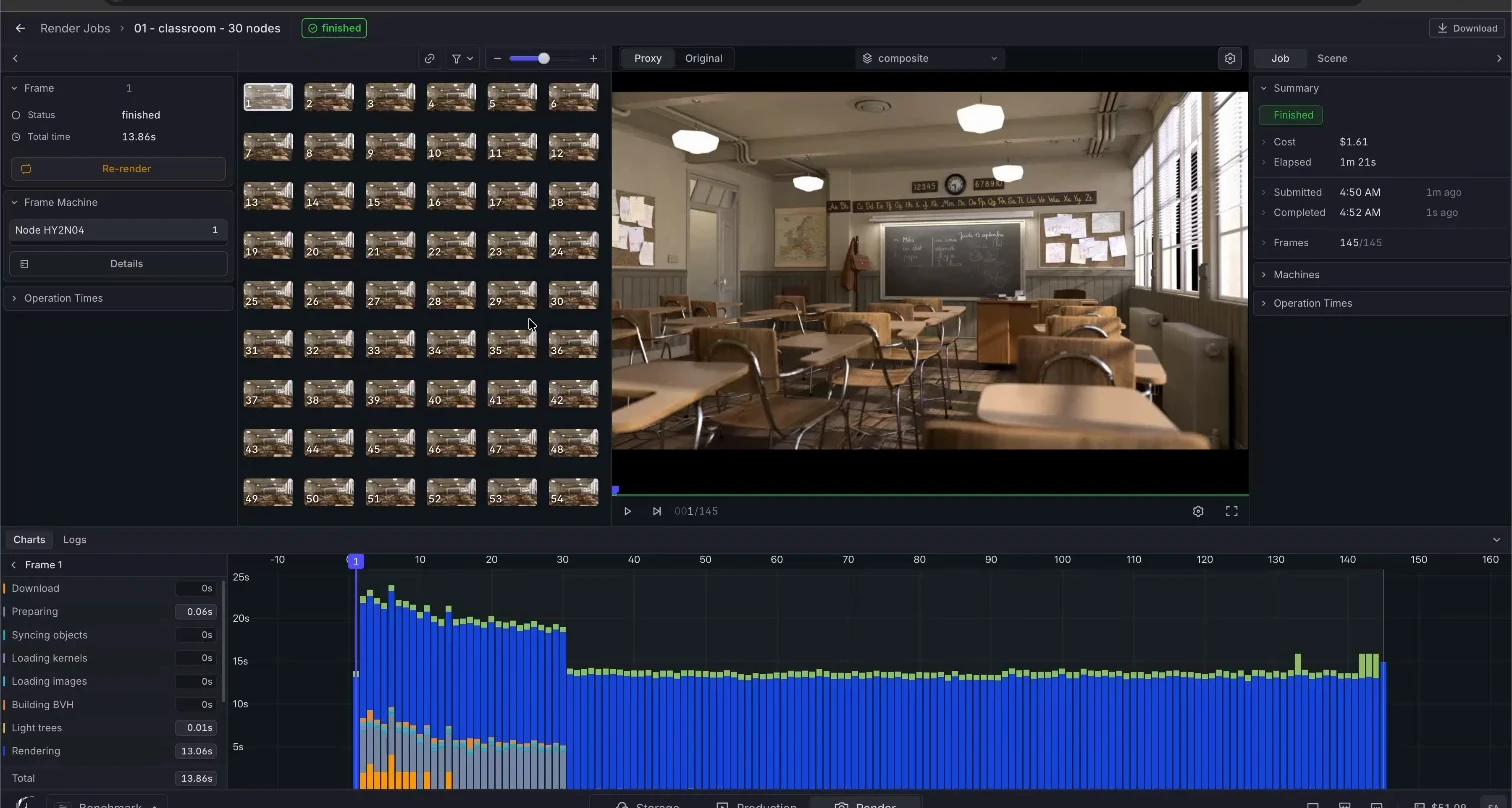
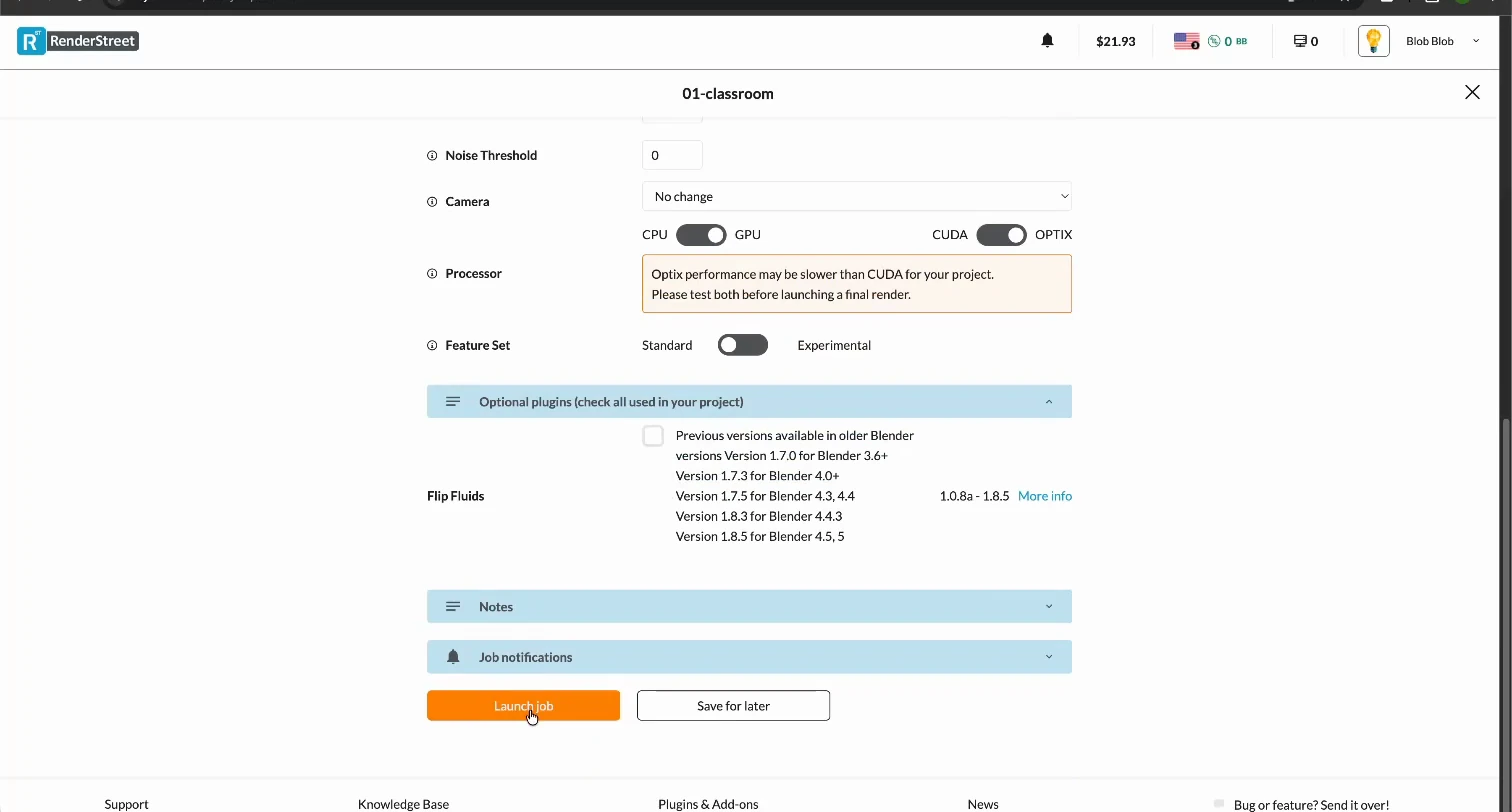
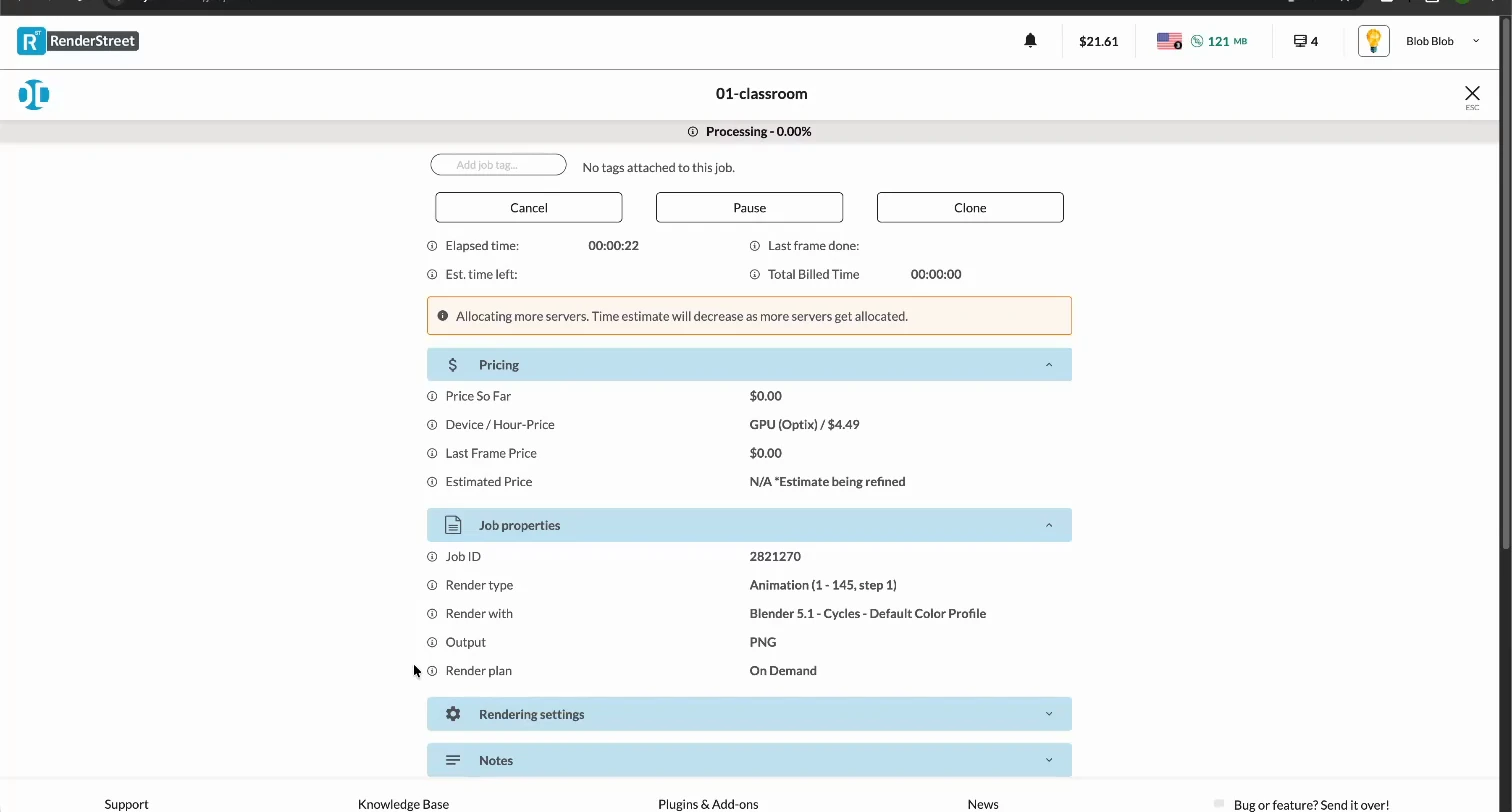
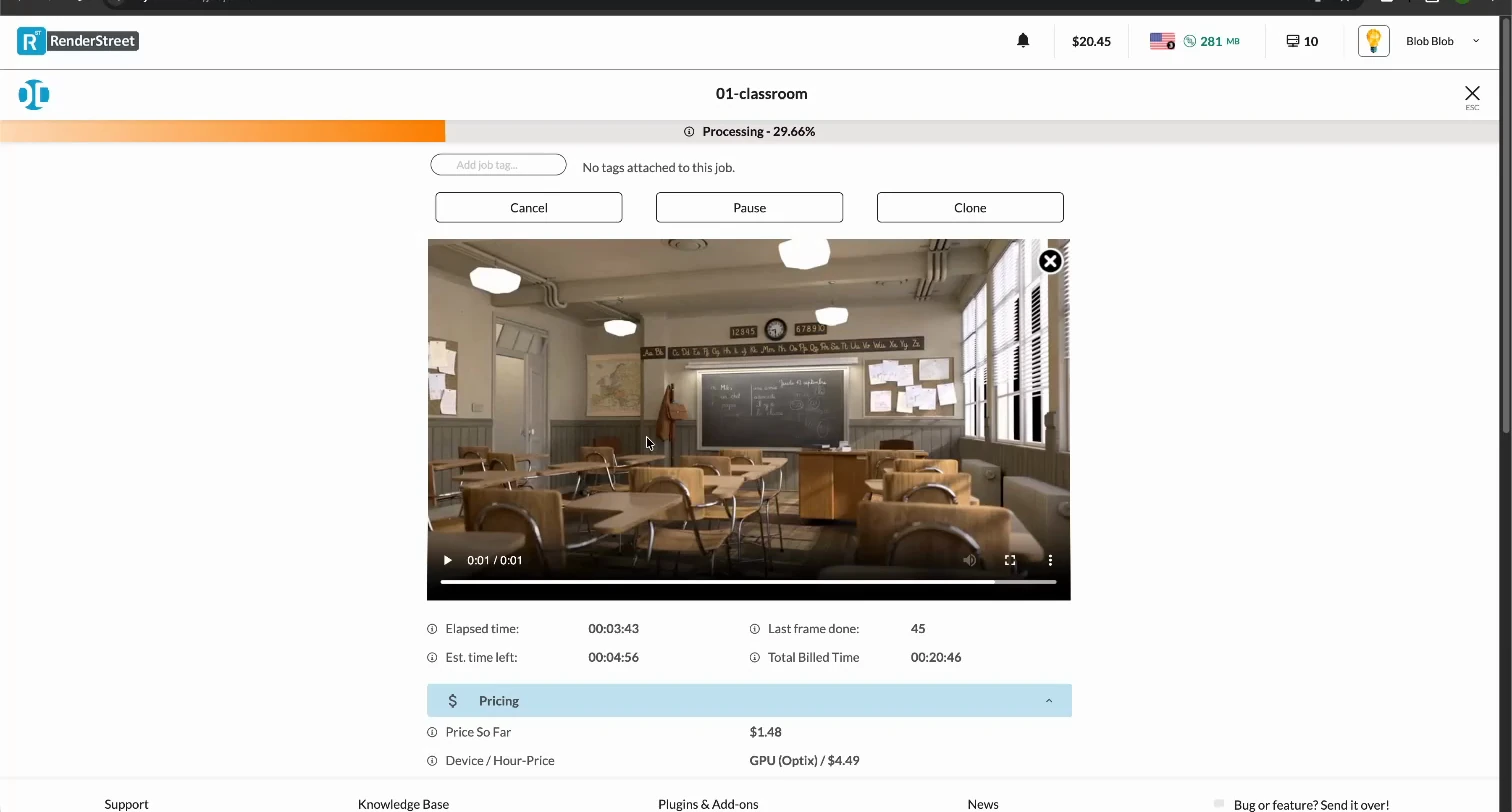
RenderStreet recorded workflow
You choose capacity, RenderStreet chooses it for you
RenderStreet never asks how many machines you want. Its header showed 16 on Classroom, 22 on Junk Shop, 9 on Monster, and 2 on Fox (EEVEE). The job with the fewest machines took the longest.
Superluminal gives you the dial: 5, 10, or 30 nodes, rate visible before you commit. That is a price you can plan around instead of one you find out about.
Where RenderStreet is genuinely good
Its browser workflow is clean, and the job page is more informative than most. The completed job listed each frame's duration and size with its own download. The running job built a playable sequence preview before the render finished. Only four of the nine services managed playback during a render.
The interface comparison scores every submission surface against the same recordings. RenderStreet places fifth there. Superluminal places first.
It also bills in exact dollars and shows the price accruing as the job runs.
Two products, one confusing name
RenderStreet One is a $59.97 monthly subscription that renders on CPUs. We ran Classroom on it once: 12,022.4 seconds, 22.7 times longer than the same scene on On Demand GPU.
A flat monthly fee cannot be split across one job honestly, so One sits outside the charts and scores and stays in the published data as its own result. The fee buys about 13.7 Classroom renders at the On Demand price. Run fourteen or more a month and the subscription pays for itself, if the far longer CPU wait is acceptable.
What travels with the job
RenderStreet takes a .blend you upload through the browser and analyses it on the server. It does not trace dependencies before submission. A missing texture becomes a rendering problem instead of a warning before upload.
The Superluminal add-on traces dependencies inside Blender first, names anything missing, and sends the rest with the job, in parallel chunks instead of a single browser stream.
Delivery differs too. RenderStreet packages a browser ZIP after the render, so its last file landed 25.0 to 60.3 seconds after completion. Superluminal streams finished frames to disk during the render, so you review before the job ends.