Superluminal vs Render Network
By Superluminal Engineering
Render Network completed one of three recorded jobs and delivered no Junk Shop frames. Its score was 45.7 against Superluminal's 182.0.
Published 2026-08-04 · Updated 2026-08-07
Superluminal completed all four scenes and reached local disk first. Render Network completed Classroom, then two paid Junk Shop attempts returned no downloadable output.
Superluminal and Render Network in the benchmark ranking
Both services are selected. The other six farms stay visible but muted for context.
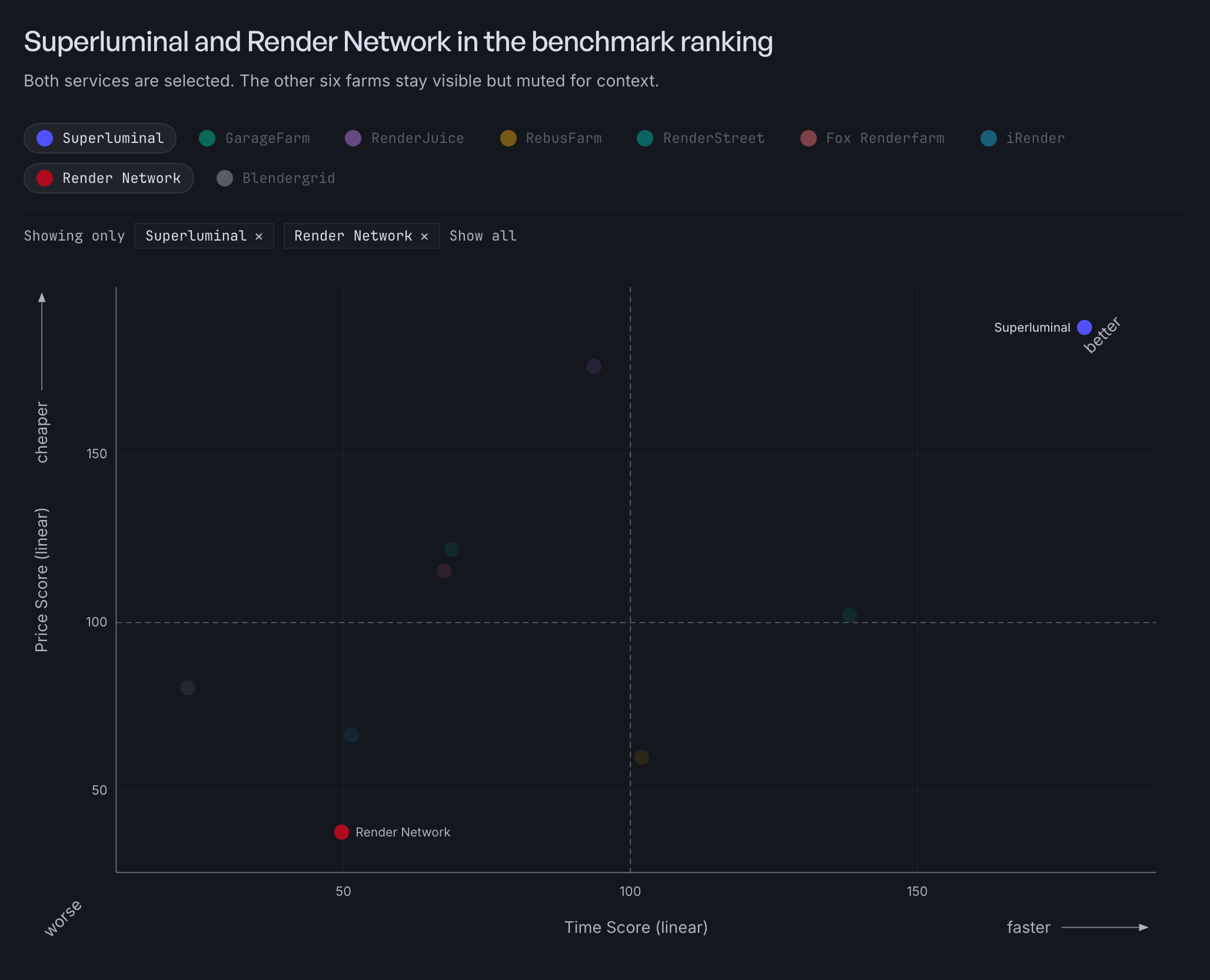
Render Network ranked eighth overall at 45.7. Its Speed Score is 49.7, from the completed Classroom run. Its Cost Score is 37.7, after all $119.49 in recorded Junk Shop charges were added to the Classroom charge. The benchmark method does not invent completion times for failed attempts or penalize untested scenes.
Preparing the job
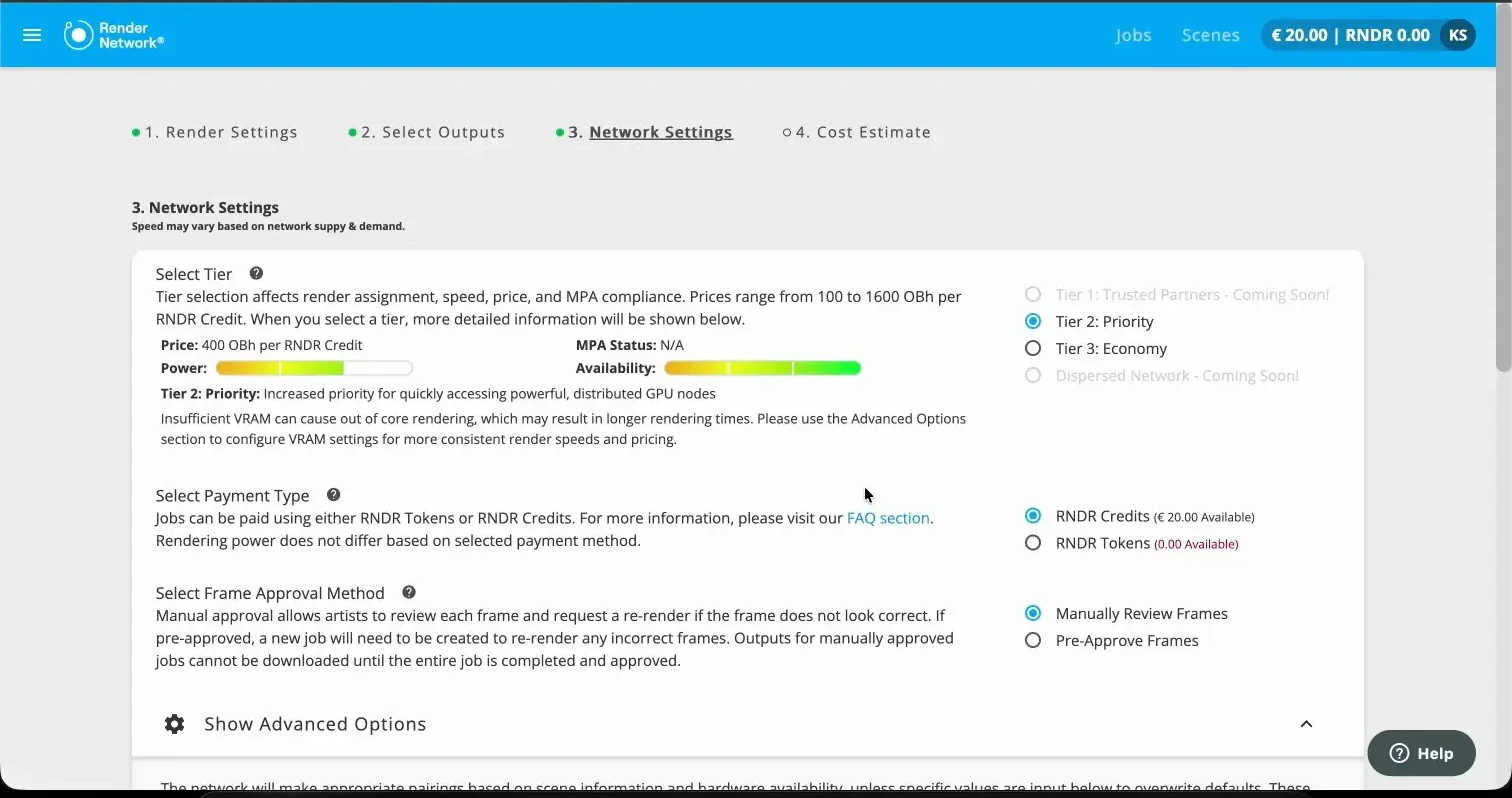
Render Network accepts a package you prepared yourself. Collect the textures, libraries, and caches by hand, and a file you forget becomes a render error. We uploaded through the browser at 3.5 MB/s.
Superluminal packages the project for you. The add-on traces every dependency inside Blender, names anything missing before upload, and sends the package in parallel chunks. Preparation is the part it does not let you get wrong.
Watching Classroom render
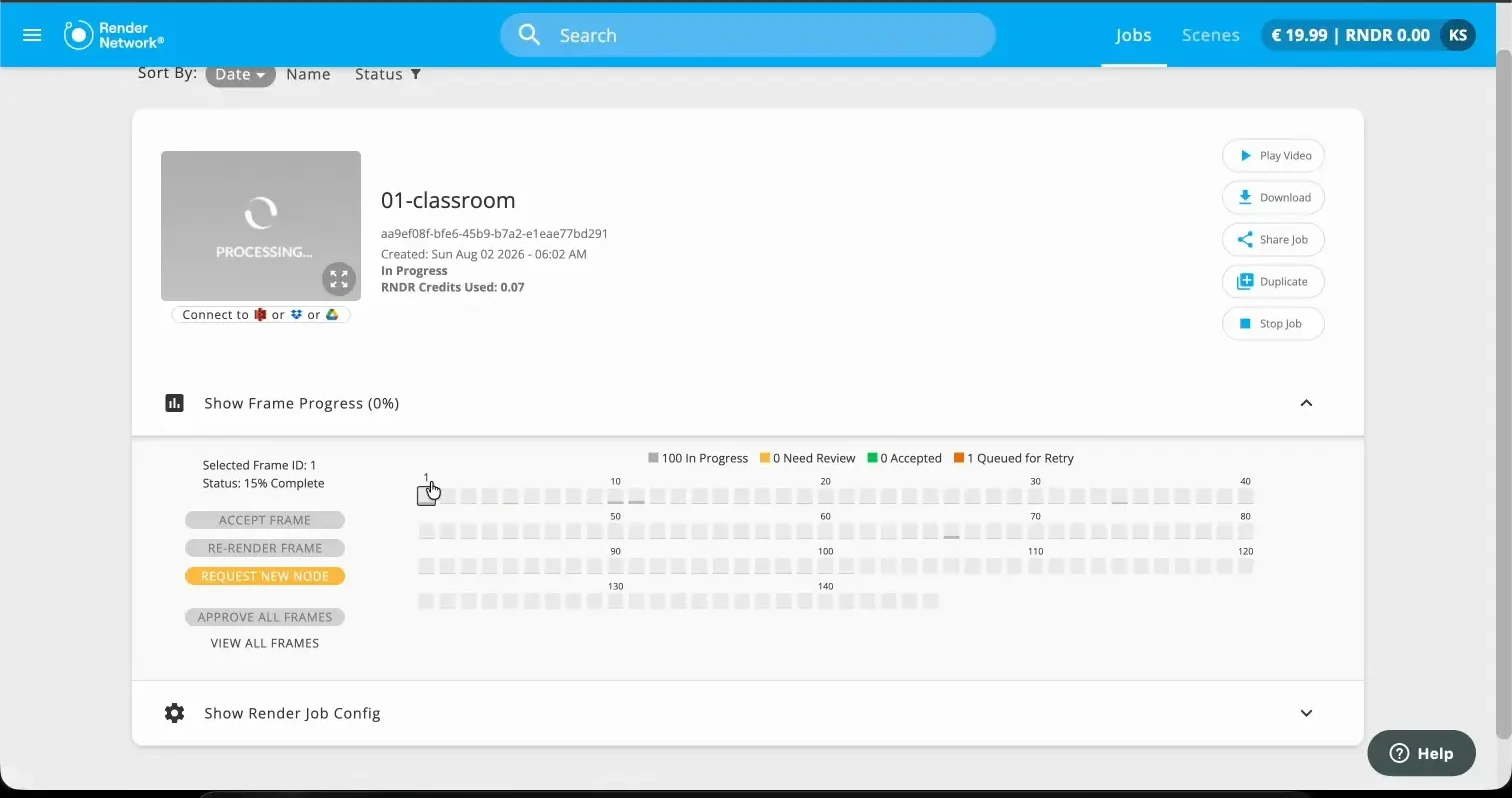
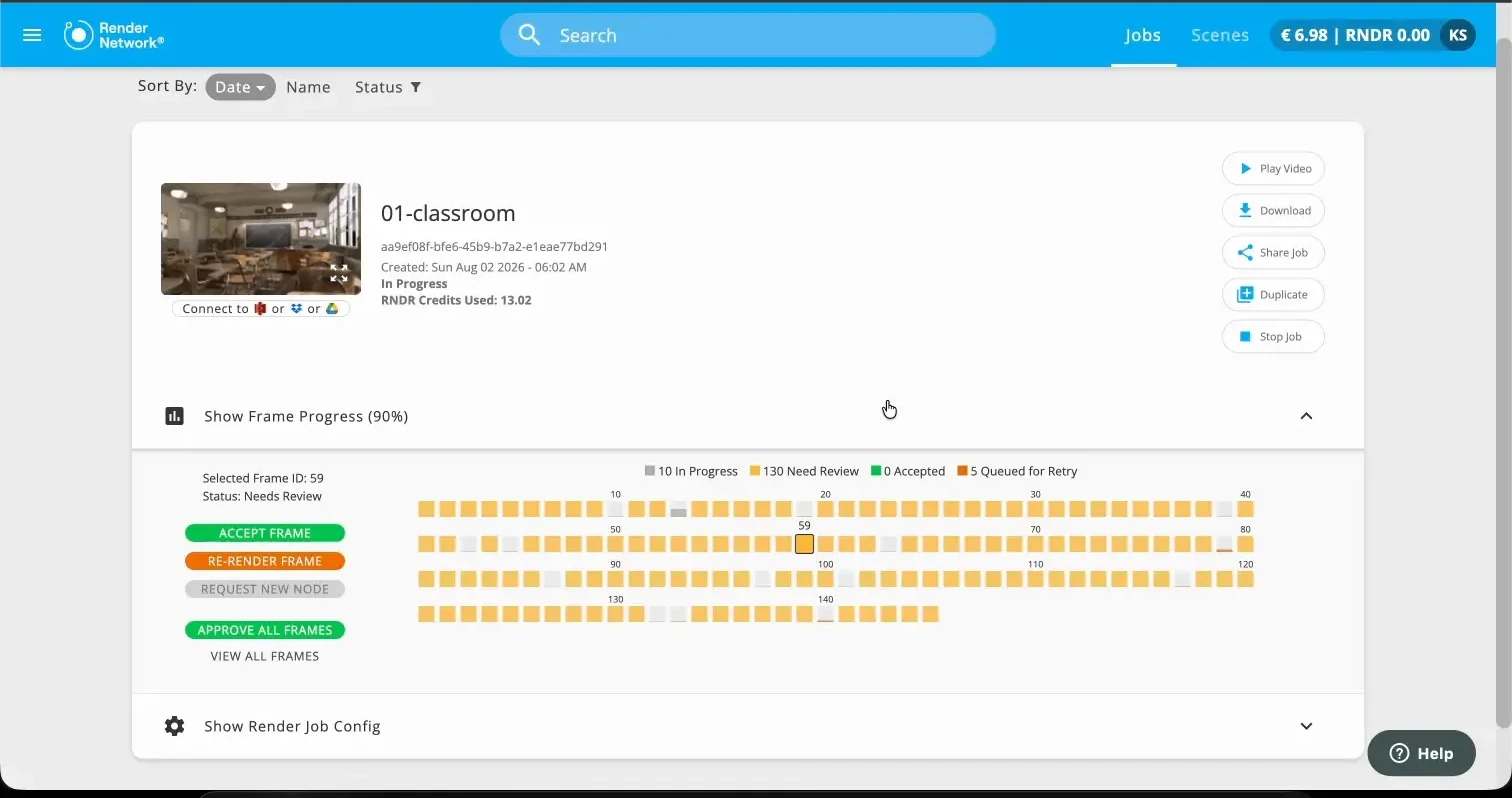
The interface reported up to 100 frames in progress, but no node count or GPU model. Active rendering took 1,157.9 seconds. Displayed progress reached 90 percent, then the last 10 percent consumed about 62 percent of the wall time. A progress bar that lives at the end is a schedule you cannot plan around.
The Superluminal job page counts real frames: finished, active, or queued on a named machine, each with its own preview, render time, and log. At 90 percent you have 90 percent of the work.
 Classroom result Classroom result | Superluminal, 30 nodes | Render Network |
|---|---|---|
| Verified frames | 145 | 145 |
| Render pipeline | 90.5 s | 1,186.6 s |
| Recorded charge | $1.90 | 14.65 RNDR Credits |
Getting the frames back
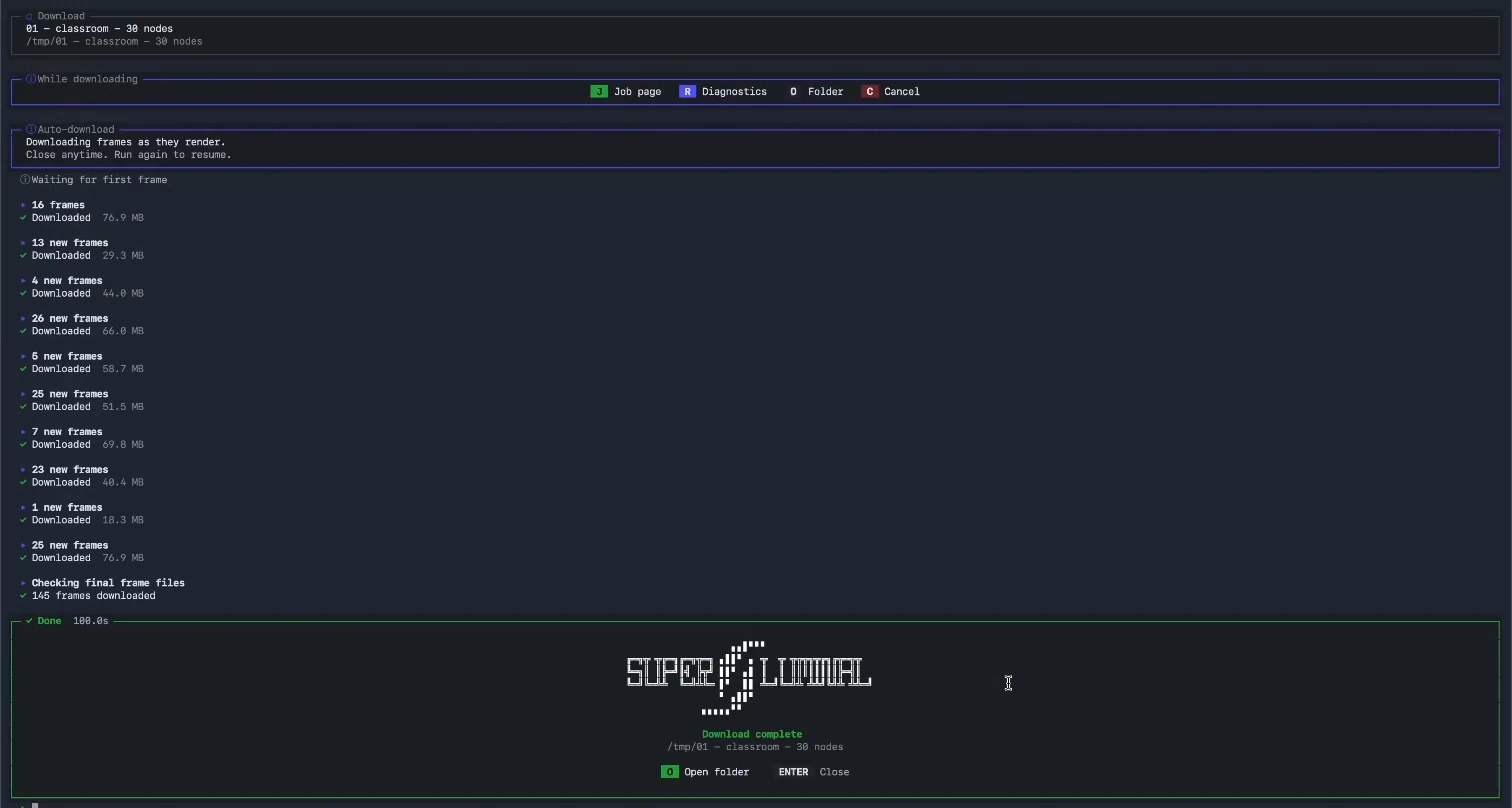
Browser downloads opened a separate prompt per file. Render Network's standalone downloader retrieved the set about 245 seconds after completion.
Superluminal starts delivery during the render. Each finished frame uploads while other nodes keep rendering, and the add-on streams the files to local disk as they appear.
Superluminal recorded workflow
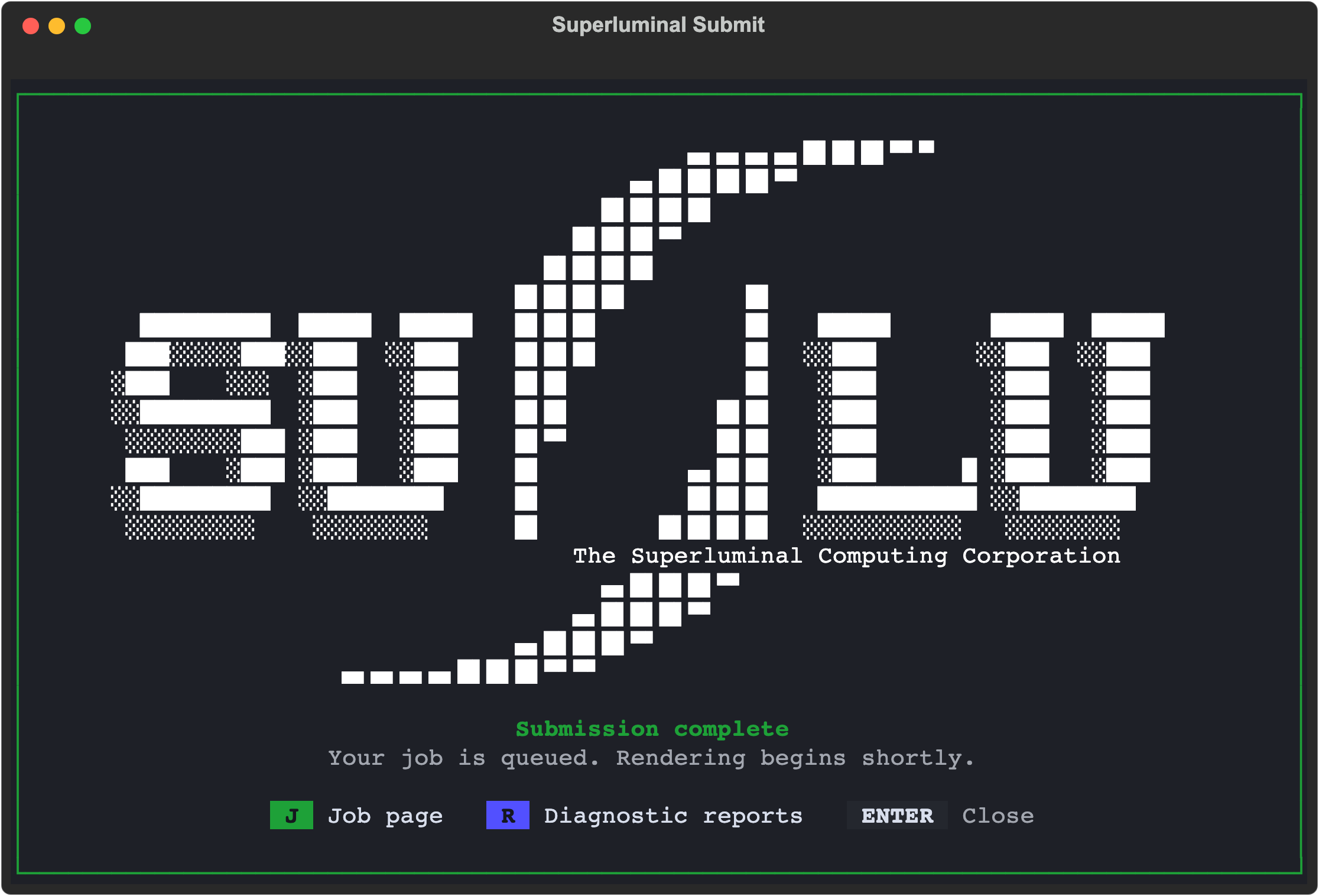
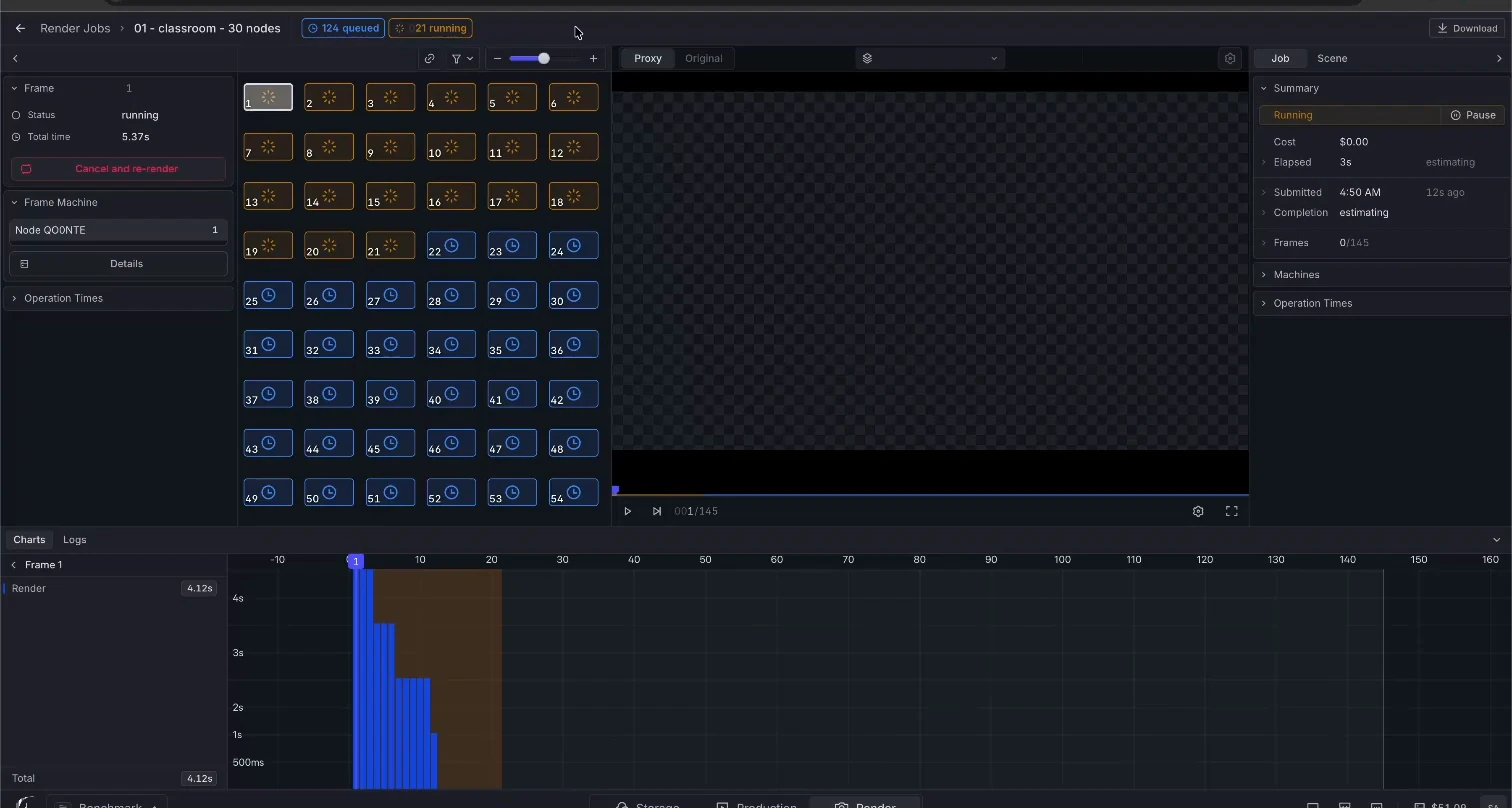
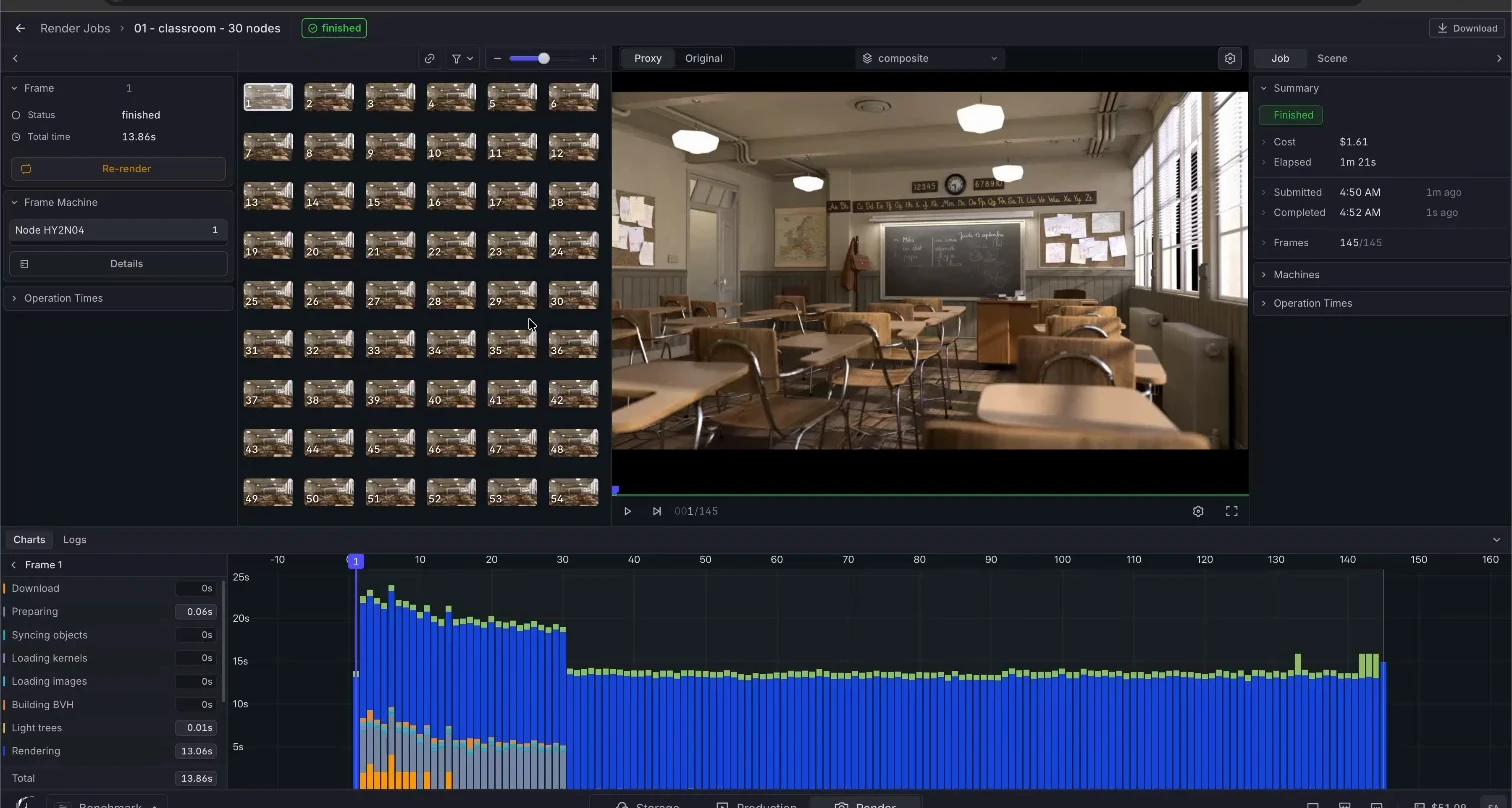
Render Network recorded workflow
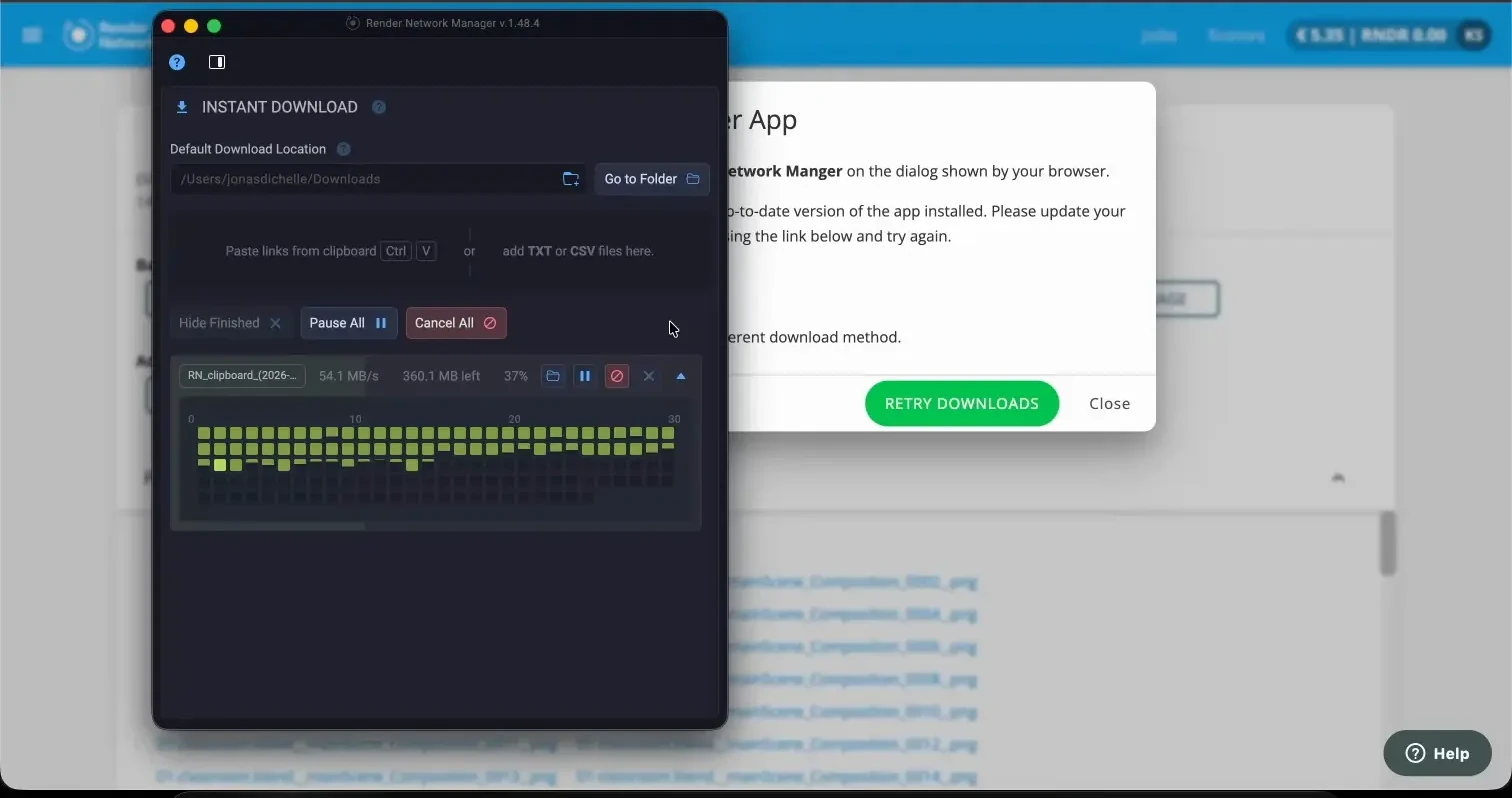
Junk Shop failed twice
Neither attempt produced downloadable output.
The first recording ended at 45 percent with zero complete frames and 12.64 RNDR Credits on the meter. A later dashboard entry showed the job as canceled.
The retry is the recording worth watching. At 54 percent with zero completed frames, the meter showed 53.46 credits. Progress then froze for a measured 130 seconds while the spend rose another 42.18 credits.
The balance went negative, and the job kept metering against it. Nothing stopped until we canceled by hand at 106.85 credits: one failed frame, no complete frames.
What a failure costs on each service
Both Render Network attempts kept their full charge. Its meter runs on failed work.
Superluminal bills the measured render seconds of each finished frame and nothing else. A failed frame, a canceled frame, and a stalled job cost nothing, and the live cost on the job page only moves when a frame lands. The same Junk Shop scene rendered for $0.48.
That is the whole verdict. One service charges for outcomes. The other charged for two attempts at nothing.