Sulu Market
Browse Blender products, use your Library, and find the current buyer and seller workflows without duplicating changing marketplace terms.
Updated 2026-08-04
Sulu Market is Superluminal's Blender-product marketplace. It shares render-farm accounts and adds browsing, checkout, Library, storefront, messaging, and billing pages.
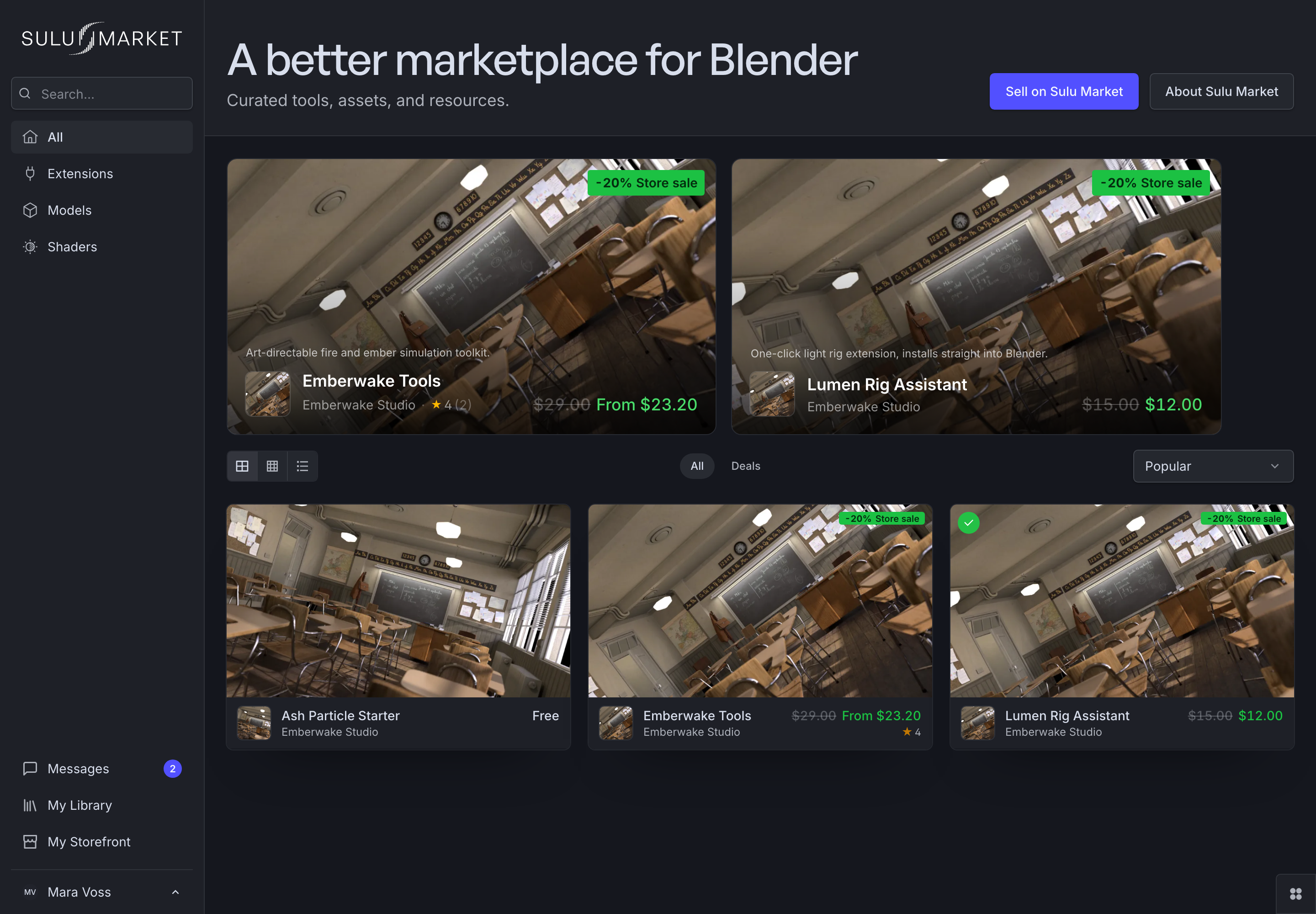
*Market discovery leads to the product page and its current compatibility and delivery information.*
Browse and buy
Browse Sulu Market. The product page is the current source for description, media, compatibility, pricing, licenses, seller information, and reviews. For the purchase flow, read Buying on Sulu Market and the linked legal terms.
Library and owned products
Owned products live in the Library. Billing's Sulu Market tab also lists them with purchase records.
Use the Library for products
Organization permissions can hide purchase records. Owned products stay in your Library.
Sell on Sulu Market
Start with Selling on Sulu Market, then open the seller storefront: setup, products, orders, payouts, discounts, reviews, and messages. Live pages and legal terms decide eligibility, fees, payout state, and listing requirements.
Market billing
Billing → Sulu Market lists owned products and purchase history. Its billing-portal action handles supported payment-method and invoice tasks.
- Buying: Evaluate compatibility, choose the right option, and complete checkout.
- Your Library: Use Owned, Created, Wishlist, Orders, and product delivery.
- Selling: Prepare and operate a Sulu Market storefront.
- Product packaging: The extension and asset-library packaging contract for sellers.
- Market billing: Understand how the Market tab differs from render credits.