Add-ons on render nodes
By Superluminal Engineering
Your selected Blender add-ons render on the farm too. Superluminal packages and enables them before the first frame starts.
Published 2026-07-29 · Updated 2026-08-06
- Selection
- Selected add-ons
- Packaging
- Separate add-on archive
- Node setup
- Add-ons enabled before rendering
- Package boundary
- Selected add-on files
The submission panel lists the add-ons included with the job.
Superluminal uploads selected add-ons separately from the scene package.
Blender enables the selected add-ons before rendering.
The add-on archive stays separate from the scene package.
Blender add-ons can create geometry, add nodes, load assets, or change the final image. A render node needs the same add-on code.
GarageFarm, RebusFarm, and Blendergrid manage add-ons on their farms. GarageFarm checks extra add-ons on request. RebusFarm flags unsupported plug-ins. Blendergrid publishes its installed list and handles activation through support.
Superluminal instead packages the non-default add-ons that you select for each job. It installs and enables them before the first frame renders.
Choose the add-ons that affect the image
The Include Enabled Addons panel lists enabled, non-default add-ons. Superluminal itself does not appear in the list.
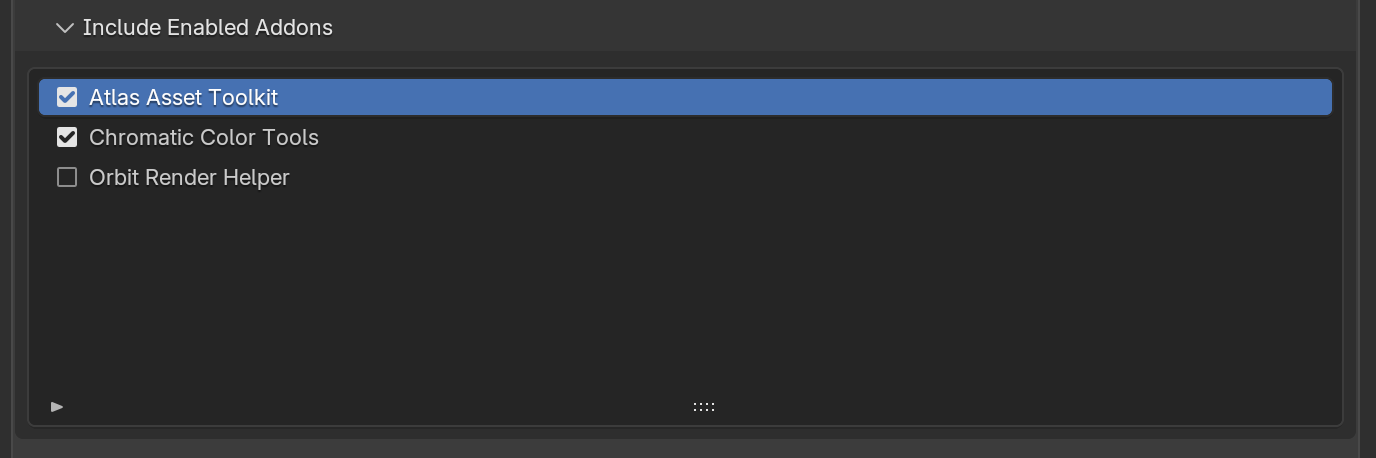
Select an add-on when the scene needs its geometry, nodes, cameras, importers, or render hooks. Interface tools do not need to run on a render node.
The project and add-ons upload separately
Superluminal builds a separate archive for the selected add-ons. The submission terminal reports packaging, upload, installation, and activation errors.
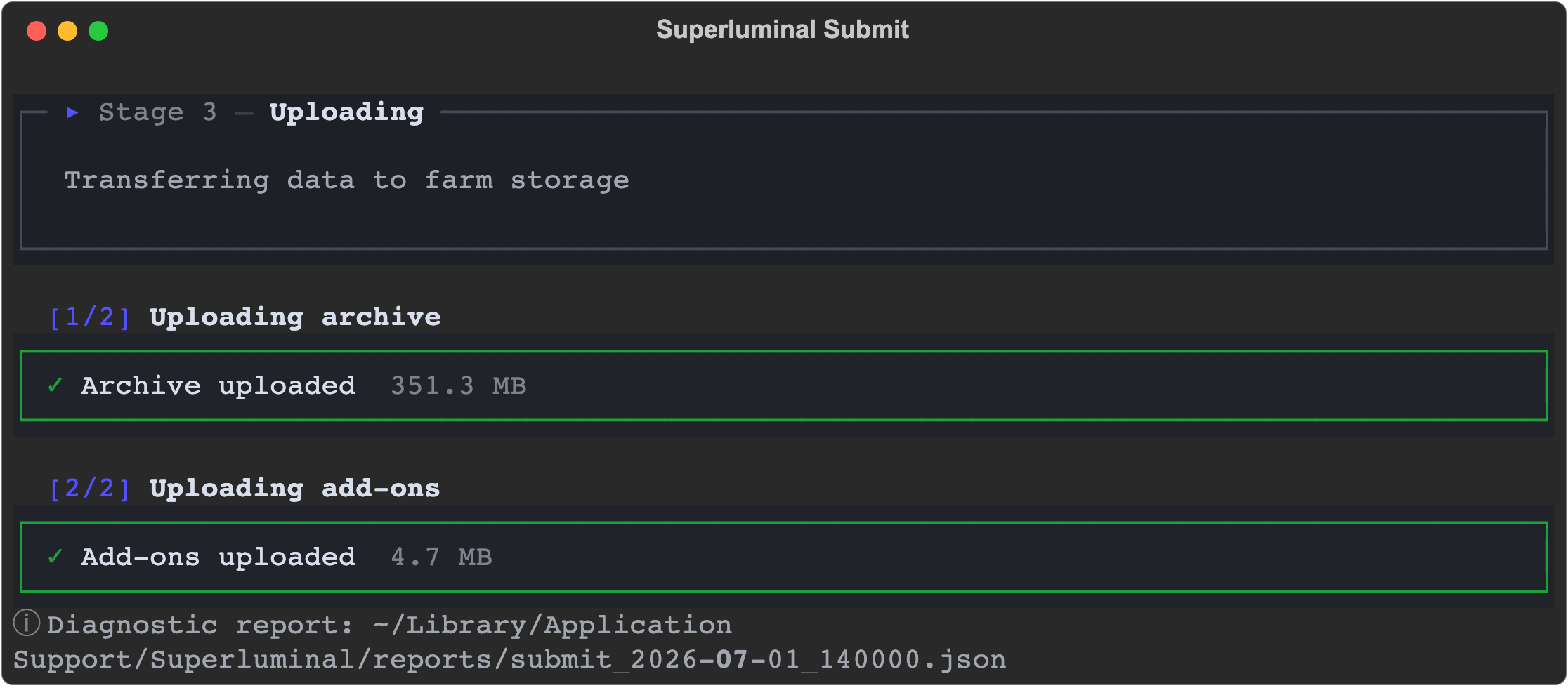
See Add-ons and dependencies for package details. See project dependencies for linked files and caches.
Check licenses and compiled components
Superluminal transfers the add-on code. It cannot transfer a license seat, a machine-bound activation, or an account with an outside service. Confirm that the license allows render-farm use before you submit.
Render nodes run Linux. A pure-Python add-on runs without changes. An add-on with compiled components needs Linux builds of those components. An add-on that calls an online service needs that service to accept requests from the render node.
Render one representative frame first. Compare it with a local render of the same frame before you start the full range. A missing add-on effect appears in that comparison, not in the submission log.