Projects
Create, find, rename, share, and delete the project containers that organize render jobs and reusable uploads.
Updated 2026-08-04
A project groups related render jobs and provides the isolated file namespace used by PROJECT-mode submissions. Projects belong to the active organization.
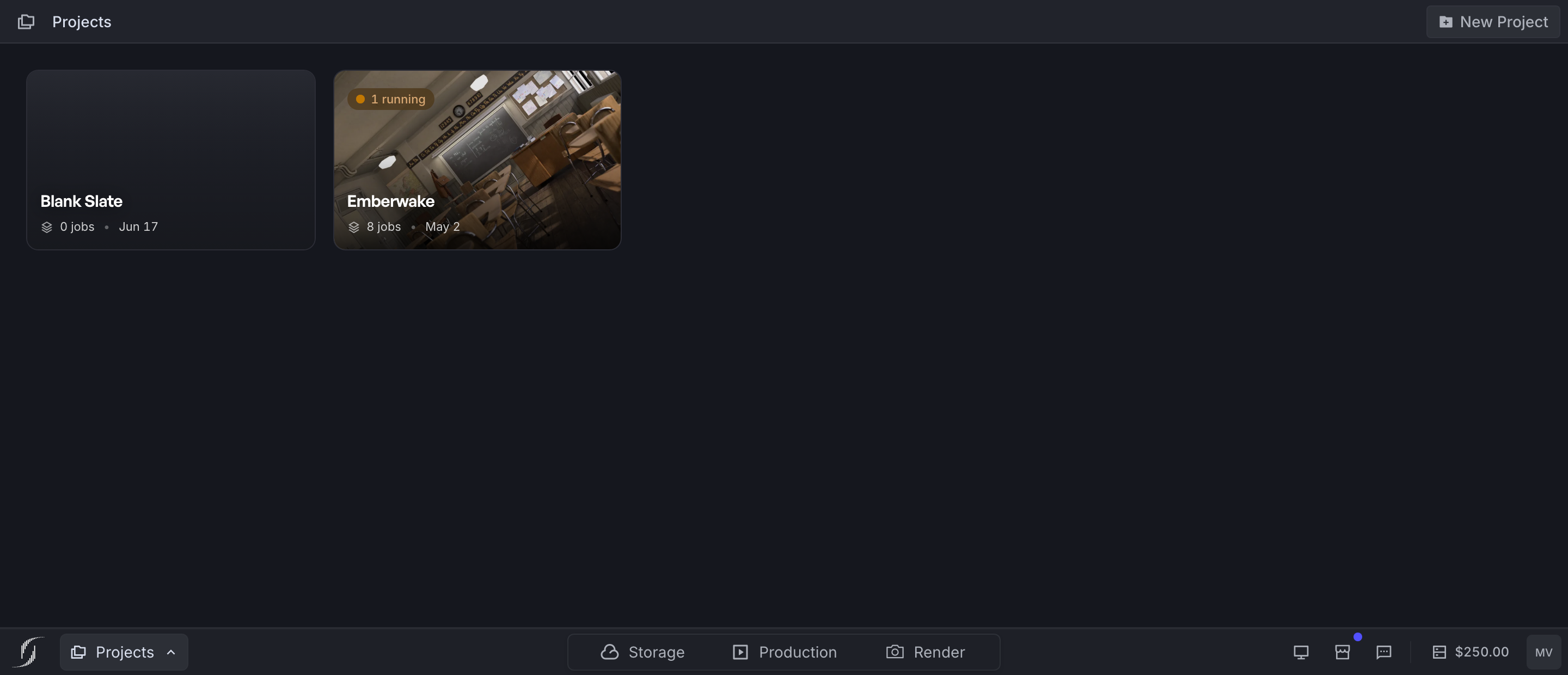
*Open a project for its jobs or use the card actions for project-level management.*
Project home
The project browser has grid and list views. Project cards can show:
- project name and creation date
- the number of jobs and running activity
- the newest available finished-frame thumbnail
- actions such as open, open in a new tab, copy link, rename, and delete
Counts, activity, and thumbnails refresh as data loads.
Create a project
Confirm the active context
Projects, jobs, balance, and capacity belong to one organization. Opening a project makes its organization the active context.
Choose Create Project
Enter a short, durable production or shot-group name.
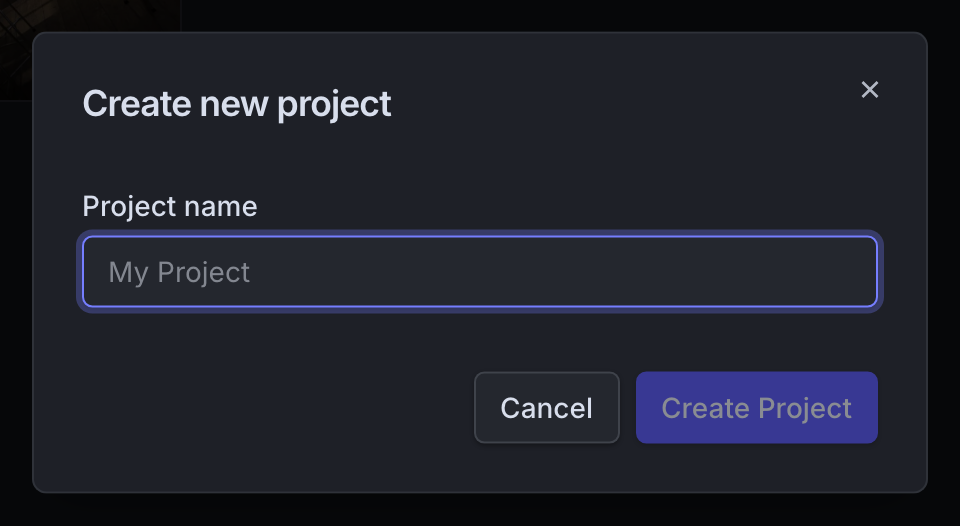
*The New Project dialog. The name is the only required decision.*
Open the project
The default render destination is its job list.
Refresh Blender
If the add-on's project picker was already open, refresh it.
Use names that survive handoff and version growth. campaign-shot-010 outlives test or new project.
PROJECT upload reuse
PROJECT mode sends only what changed since the last upload to the same project. Reuse needs a stable project root and path mapping. The name alone does not make external paths reusable.
Deleting a project is destructive
Deletion permanently removes the project, all its render jobs, and stored outputs. Confirm the context, copy needed Job IDs, and download important output first. Do not delete a project to clean up one failed job.
Share a project link
The copy-link action copies the project URL. It grants no access. The recipient needs an account with organization access.
Storage and Production tabs
These taskbar destinations open Coming Soon placeholders. See Product availability for what works today.
- Upload settings: Make reusable project files work with a deliberate root.
- Render jobs: Search and manage everything submitted to a project.